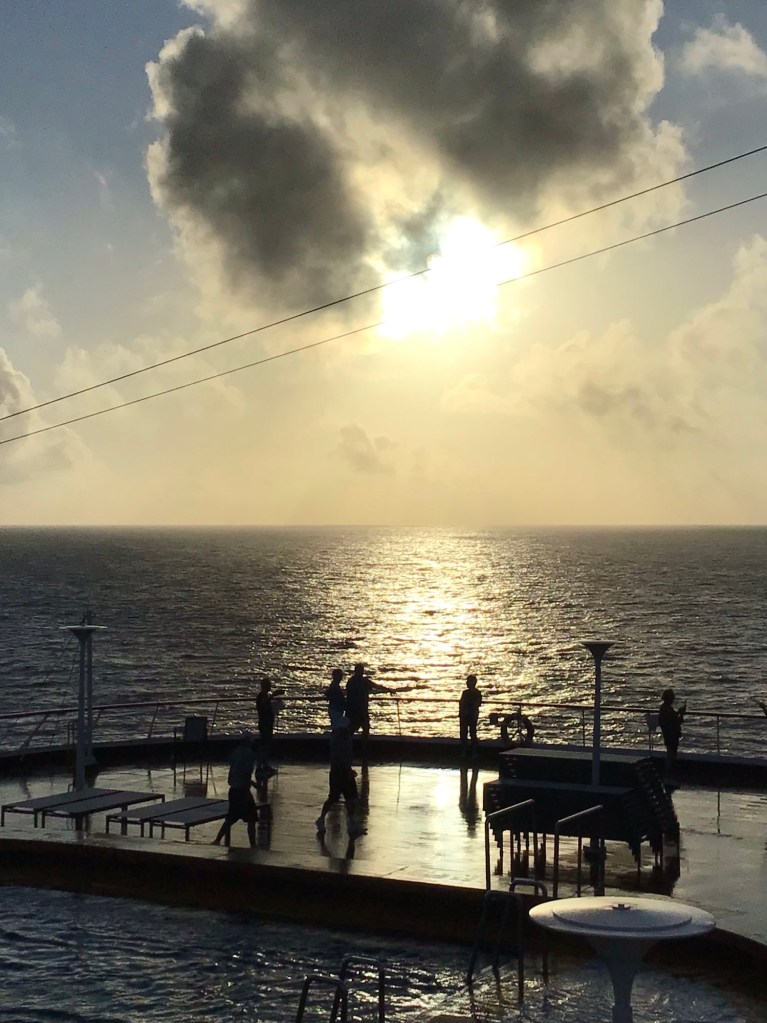
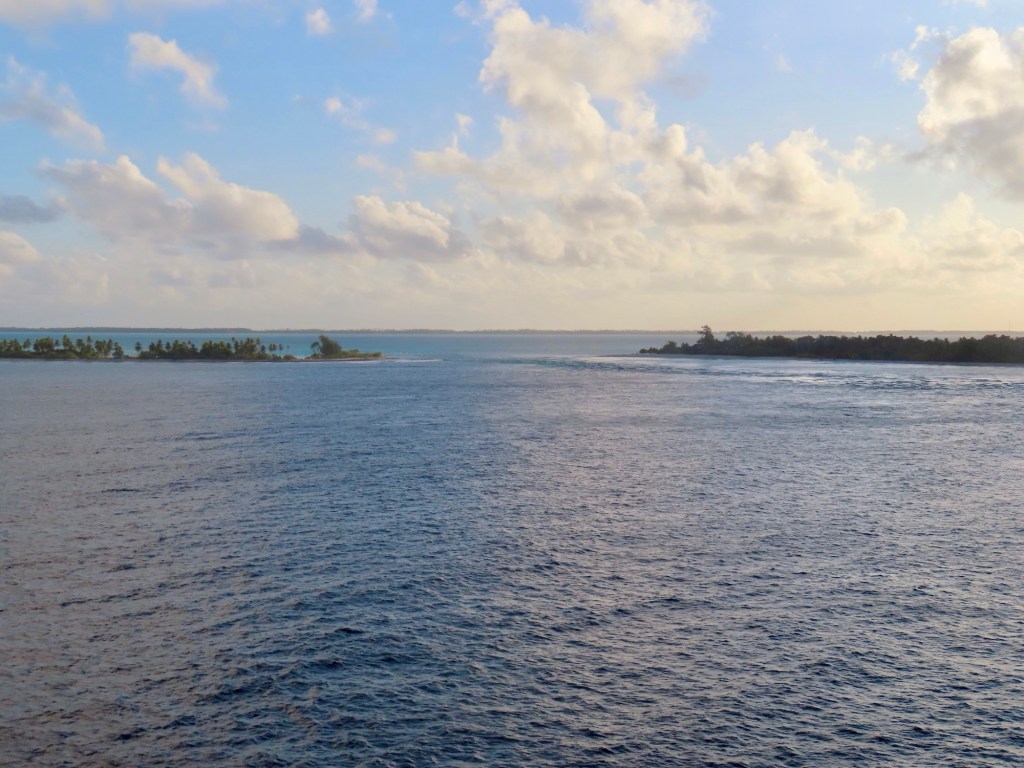
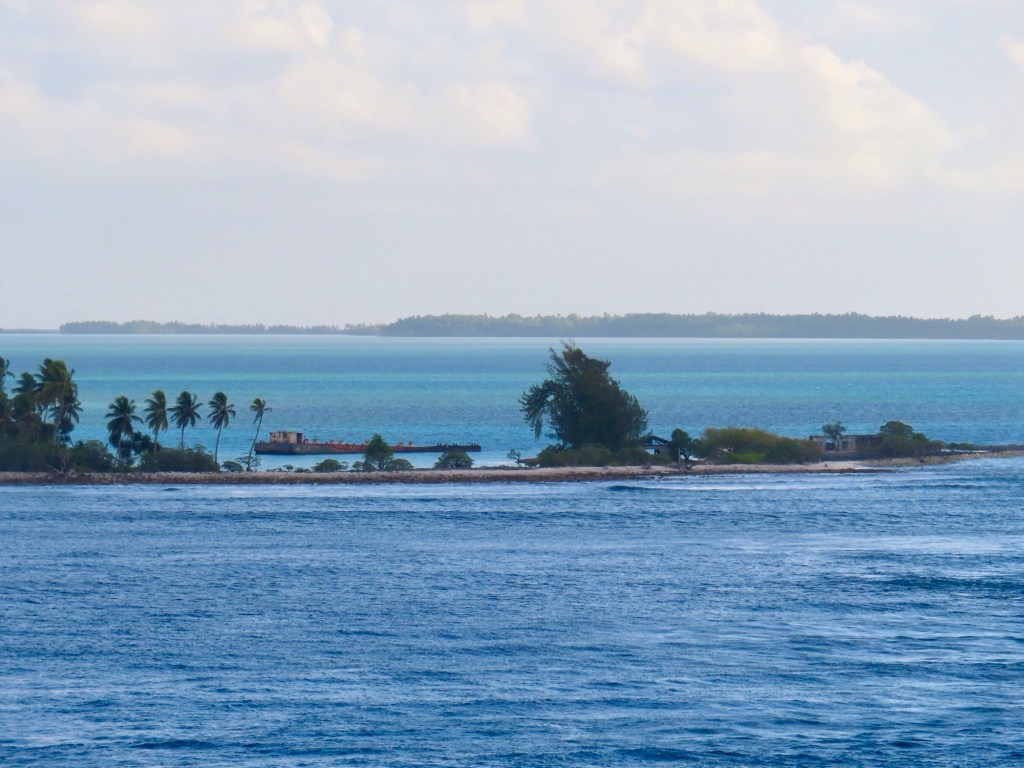
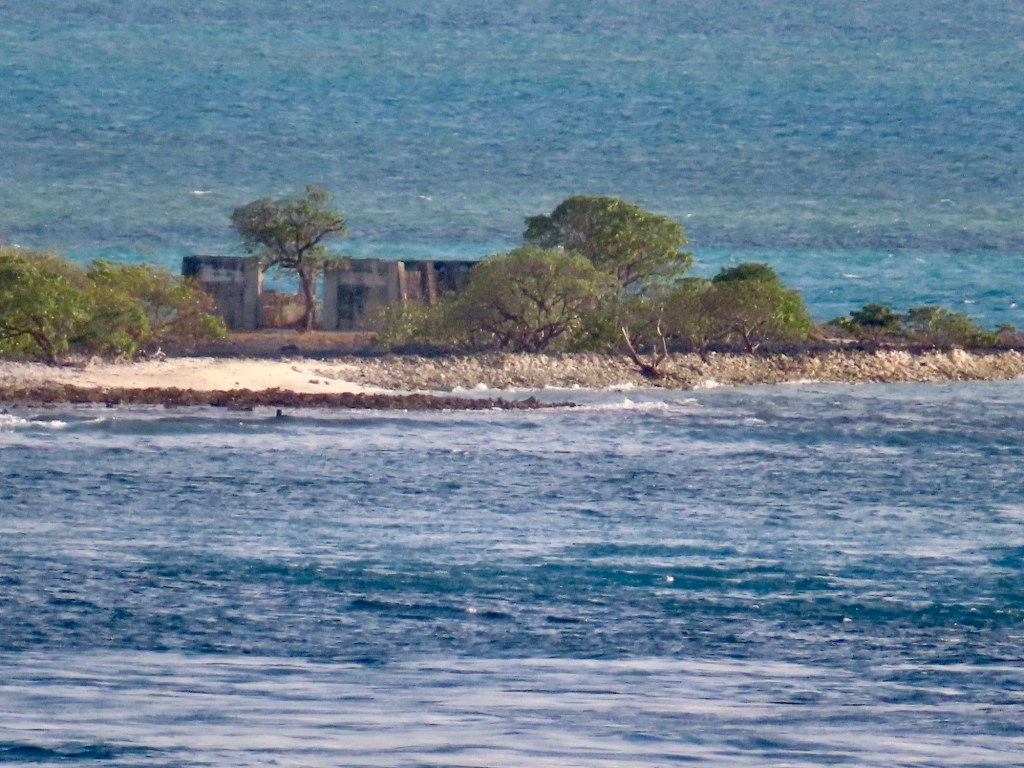
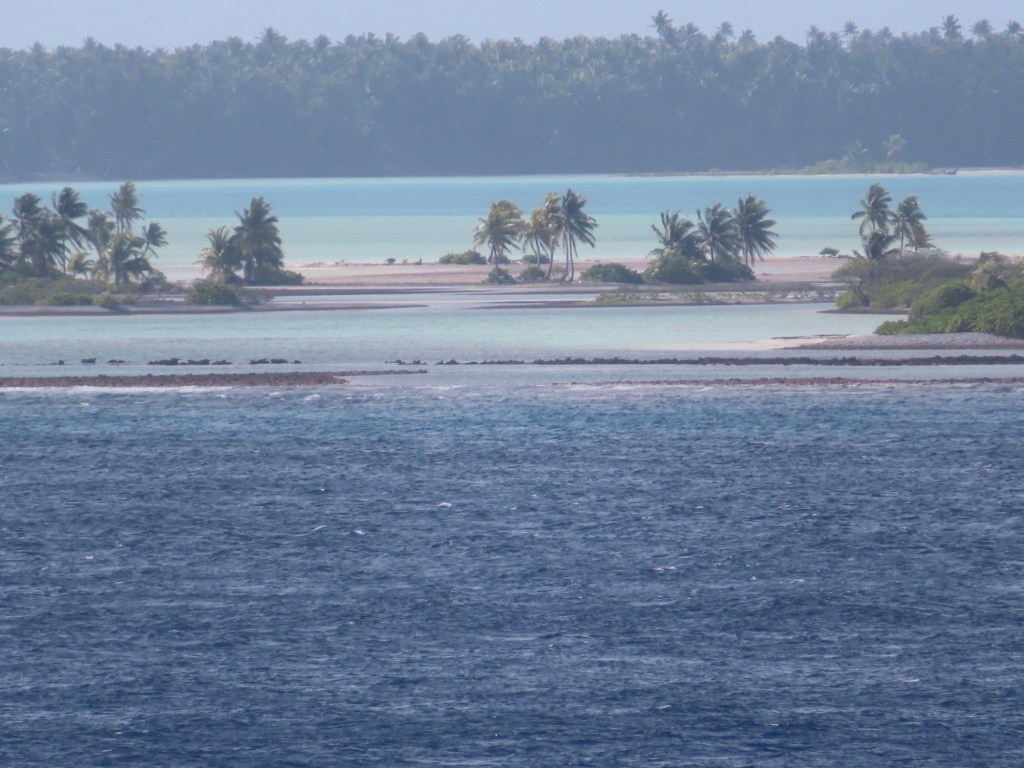
Weird……At about 6:30 am this morning, the forward half of the ship is in the southern hemisphere,the aft half is the northern hemisphere sphere and…..the date in the starboard or right side….west side, the date is October 16 and the port, left side on the east side it is Oct 15. We can now be referred to as “Golden Shellbacks”. Not many can call themselves that.
Next day it is still October 16th(day 22) but maybe it’s the 17th. The ship is not flipping the dates as we crisscross the ocean. It can be too confusing otherwise. Anyway, it is 7 am and the temp is already 27 C. as we sip our coffee on the aft pool deck. It’s a tough life…lol!
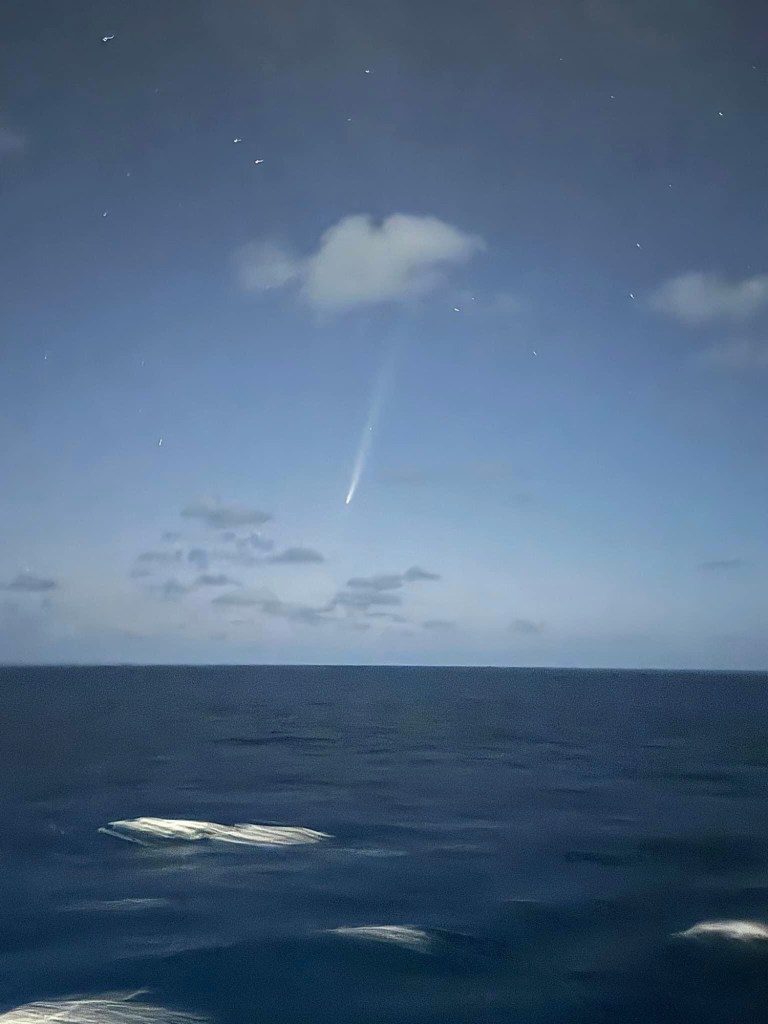
Comet streaking through sky last night (borrowed photo)
Another Tech talk for travellers…..Planning ahead
TripIt or Trip-case (faster)
Create an account or you can join using Google. It reads your emails so info is put into upcoming trips.
You can add other plans by forwarding confirmation numbers like hotels…..which also has “Location safety”. It can tell you what restaurants etc are nearby. Then you can share your plans with friends or family. You can also select who you wish to share or not, your plans with.
Packpoint
Add new trip or useTripIt ……Activities. Begin packing…check things off or can add separately. You can edit numbers of items. Edit entire trips in top right
TravelSpend
create trip. Budget for your trips. Also home currency…to convert….exchange rate on expenses. Statistics, etc. Plus sign….Sort of spreadsheet….also split expenses using percentages with others….your choice
App in the Air……unfortunately, after downloading this app, we find out that it will no longer function later this month. Too bad! Seemed like a good one.
Just enter you booking reference…Easy to readily available …flight number, departure times and arrival at local time. It needs cell service….. it gives the weather….gives times thru each area in airport (passport, baggage, customs). Airport maps …show also where you are
WheelMap
How accessible everything is for restaurants, airport or wherever.
Flush
Finding the nearest toilet. If a restaurant offers seating with food in England, they have to provide toilets…..it may require a key or code.
Gary doesn’t want me to share the link to his video on the internet but he said to show a couple of his “stills”. Anyone that wishes to see the video after I get home I can show it…..maybe on my TV???
If you were born here your life expectancy is 67 years but you will outlive this island because it will disappear within 50 years because of rising sea levels. The highest point is only 9 ft above sea level. Most of it is already underwater. It will be the Atlantis of the future. The homes are built on stilts and apparently have no walls.
Pacific is largest ocean in the world. Kiribati nation covers one of the largest geographical area in the world….1 million square miles but is comprised of only 33 island … this one we are stopping at is 33 sq kilometres or 13 square miles.
Kiribati straddles all 4 hemispheres. It was also known as the Gilbert Islands.
British were there from 1888…. Paid out a 10 million AUS $$$ payment when they left
Tabuaeran atoll is also the name for Fanning Island
Their source of income comes from coconuts, cobra fibre, seaweed farms as well phosphate mining.
At only 13 sq miles, it is not a usual international cruise ship stop. This year they will only have 2 stopping here ….both HAL. Next year will be 3 times. It used to be used by NCL because it flew the international flag, so it had to abide by the Jones Act and had to go to a foreign port before returning to the Hawaiians Islands or the US mainland. While using it as a stop they built a number of facilities. After Covid they flew the US lag and don’t have to stop here anymore.
Day 20-Monday Oct 14/24 or Tuesday Oct 15/24 for the people of Fanning because we have crossed the International Dateline. We are not changing ours for today’s crossover.
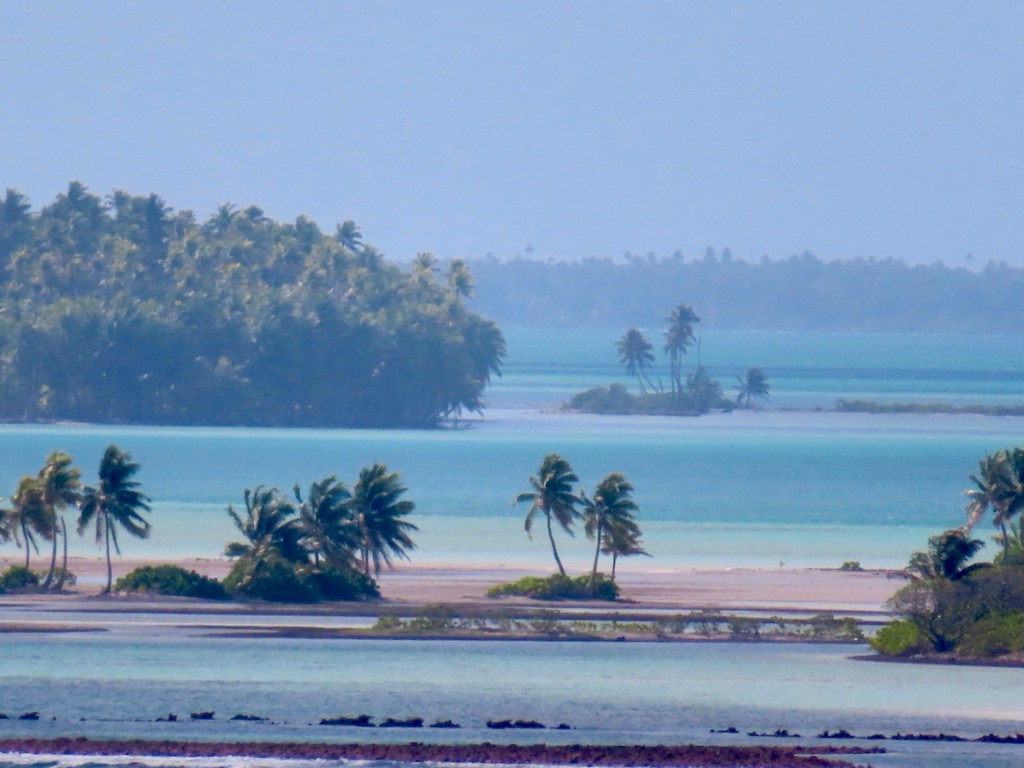
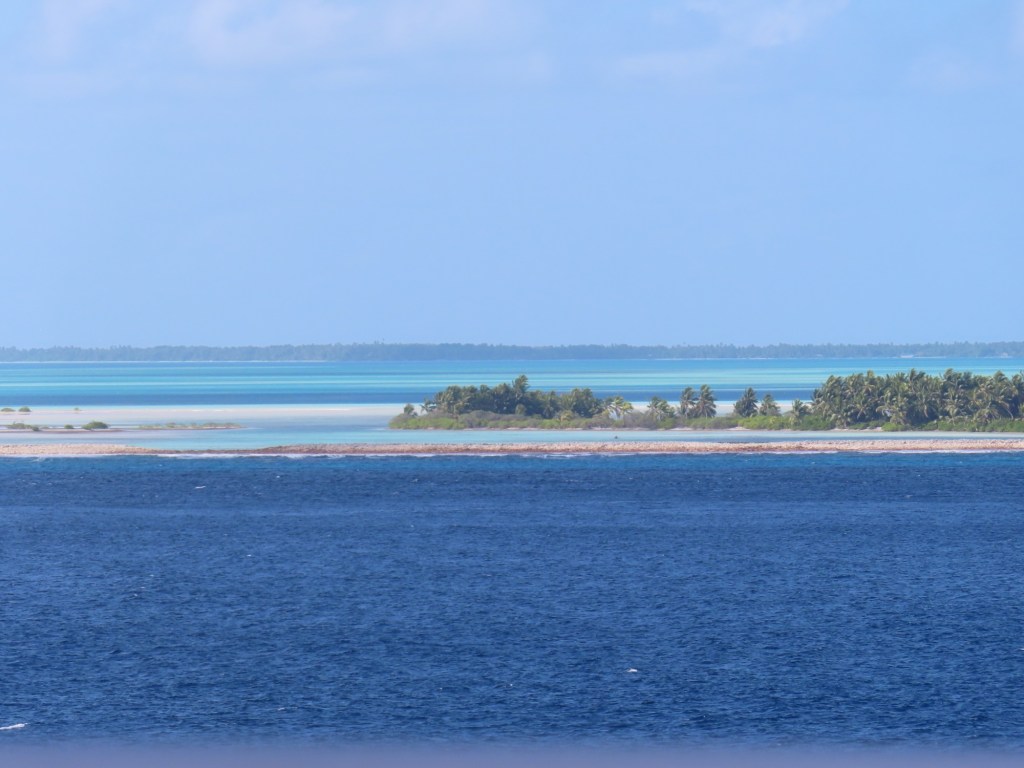
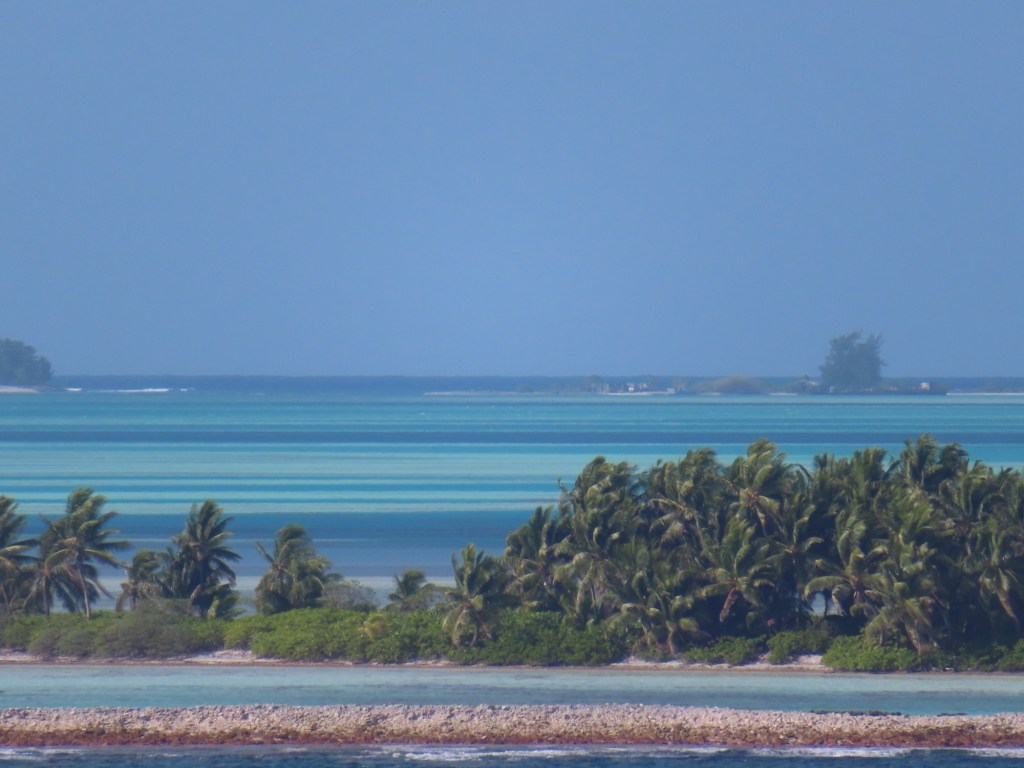
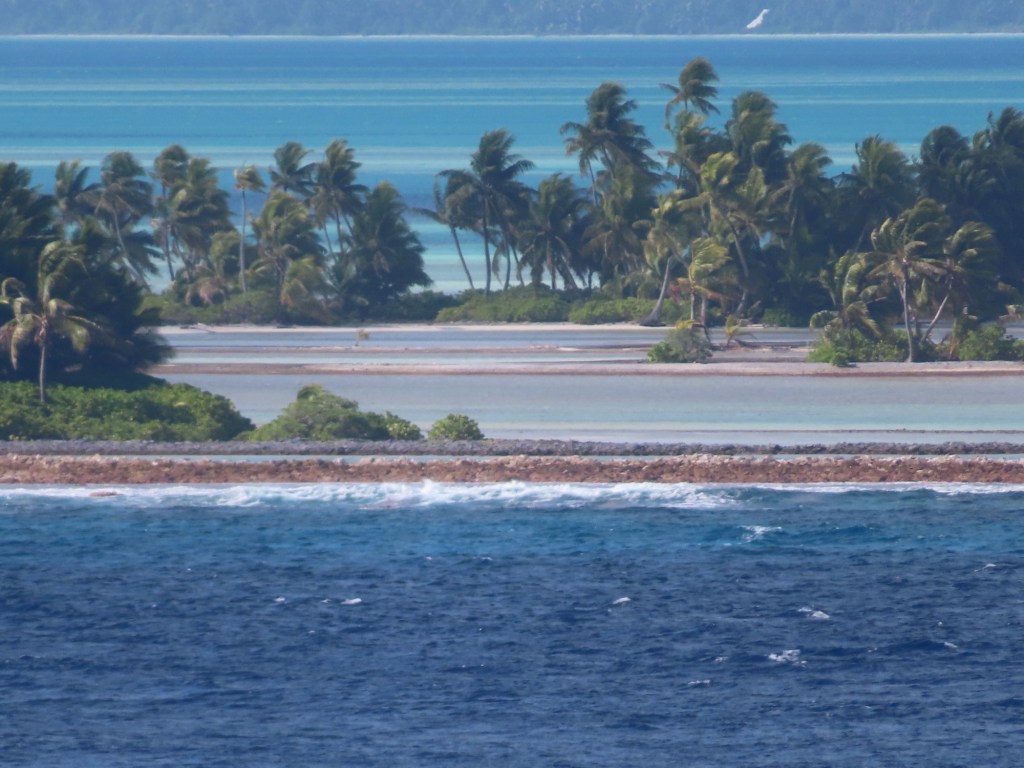
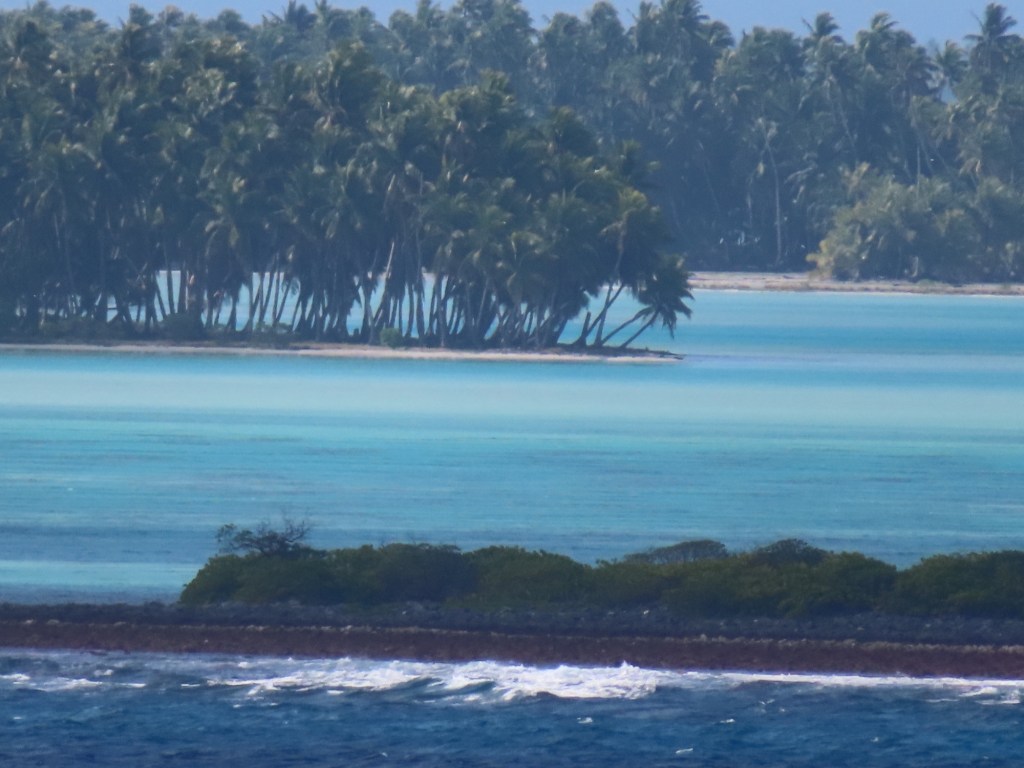
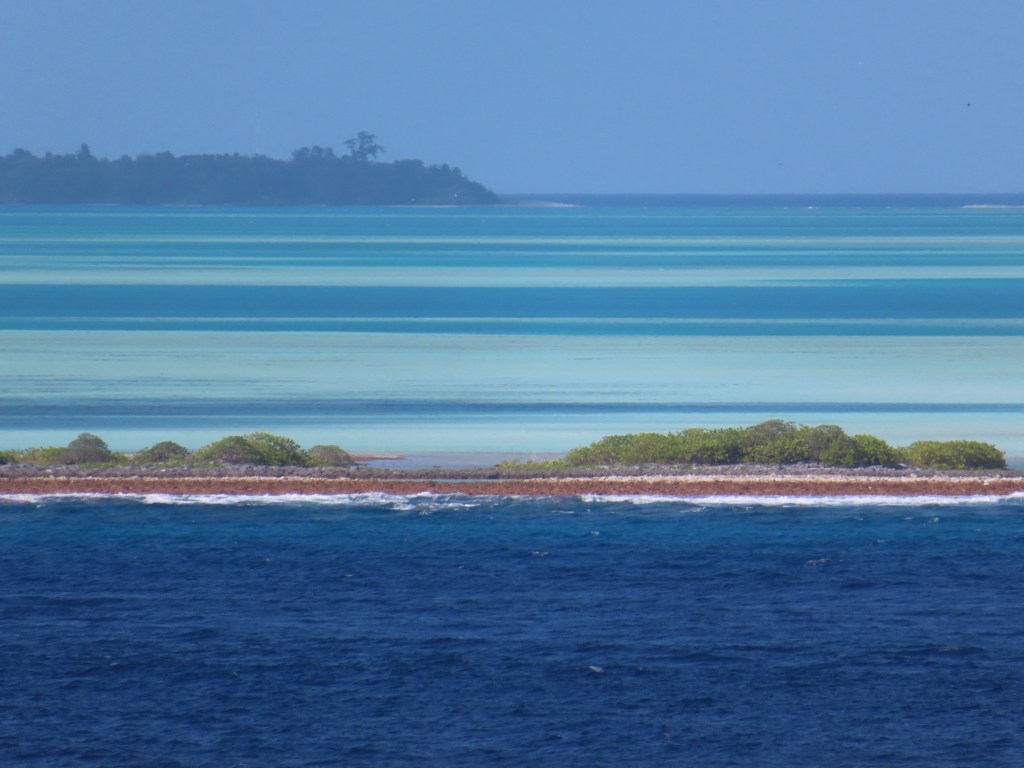
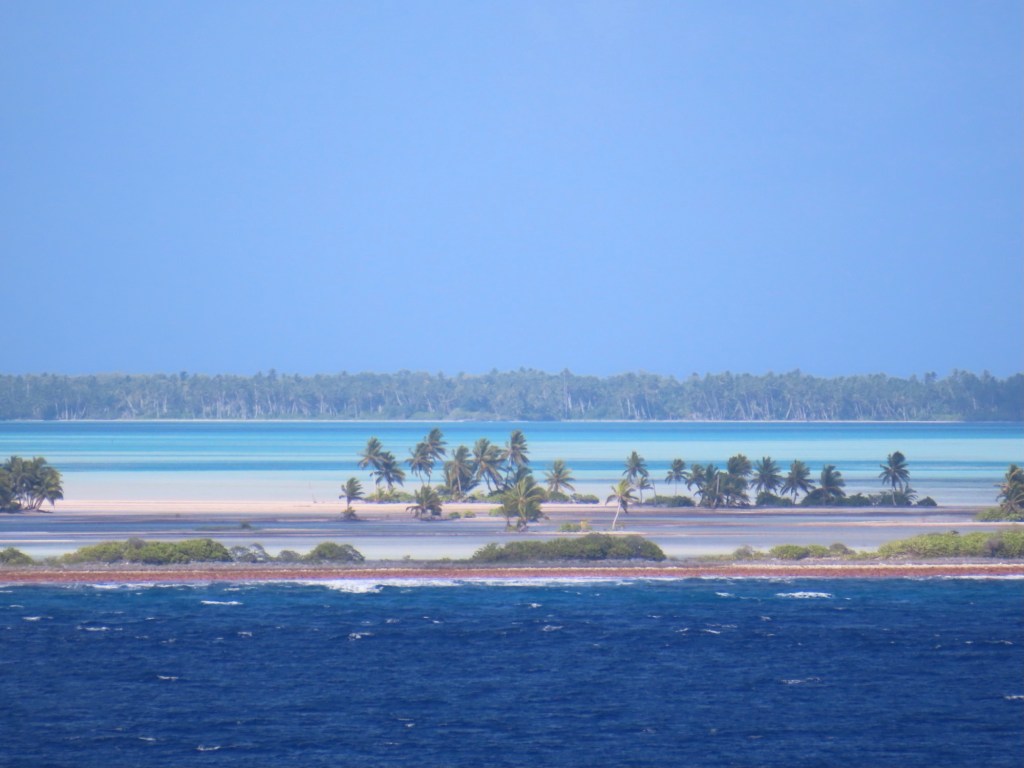
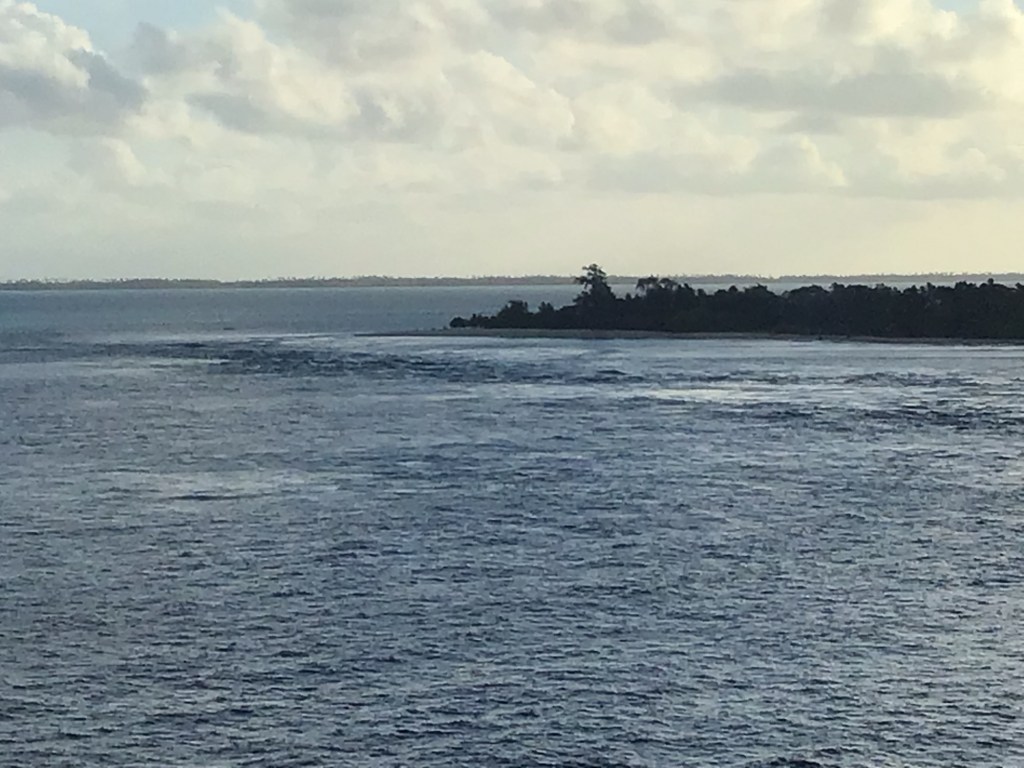
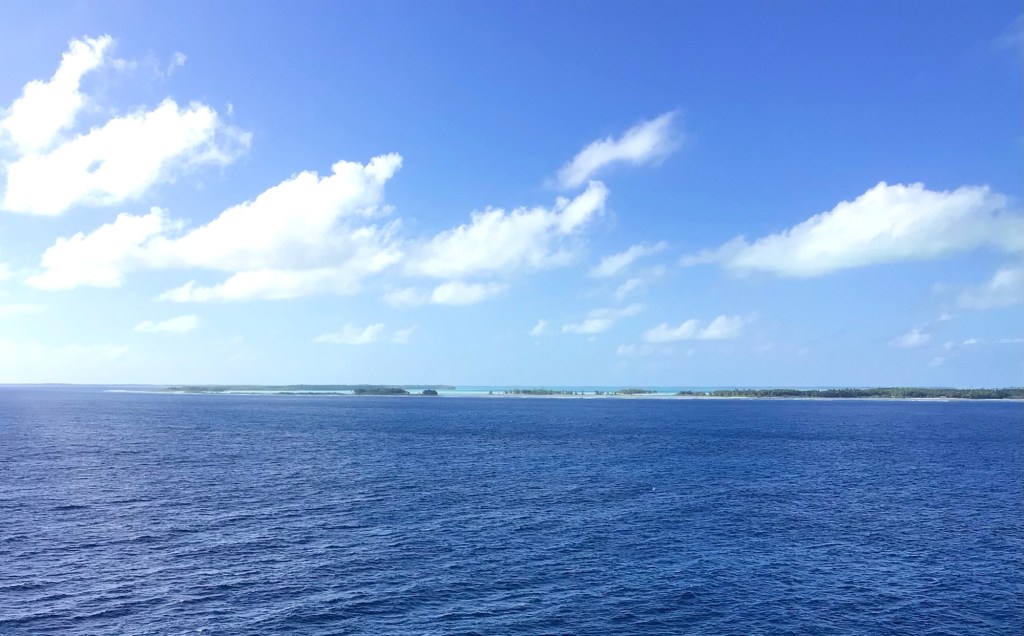
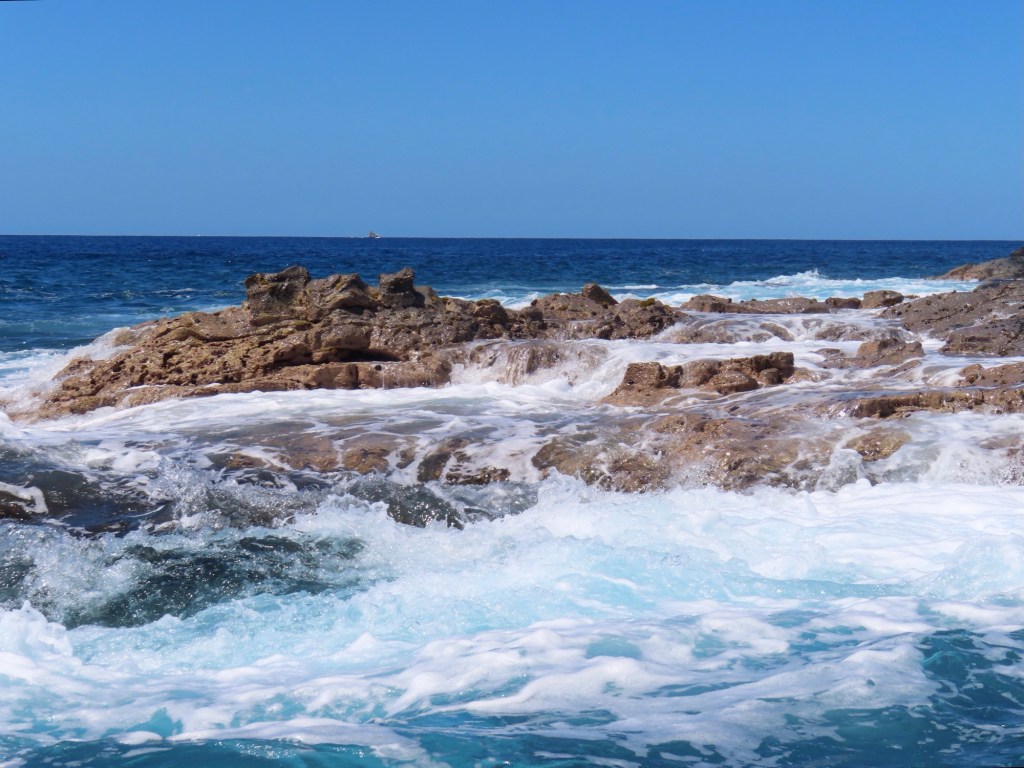
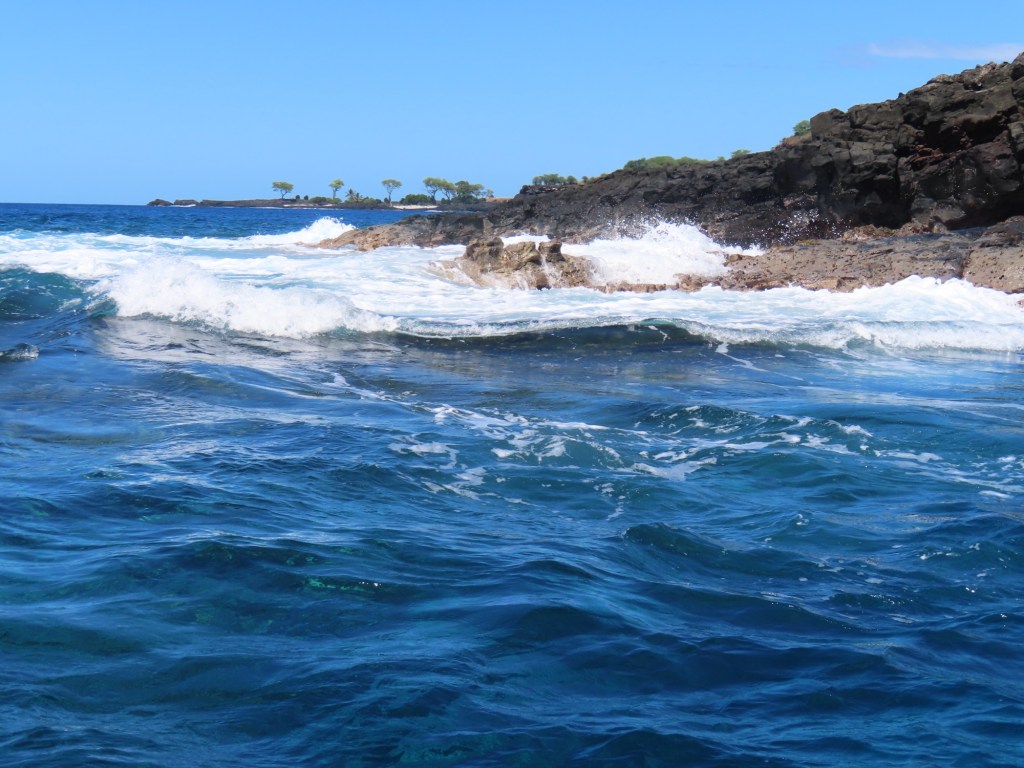
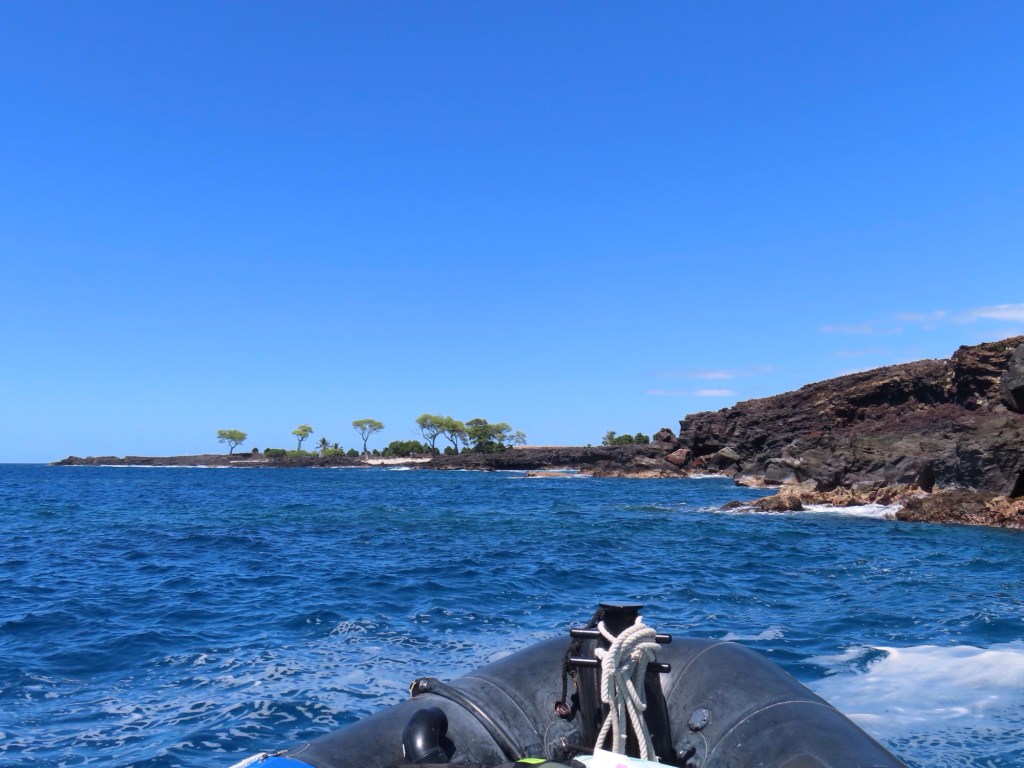
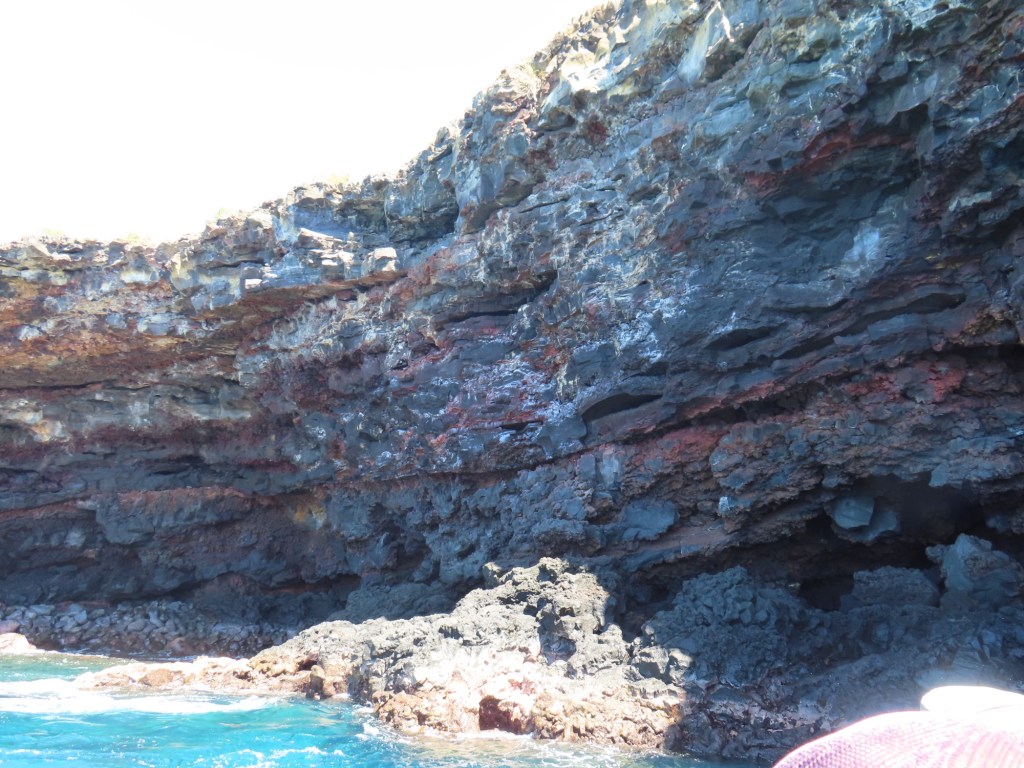
This morning as we approach Fanning Island with everyone so looking forward to setting foot on this beautiful atoll, the captain comes on the intercom to tell us that we will not be going ashore. The winds are coming from the south instead of the south-east causing a 3-4 knot plus swell with standing waves……a washing machine effect, at the entrance to the lagoon. The ship can’t deploy the platform that the tenders are launched from (they are only one foot out of the water). Because of those swells etc. preventing us from going ashore, we are just going to cruise around but keeping a fair distance from shore. There have been no charts made since 1898. So……the captain is not taking a chance by getting any closer.
Only a population of just over 2000 with only 2 vehicles with no paved roads on the island. In 1798 it was discovered by Europeans. Phosphate is mined, fishing, harvesting of coc meat, cobra
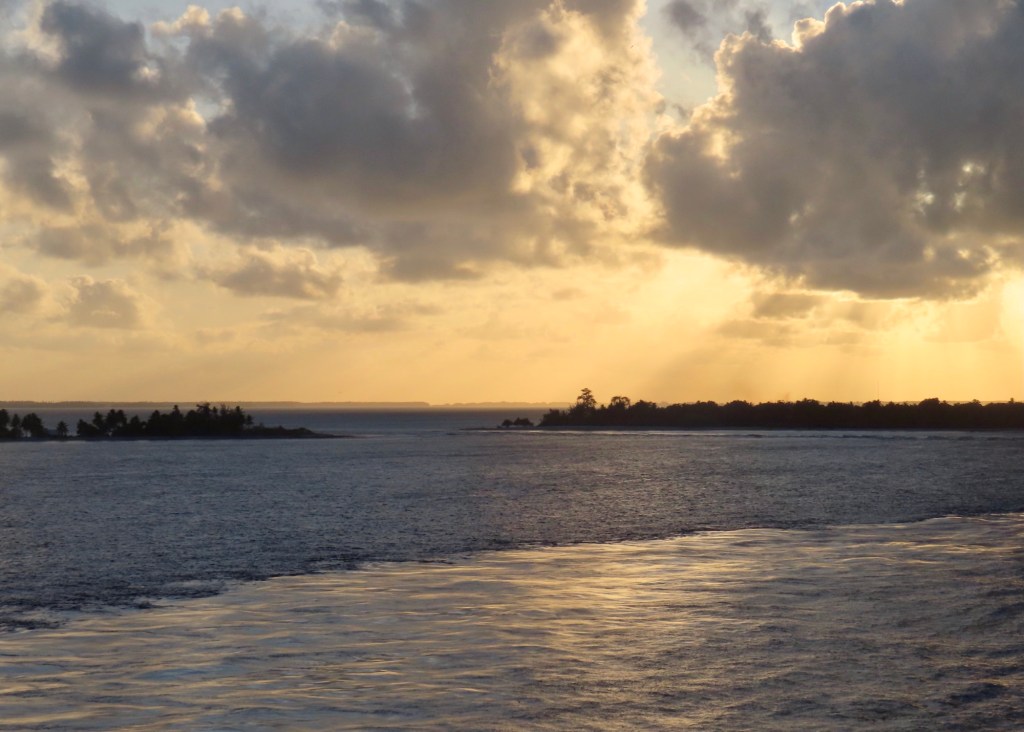
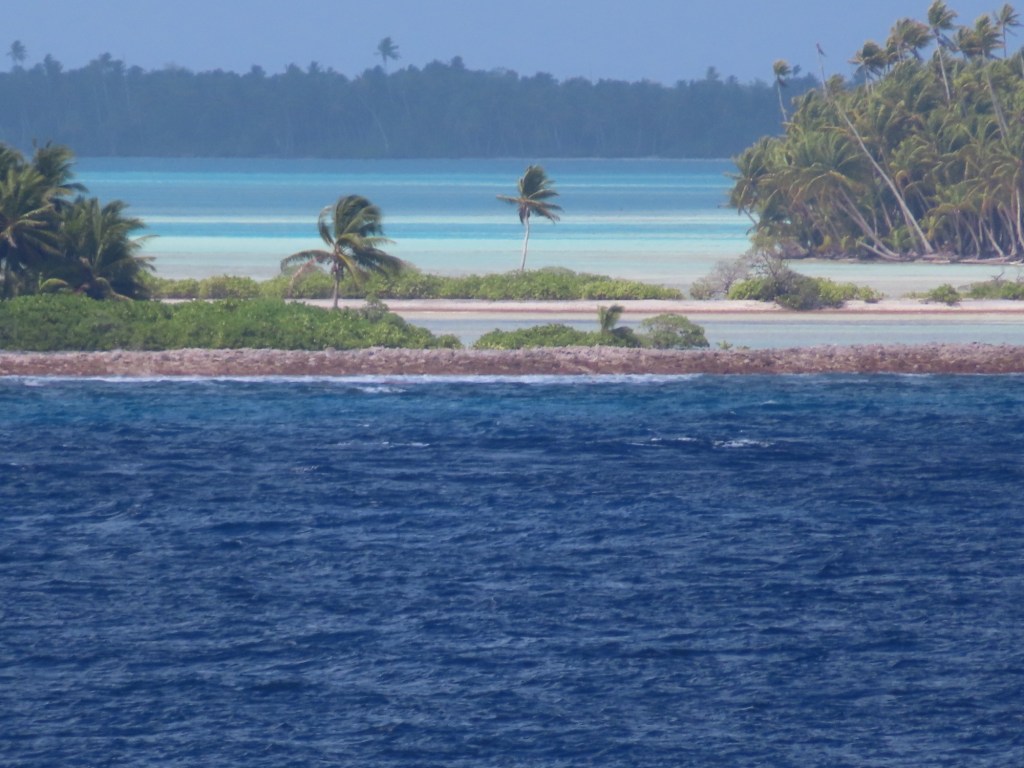
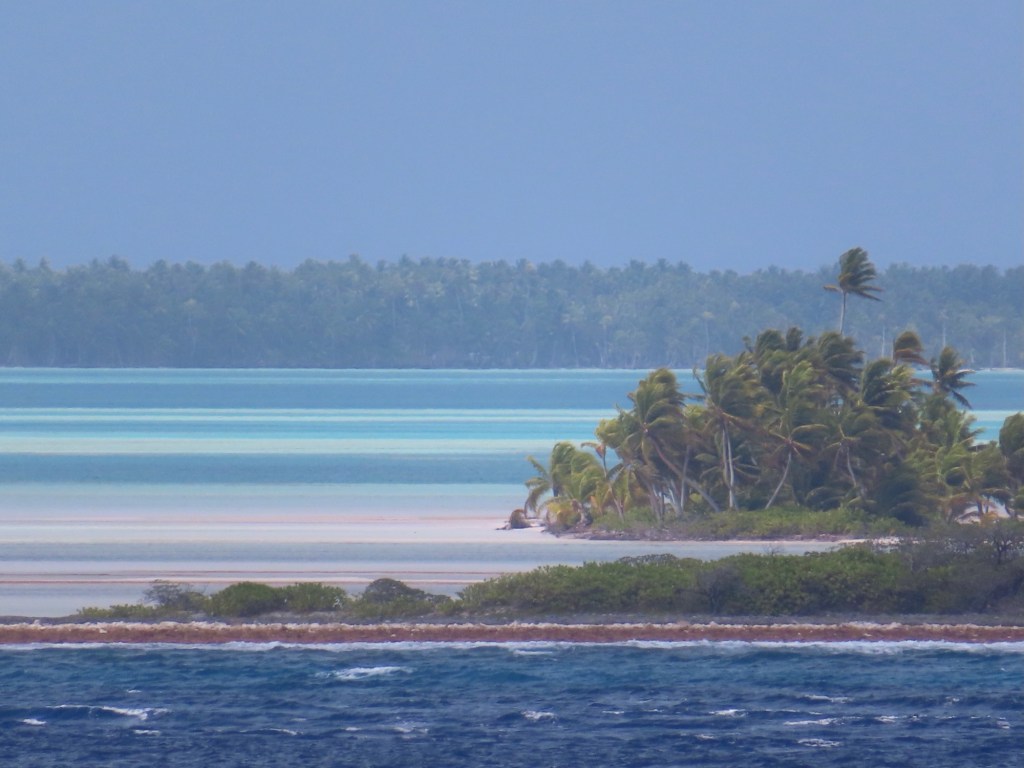
Below are a whole lot of pictures of this amazing atoll in the middle of nowhere. The colours of the water in the inside of the atoll are spectacular.
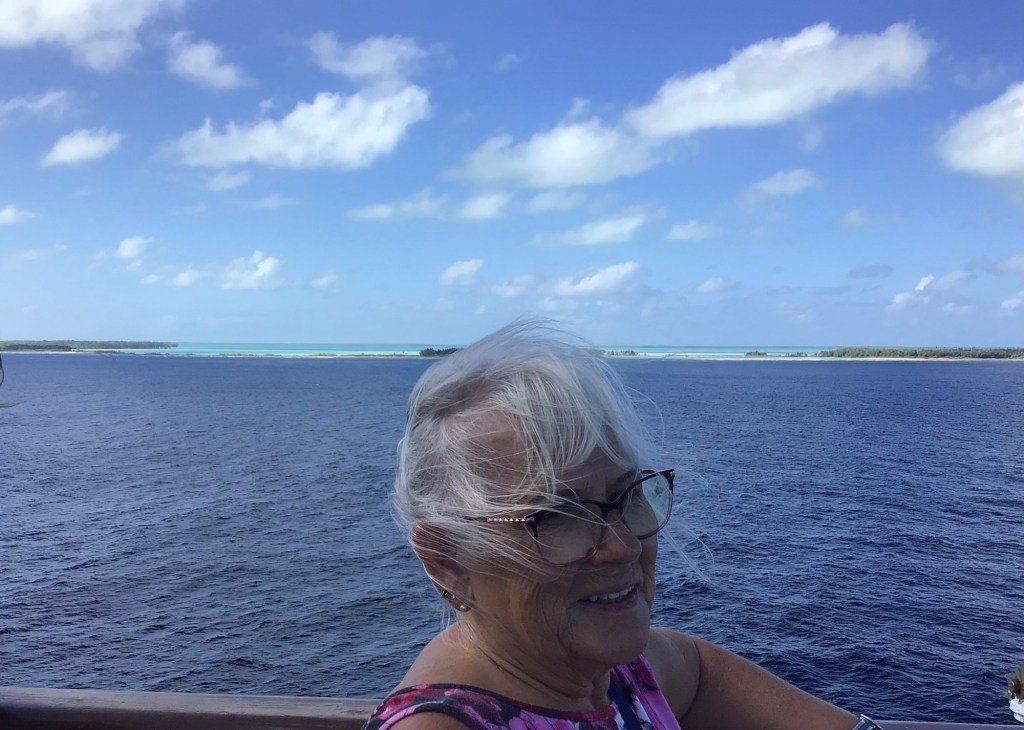
Looks like a coral beachThe cause of us not going ashoreJust a bit breezyFrigate bird
The national bird is the frigate bird. It can stay afloat for weeks at a time.
Nothing much to report other I have been trying to catch up on pictures/blogs, etc. The only thing newsworthy (cuz it really hasn’t happened before on this trip), is that other than the temperature being warm, it looks like we are back at home with rain, wind, rocking seas, the inability to see very far……the greyness. The swimming pool was sloshing over the sides. It made it too difficult for us to dance. Not complaining though!!! ……it is warm.
Day 19-Oct 13/24-Tech talk on taking better pictures with phone
Double click on Google pixel to open camera, volumne up to take pictures
Flash on uses more battery power. Use the timer to take better selfies and use a water bottle and hair tie to make tripod.
Optic zoom takes better picture. Manual means same as pro ….or “more”
Put on “grid” …. In settings then camera…rule of thirds
Step back to made background larger.
WhatsApp….can send up to 100 pics at a time cuz they compress them as opposed to email that can only send so many at a time.
To stop downloading everyone’s pictures when having a group “chat” in WhatsApp, go to settings…turn off automatic download.
I have to apologize for incorrectly saying there were 2 guys plus myself on the bike ride. That does not add up to 2 on the tour…..ops! I should have said 3 plus me.
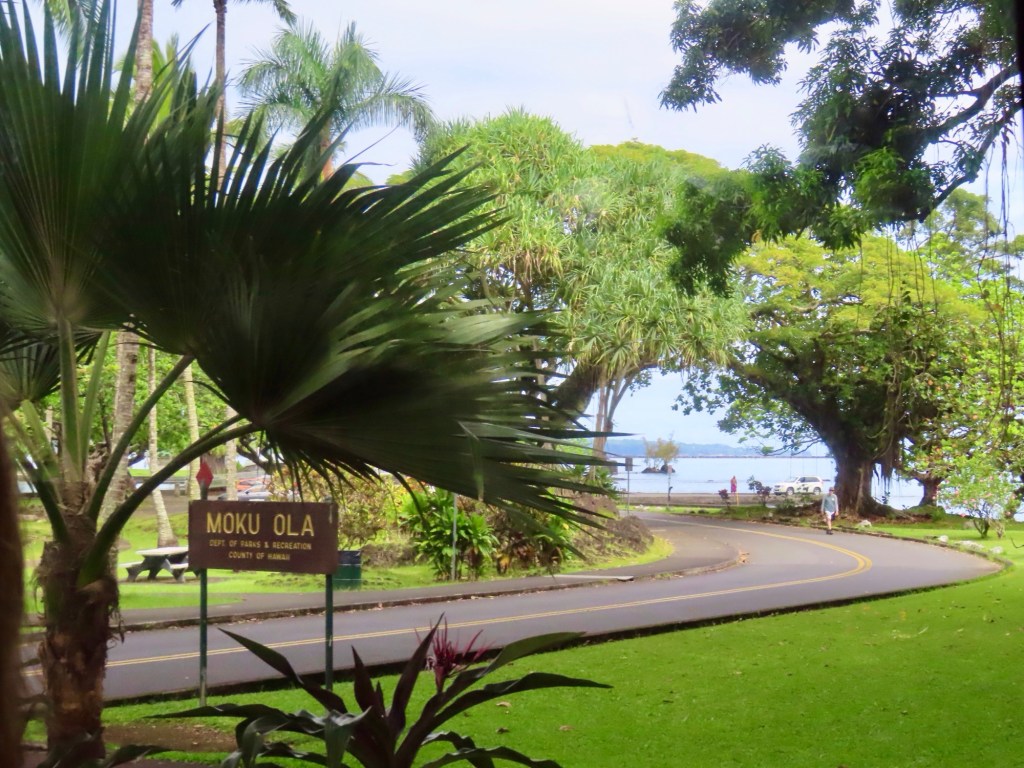
Today, I am taking a private tour with a picked up on the pier.
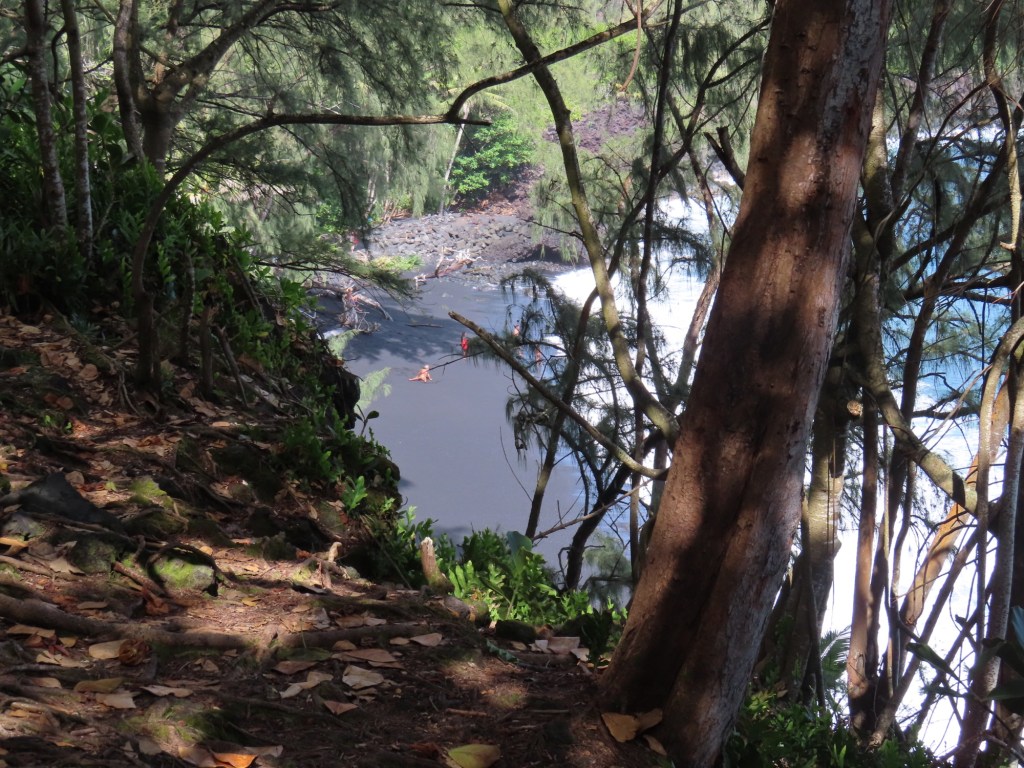
Going to the black sand beach first.
Built homes where ponds used to be……..area has been filled in….no pics.
Coconuts require 50 F to survive so none on mountains
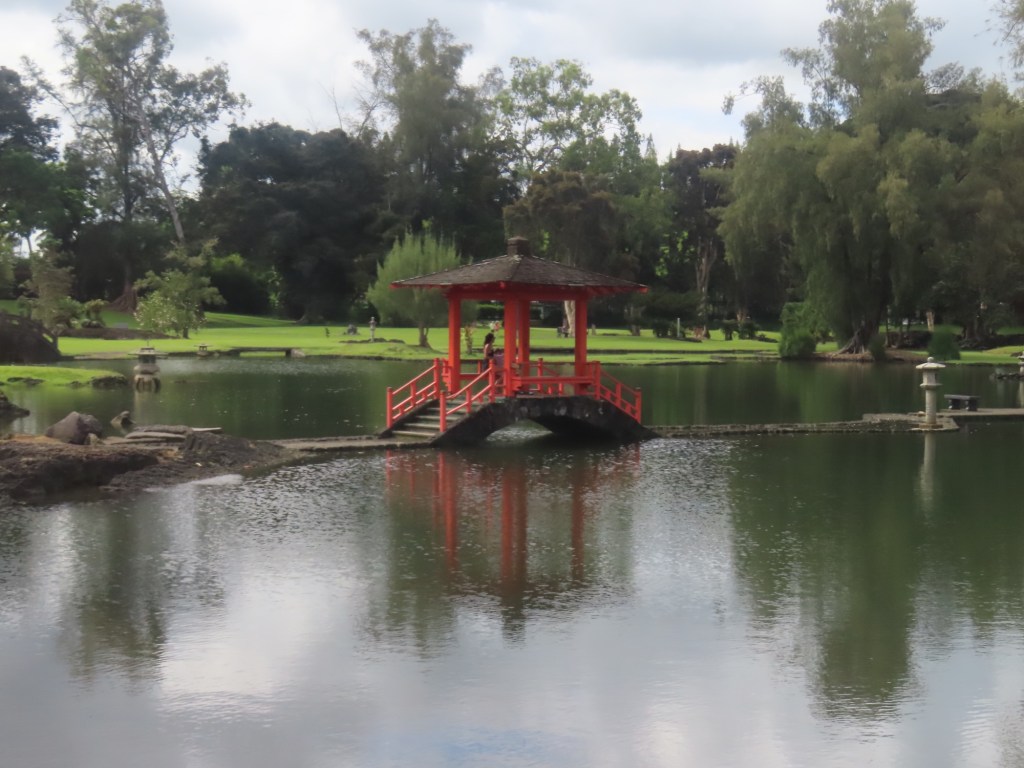
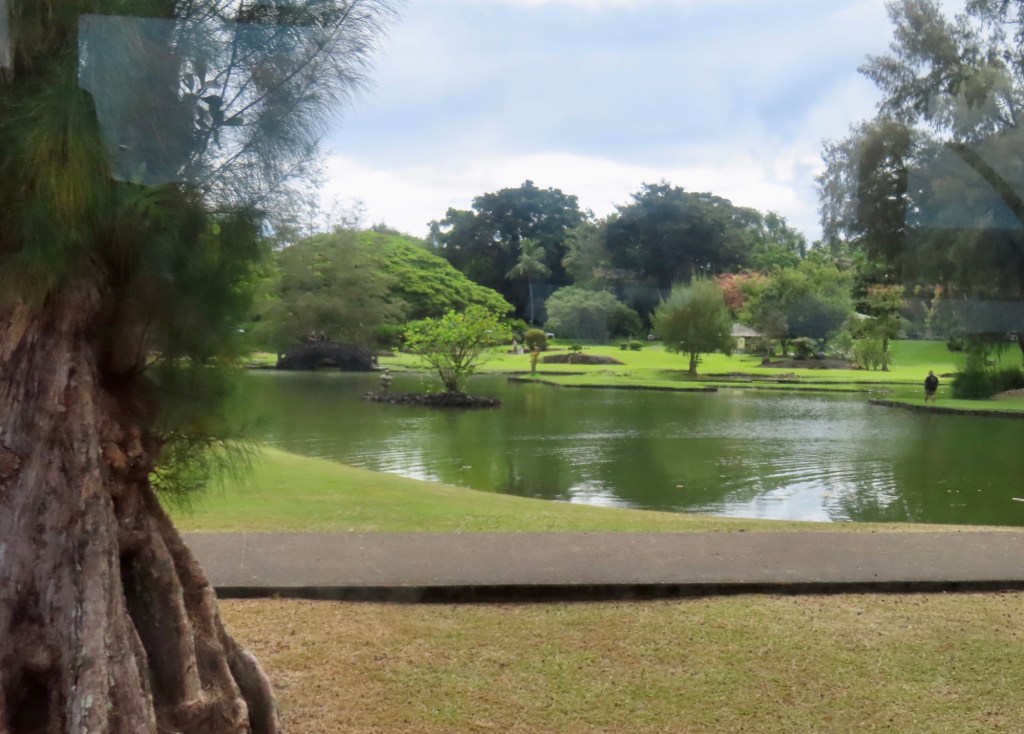
Deepest brackish pond in world in Liliuokalani Gardens. It is over 1 mile deep ….hard to believe.
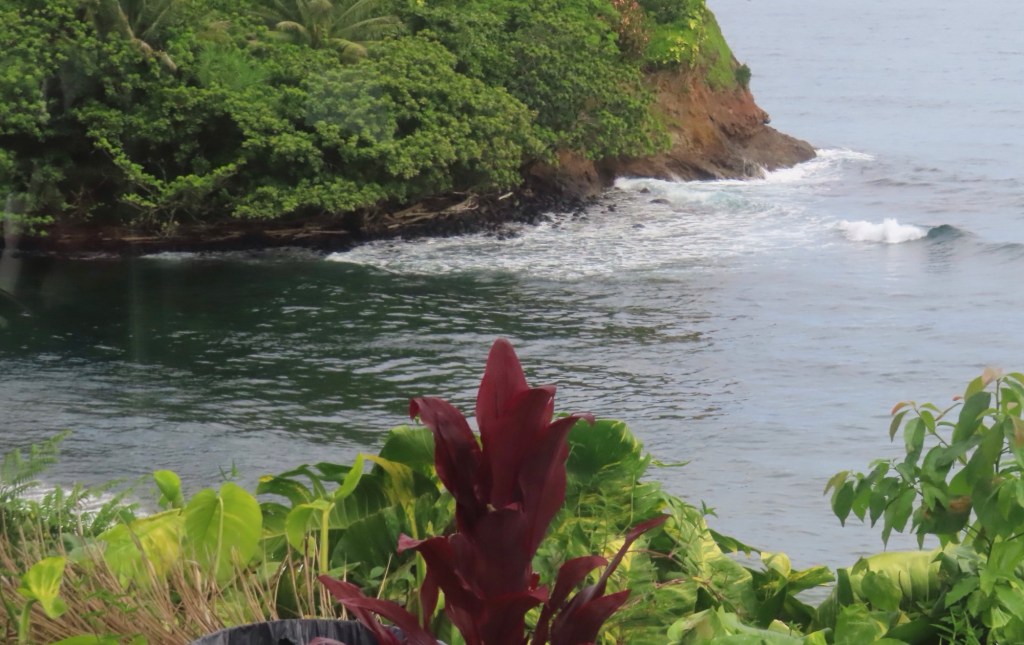
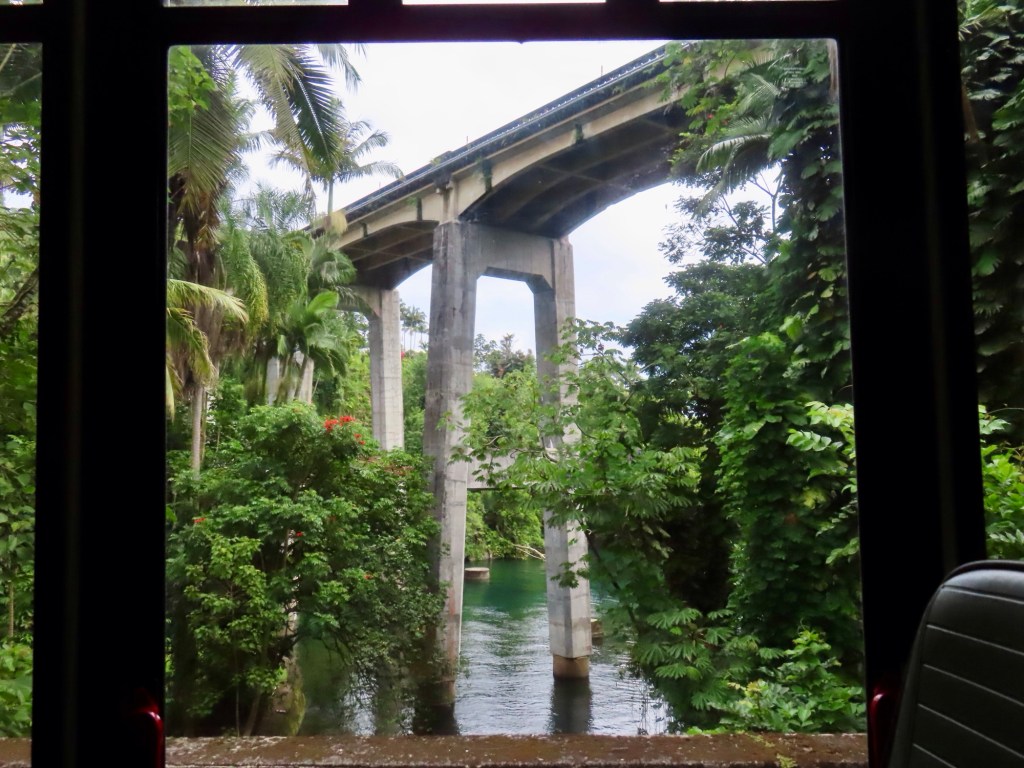
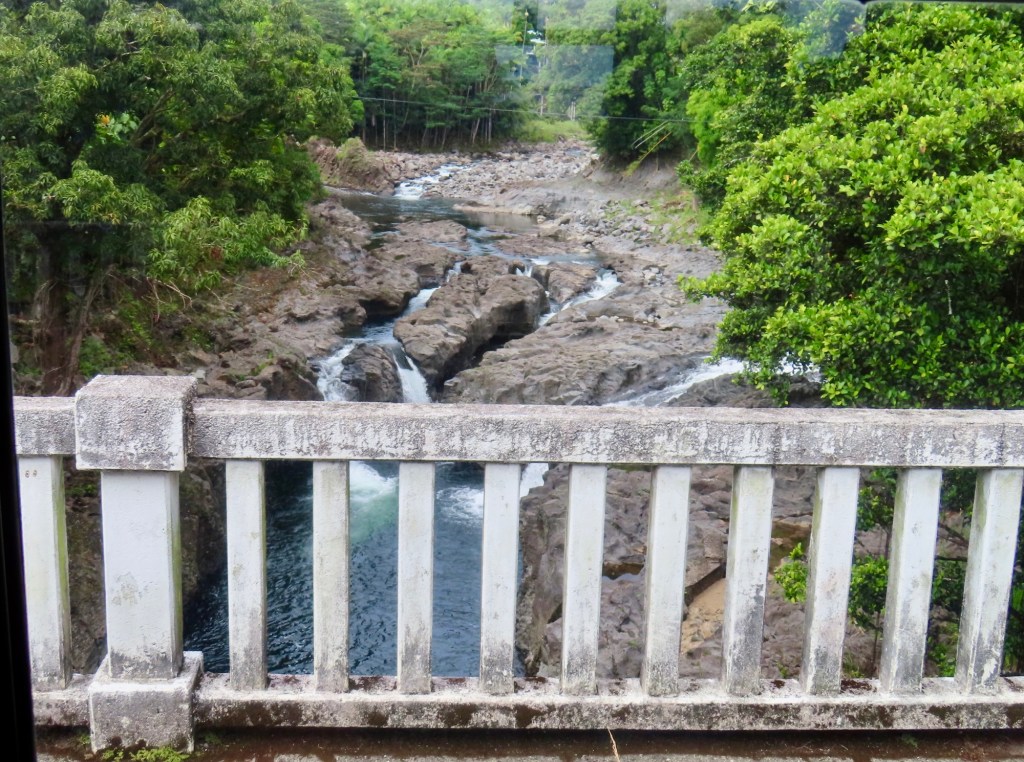
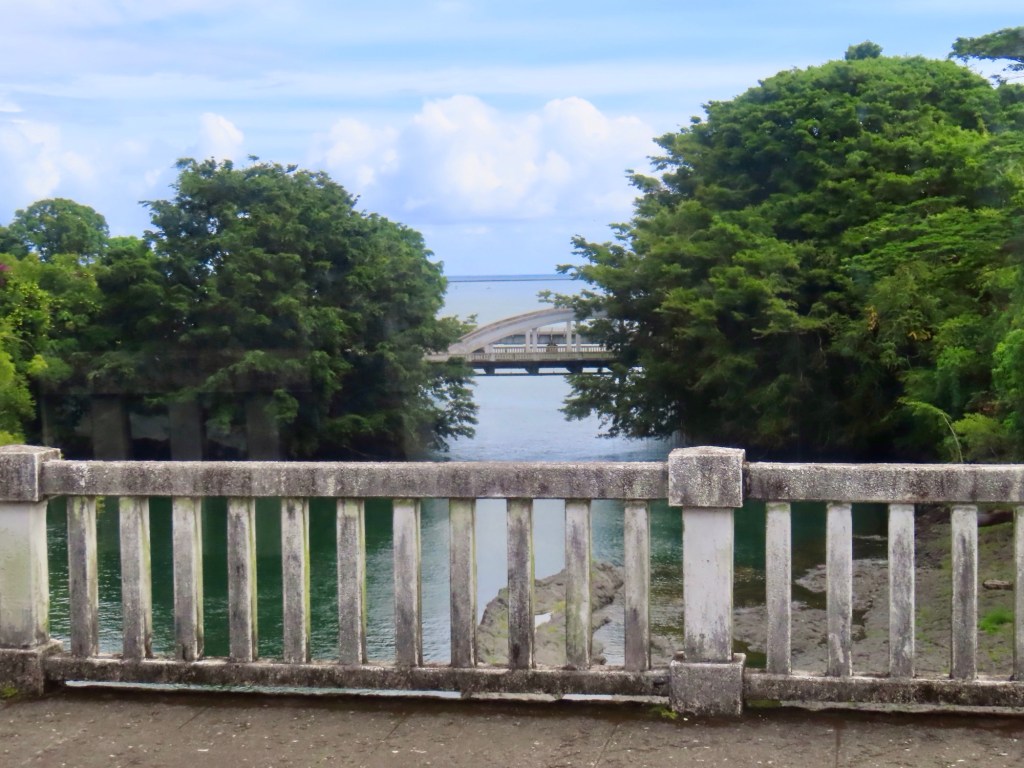
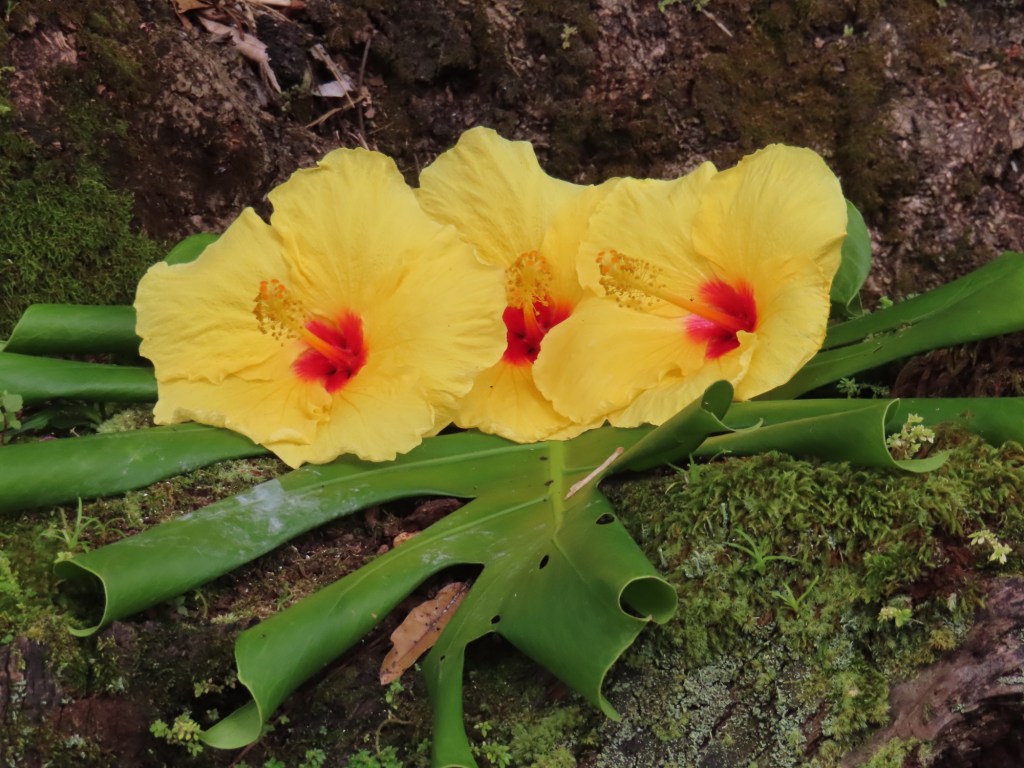
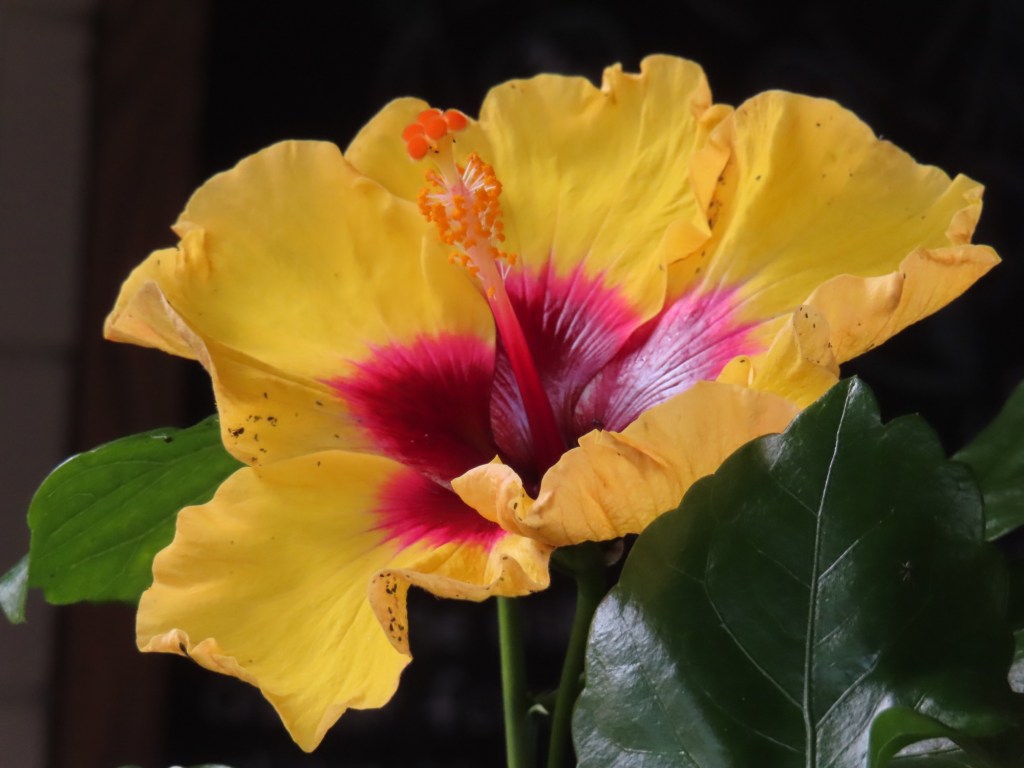
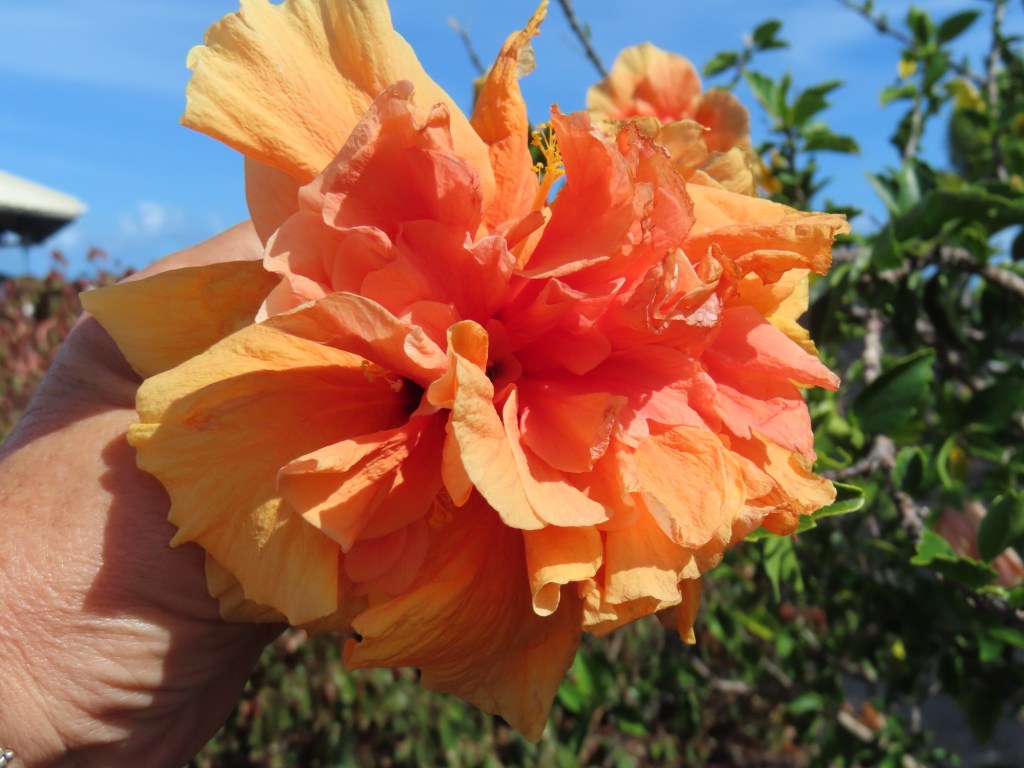
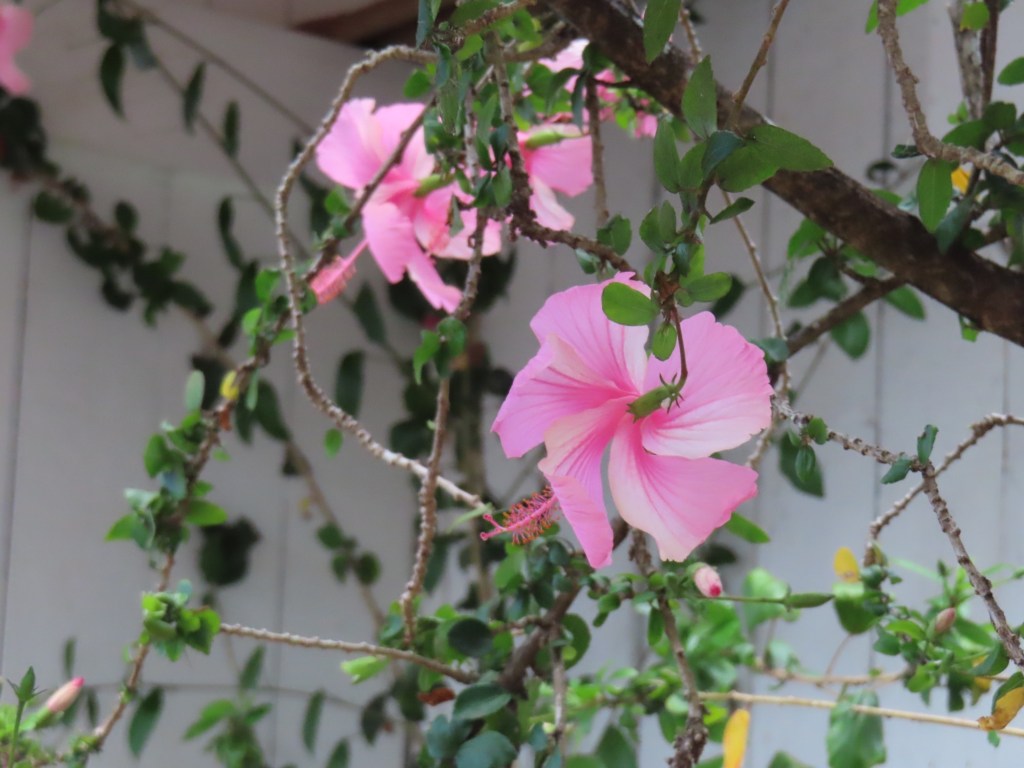
Liliuokalani GardensOld bridge in HiloWaterfall…HiloRainbow FallsGorgeous hibiscus….not native to Hawaii…who knew!
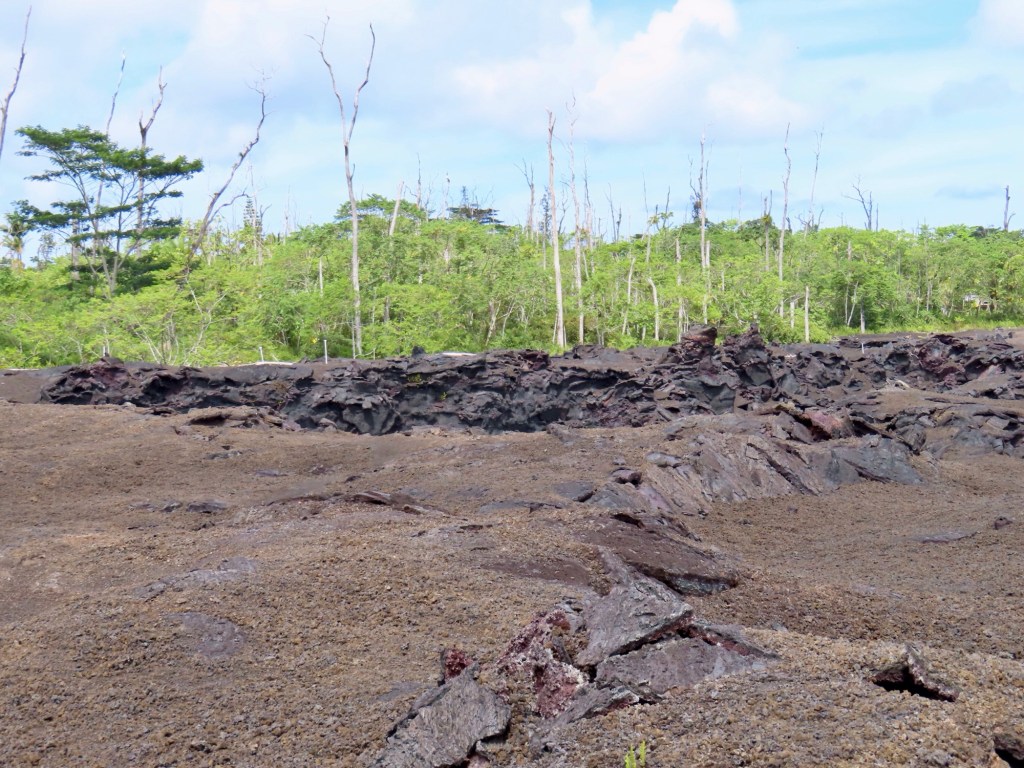
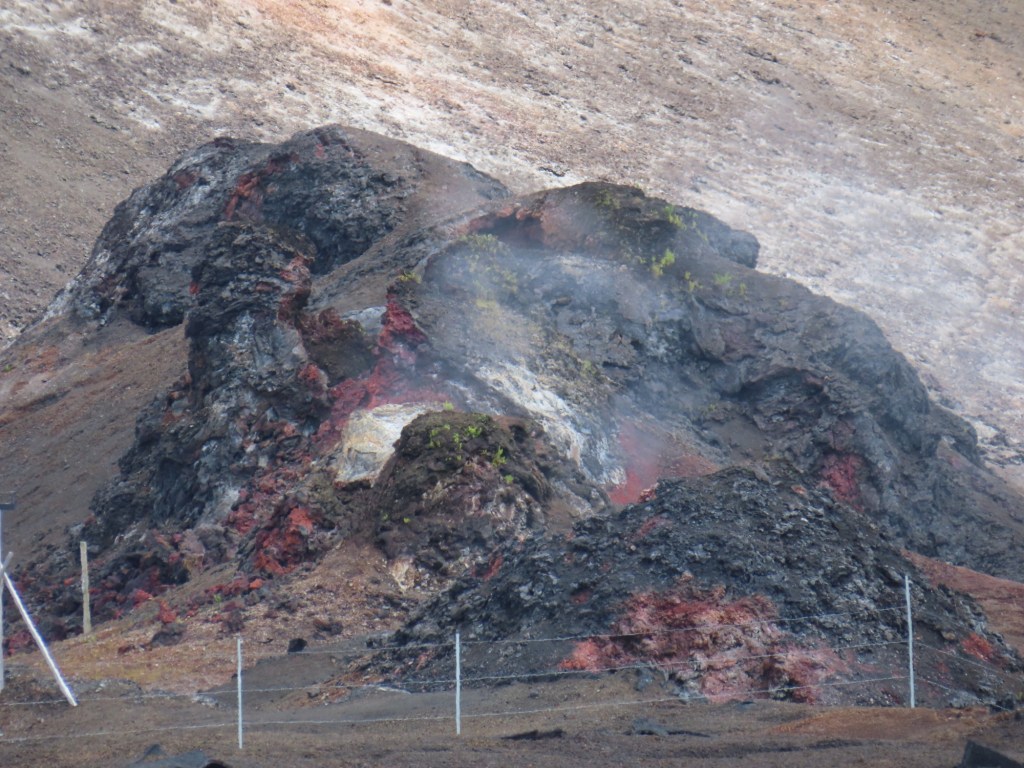
Kalapana…… base of volcano fissure #8
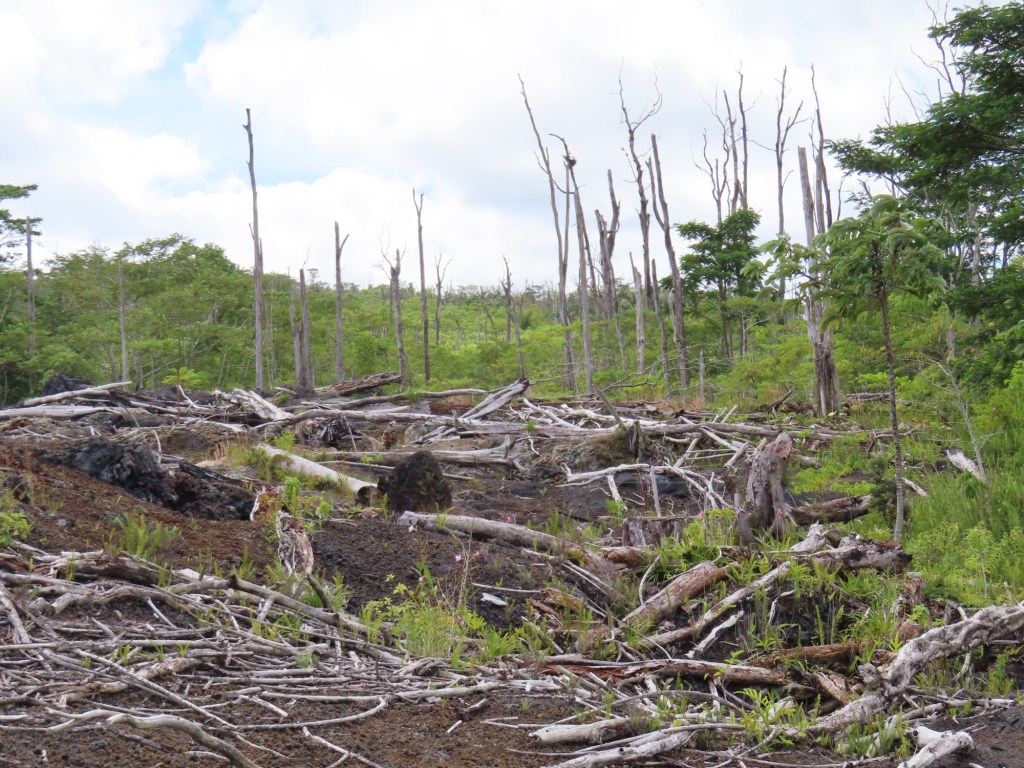
Area going there is now kind of a desert area since of volcano heat in the ground…trees are dying. Because the trees burned up there is no moisture created
780 homes destroyed in 2018 in this area.
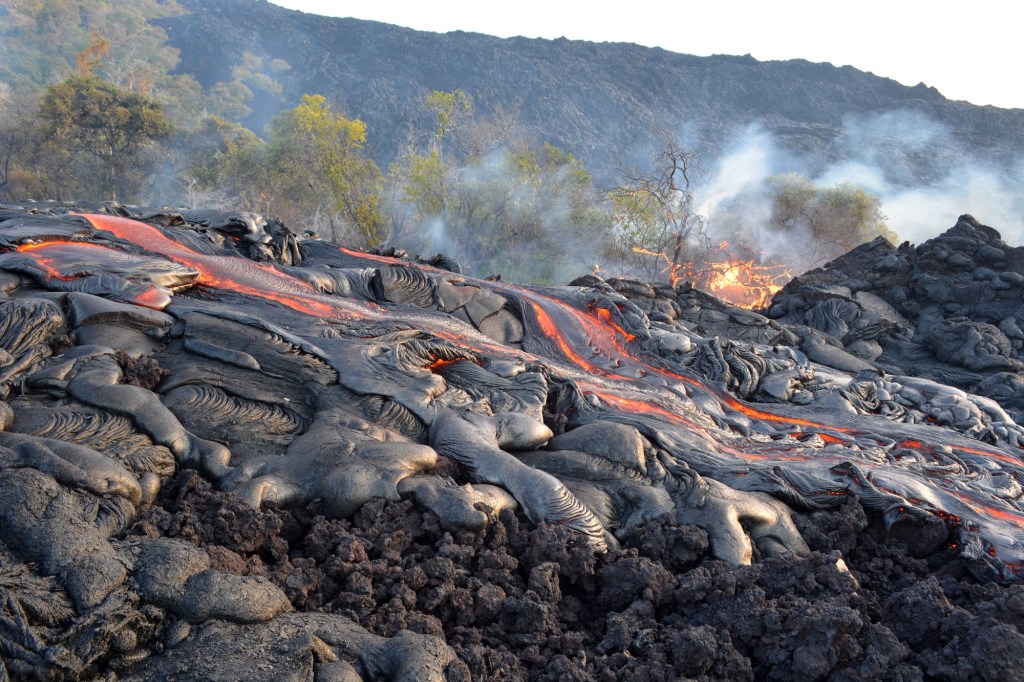
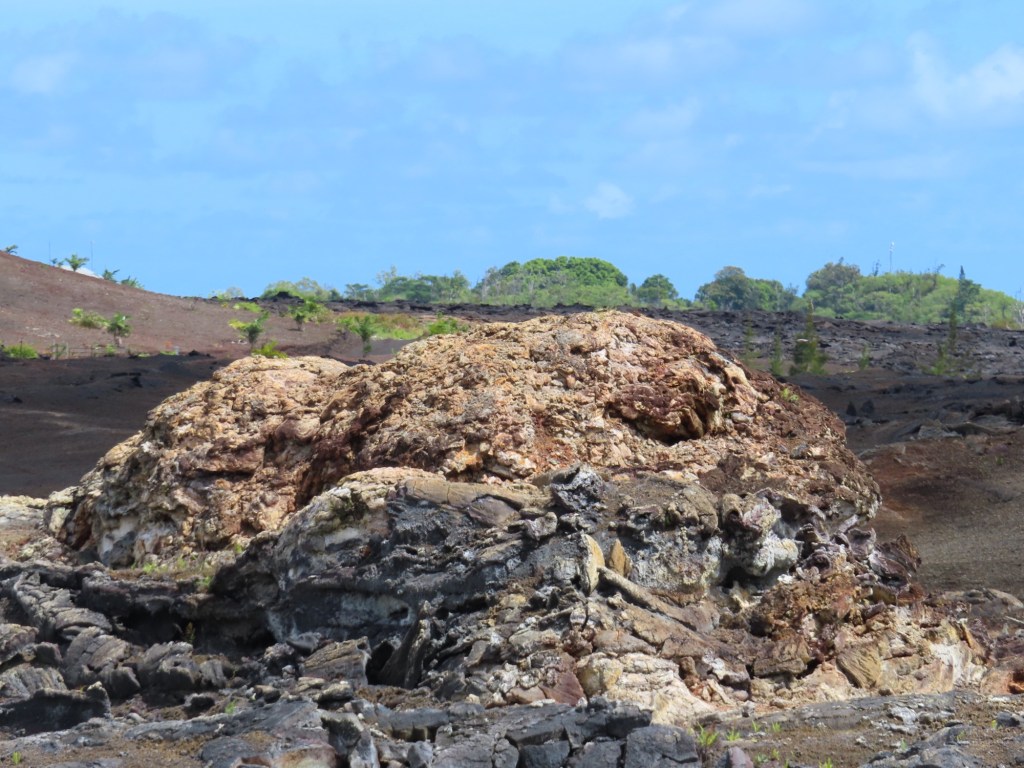
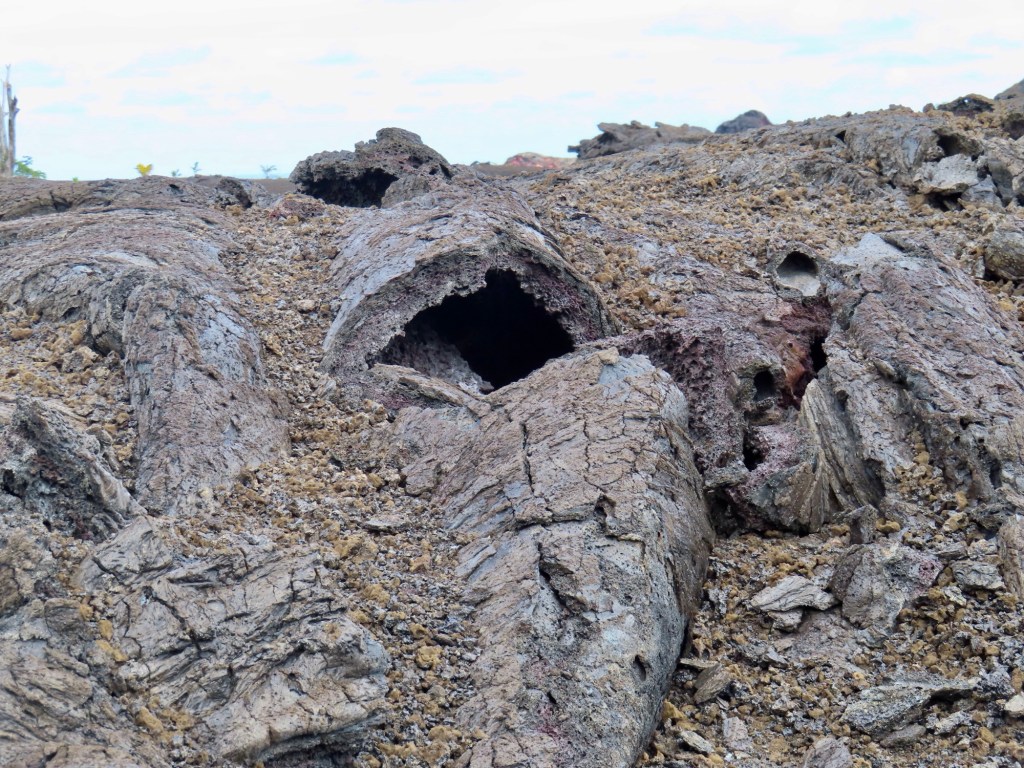
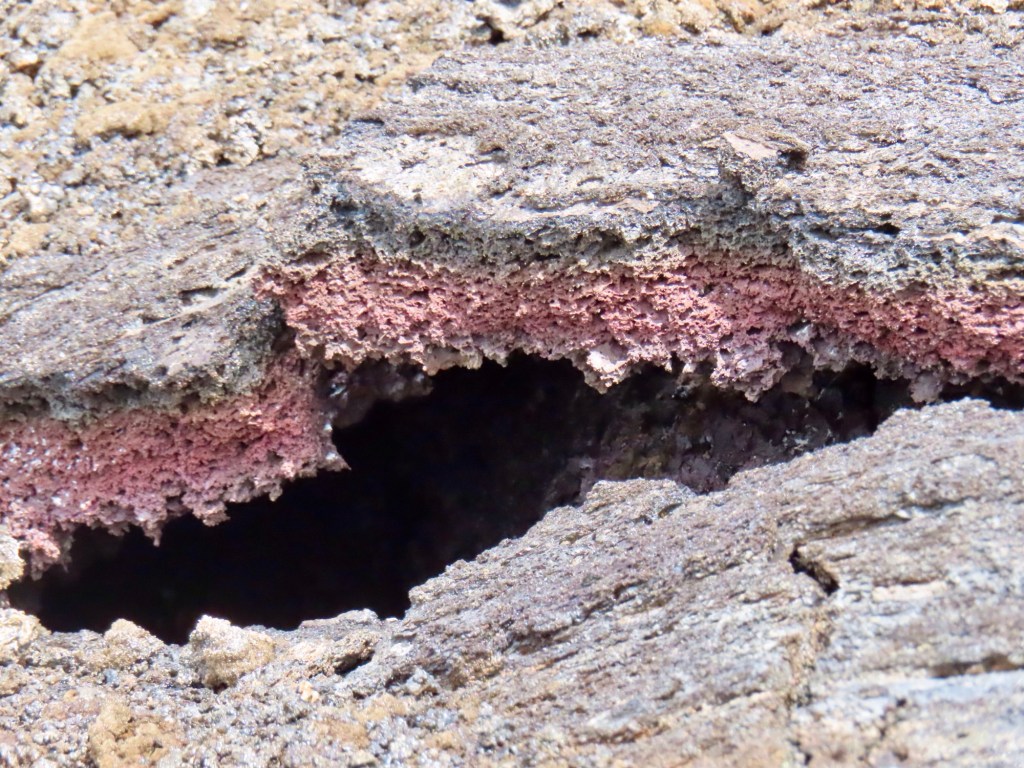
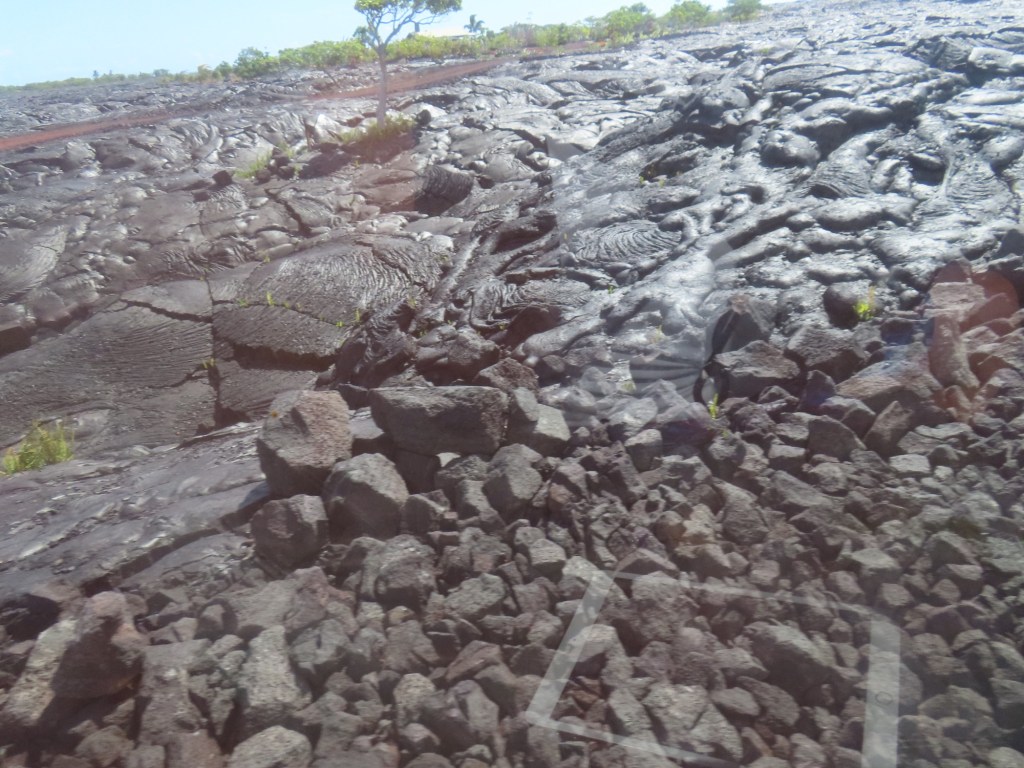
“Puka” is a hole left by lava tube that has collapsed. The lava solid when broken off is vermiculite……so light. Also peacock lava…..like peacock colours
“Tree mould”….blue markers goes down 10-20 feet where once stood a tree but was covered by lava and then the tree burnt
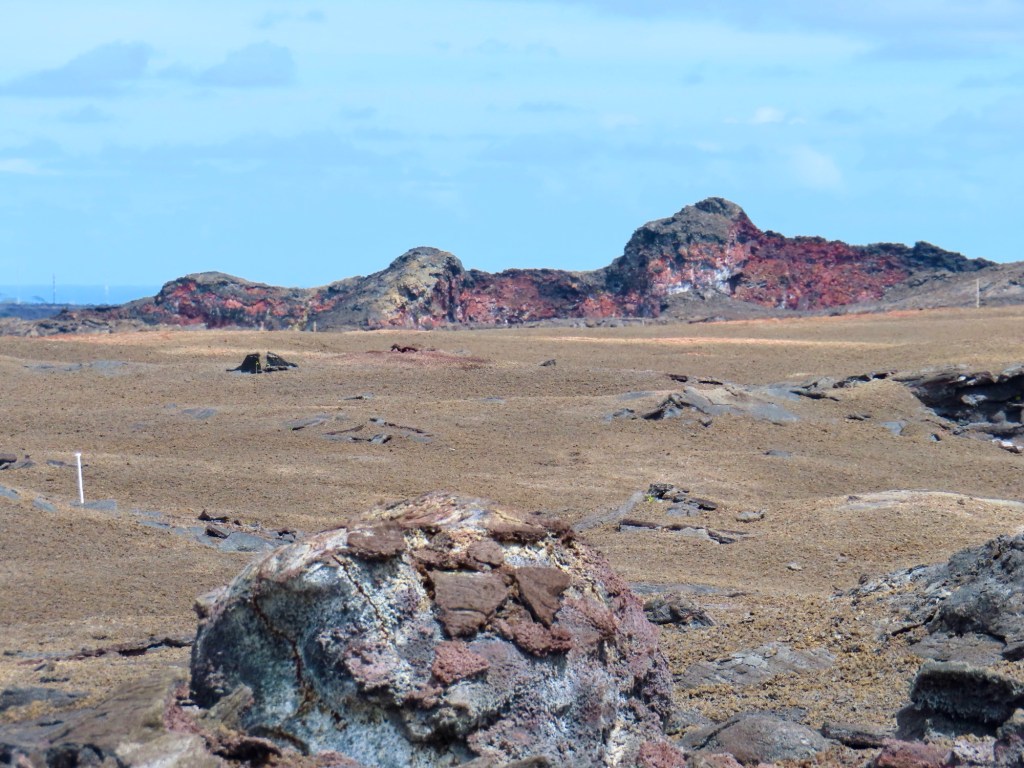
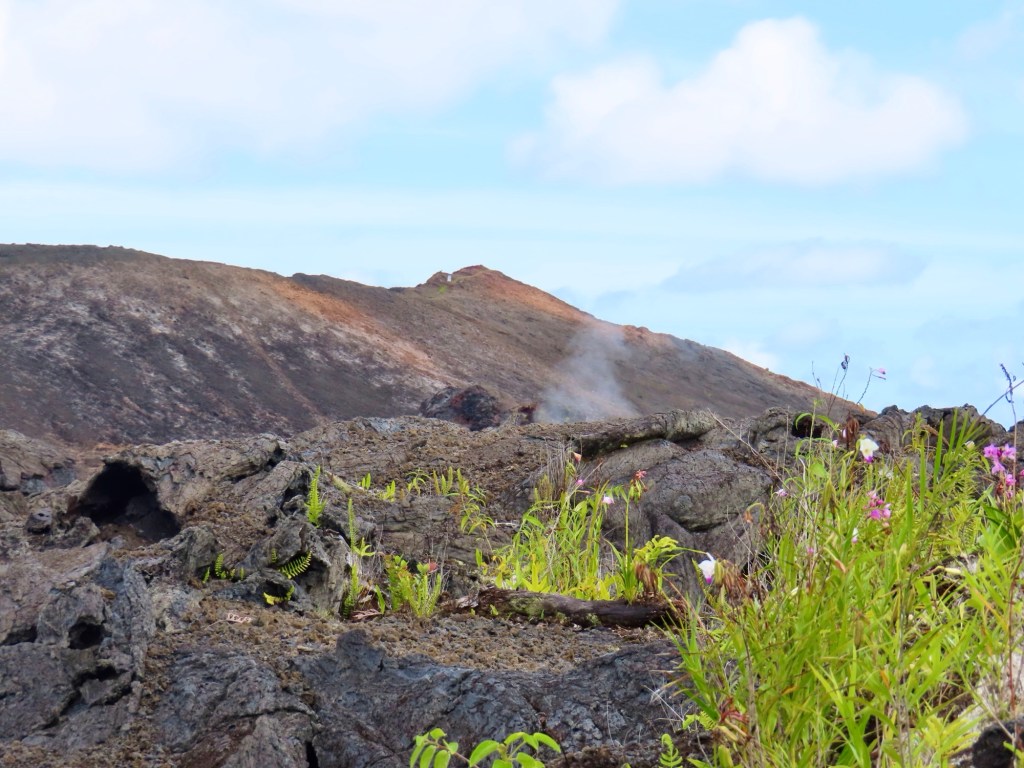
OrchidTrees have died cuz ground is too hotYou don’t go anywhere near this Puka. It is huge and recently dropped.Treemould where a tree once lived…..could be 10-20 feet deep….be carefulLava tube Lava tubeSteam ventingFissure 8 still smokingAt fissure #8 from the backyard of a friend of our guide
$30,000 for acre in this area but guide wouldn’t buy cuz it’s too close to the volcano.
Pentane….liquid made from Geo-thermal gas compressed.
Kalapana
Kilauea
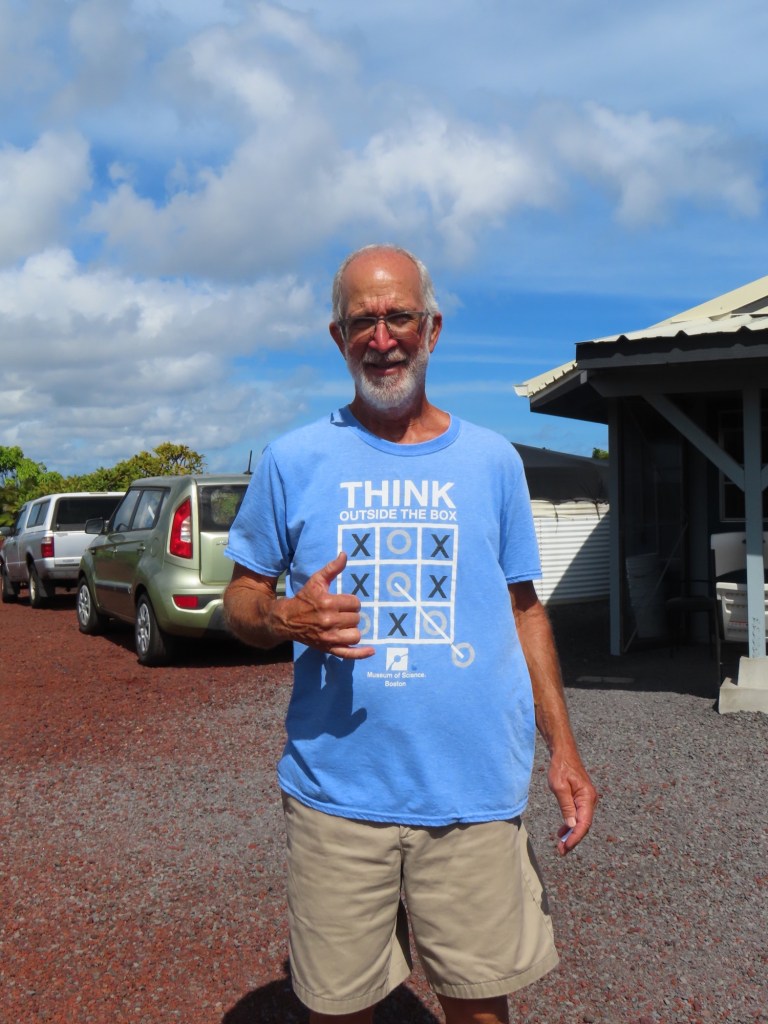
Gary Sleik photographer/videographer/volcanologist. ….amazing!
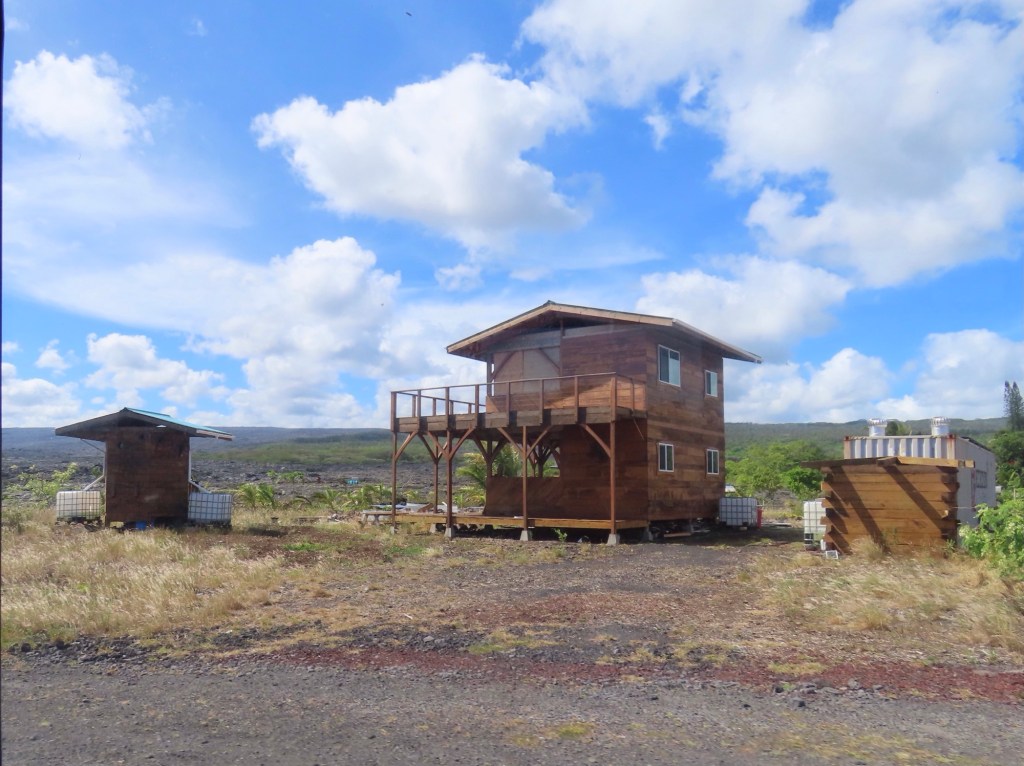
Gary Sleik Doble hibiscus growing in his “garden”On the cooled lava field of 2008 Gary and neighbours have rebuilt their homes “off the grid”. I am awaiting a reply from Gary whether or not I can attach the link to his story…..a video with amazing and spectacular video footages. If I cannot, you will have come for a visit.
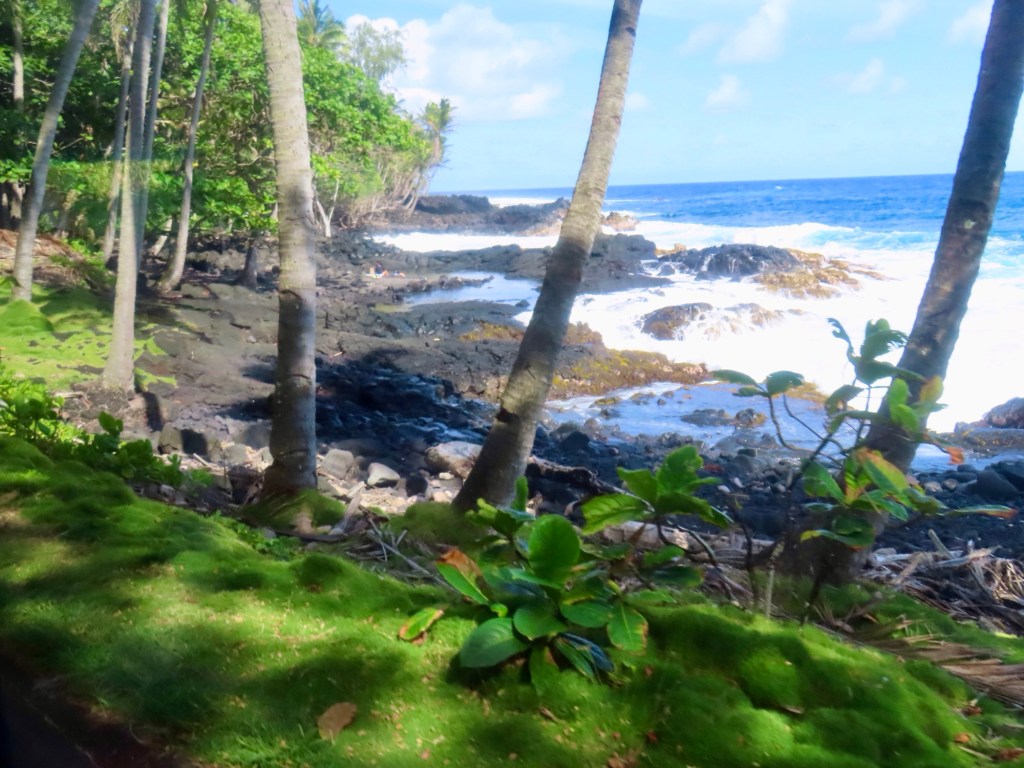
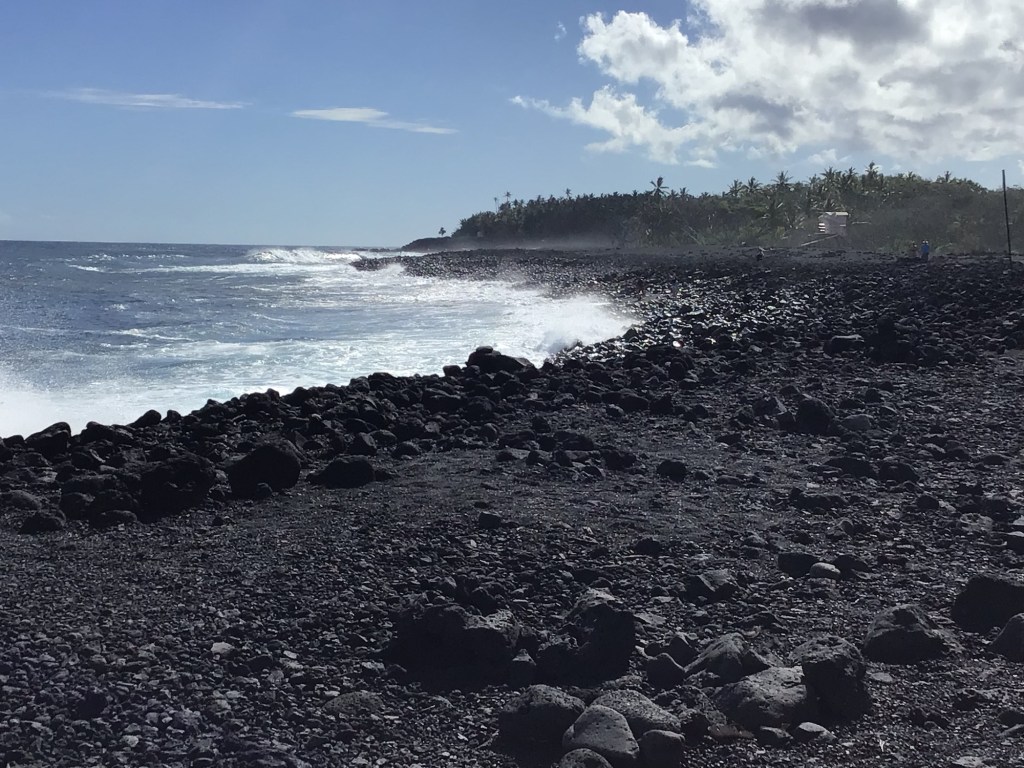
Kehena Beach….nudie hippie beach (got quite a sight of one old guy….lol). Black sand is really little black marbles
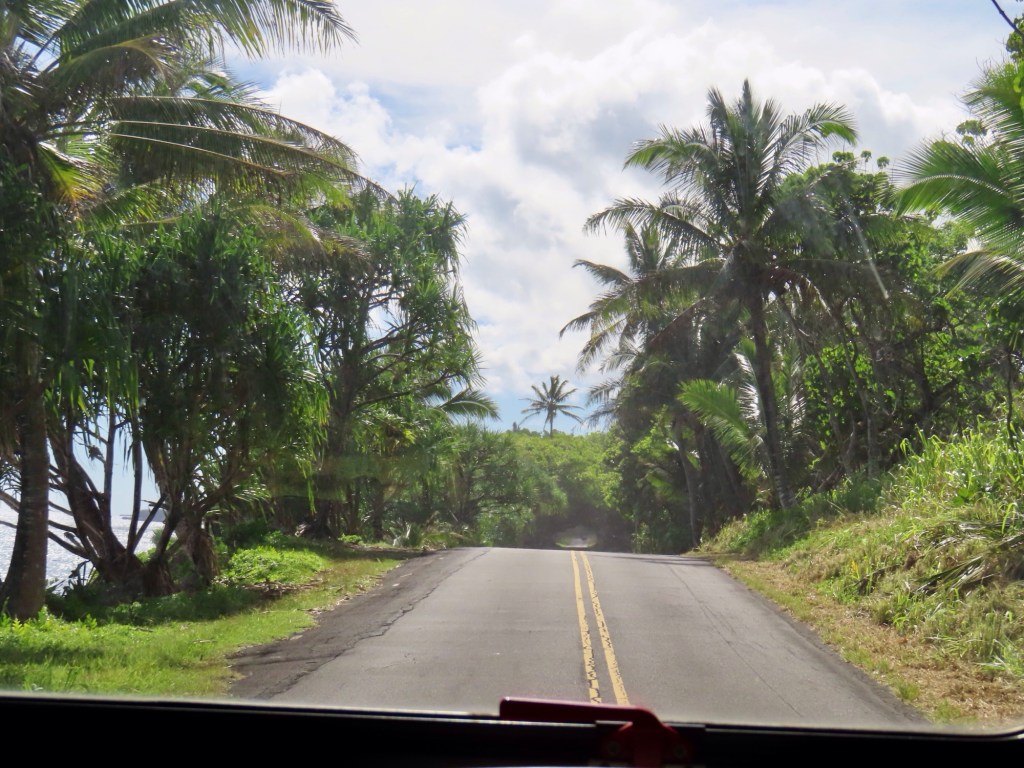
Black sand (pebbles)Sea grapeTunnel of trees….if you expand the picture
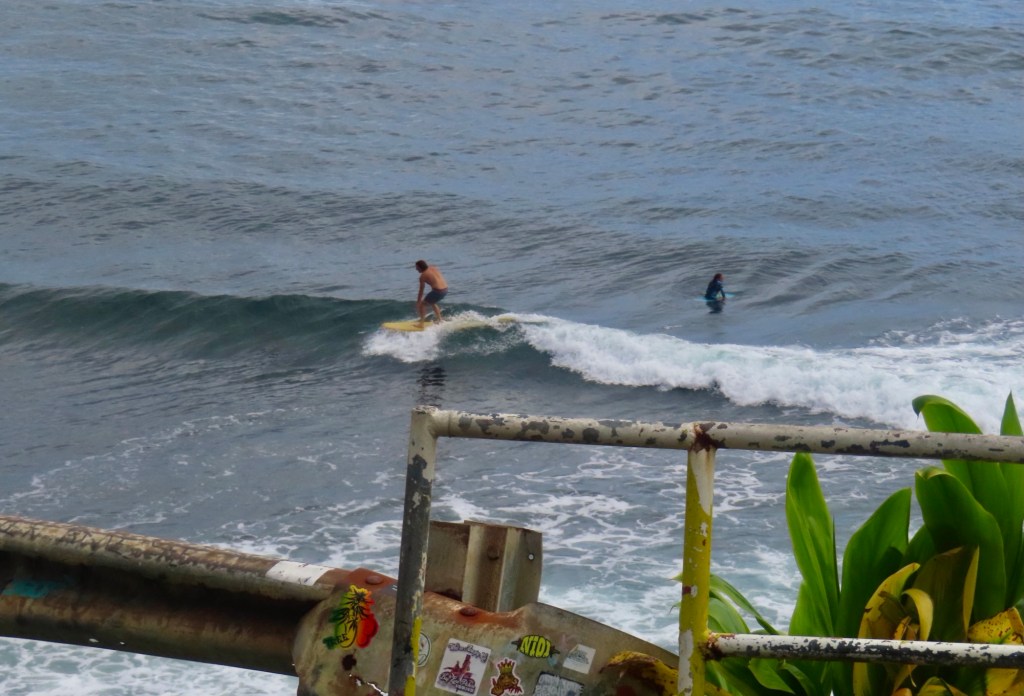
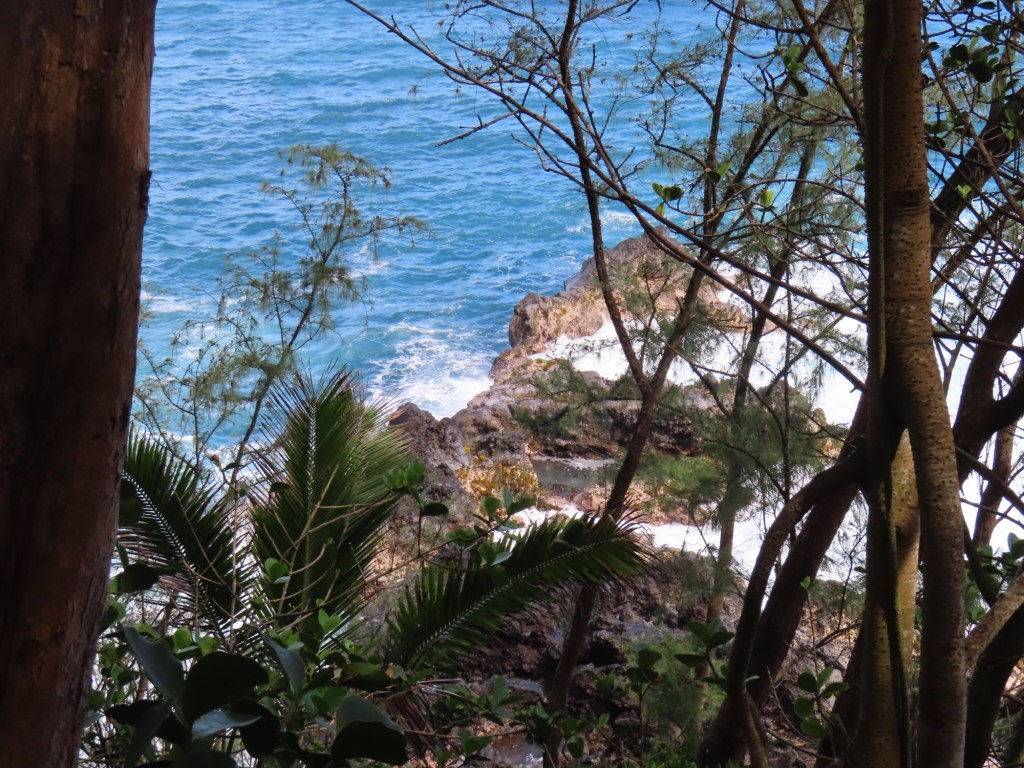
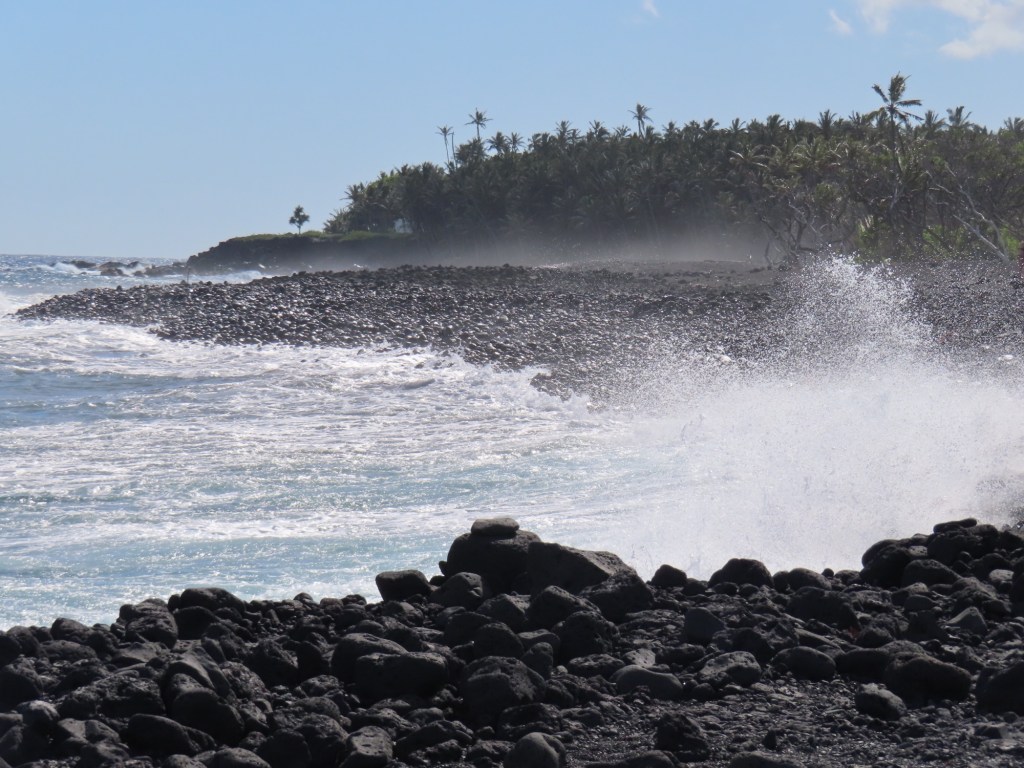
Mackenzie park… haunted! The lava tubes make howling sounds at night. This area is known for rogue waves. They take 2-3 lives every year. It is very dangerous. The waves can be 50-60 ft high.
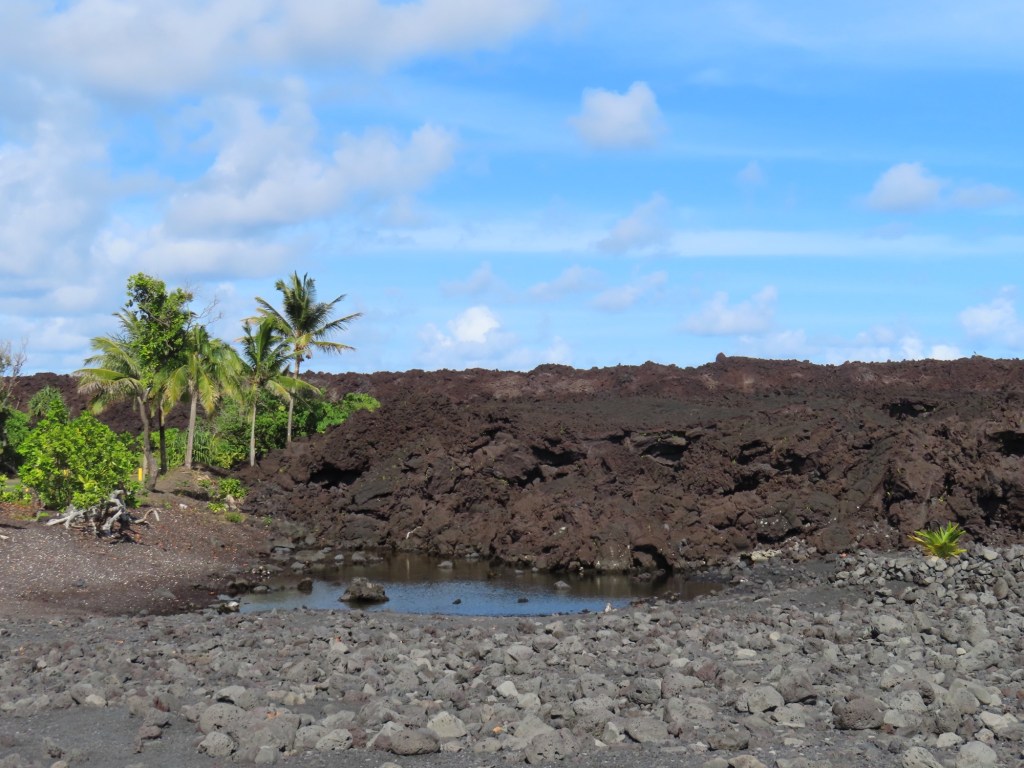
We crossed over the lava fields for 7 miles from fissure 8 before coming this beach
They used to be able to surf to the tree lineThese pools of water you should never go in cuz of infection they causeSaffron finchAt this spot there is a wharf for launching a boat……3-400 feet from the present shoreline.
Flow extended into ocean… used to beach at tree line. One day it dropped 3 feet into ocean…but lost they 3 great surfing beaches.
“Puna”…pele’s unpredictable sister
Steam emitting amongst trees is from the volcano.
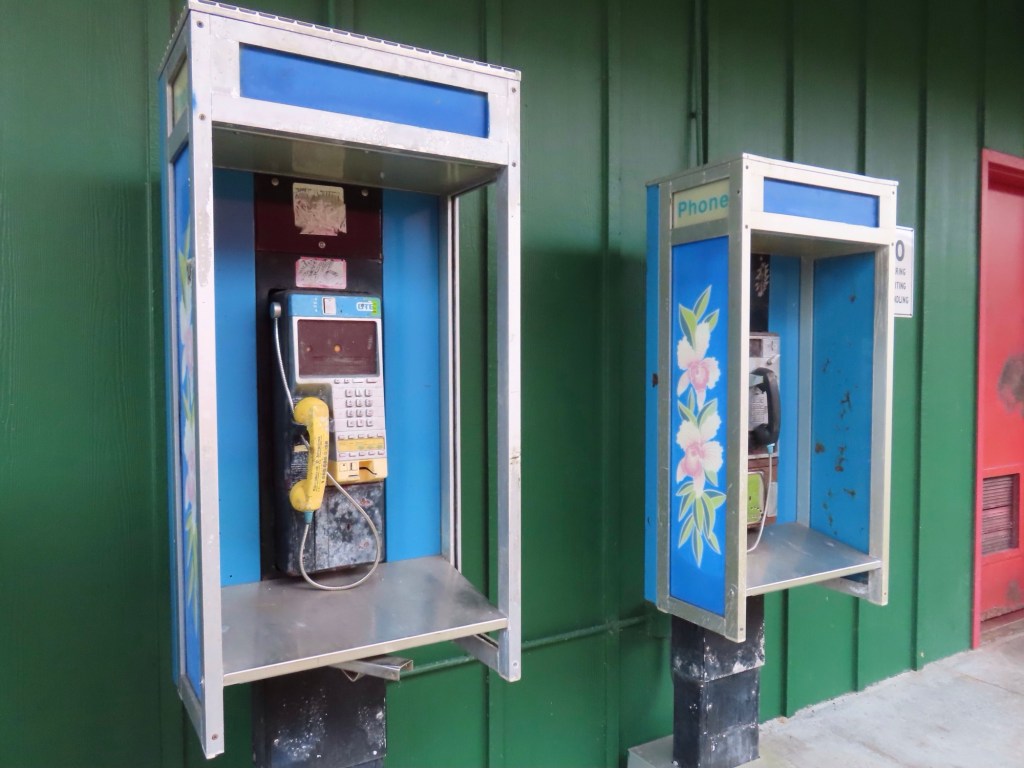
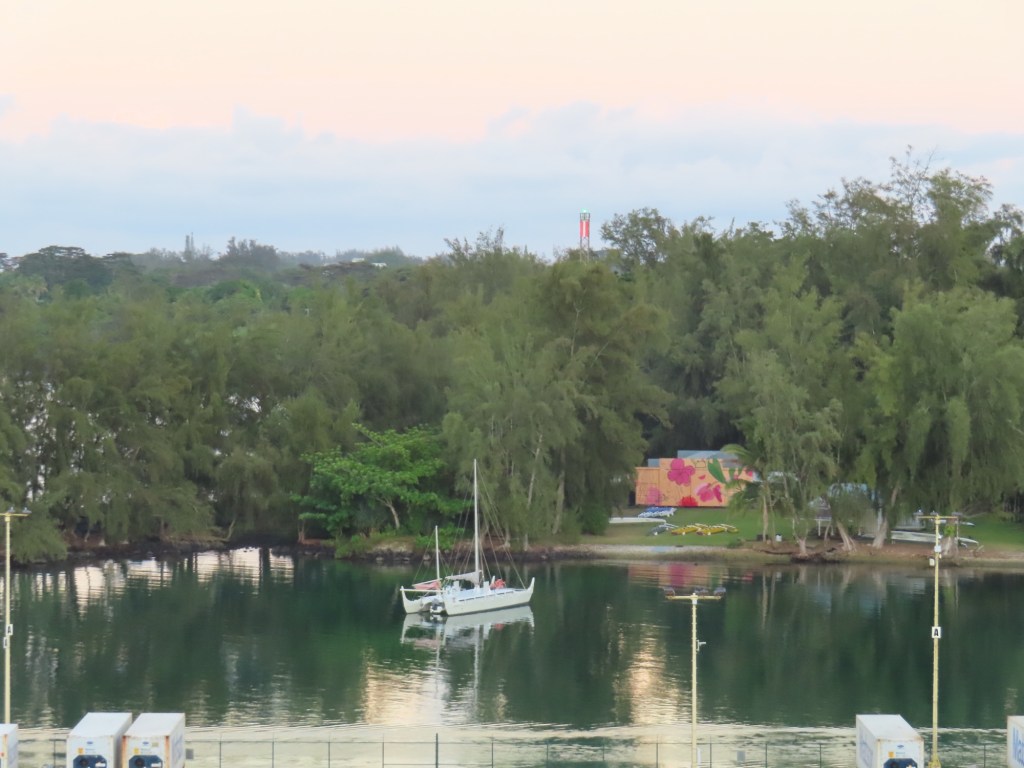
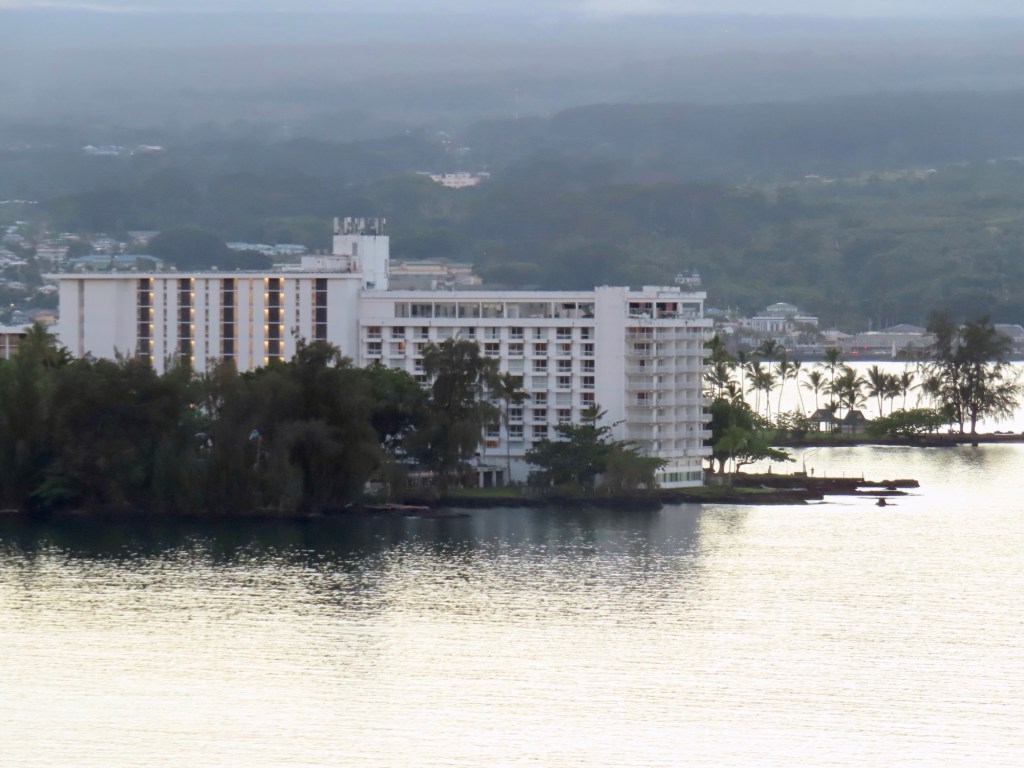
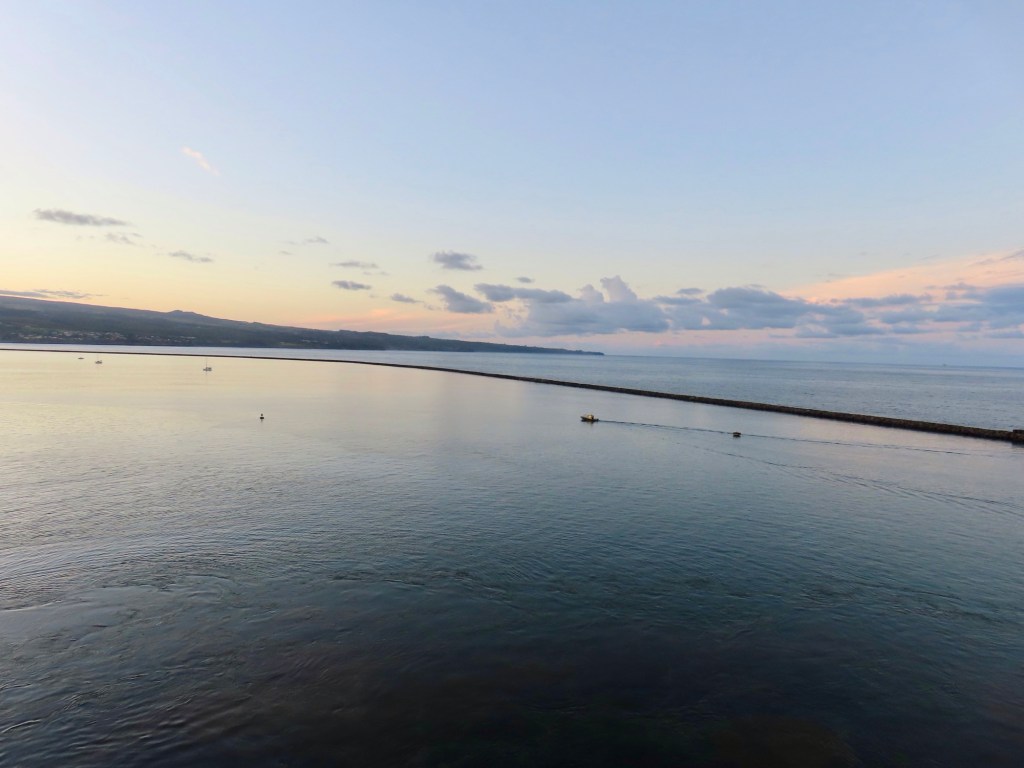
When was the last time you saw any of these???In the harbour in HiloI can only imagine this hotel floodsLoooooong breakwater off Hilo as we are leaving port.
The story we heard about why the inhabitants of Easter island came north to the Hawaiians Islands was that the Polynesians had cut down all the trees there which inadvertently caused them to starve. They needed another place in which to survive.
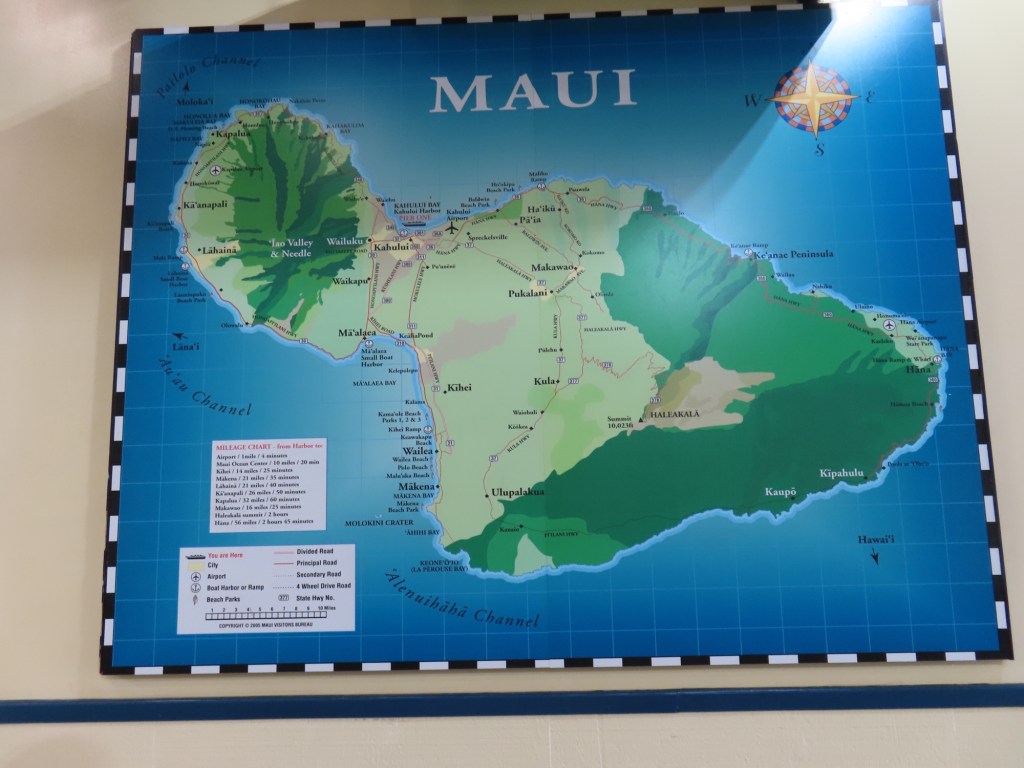
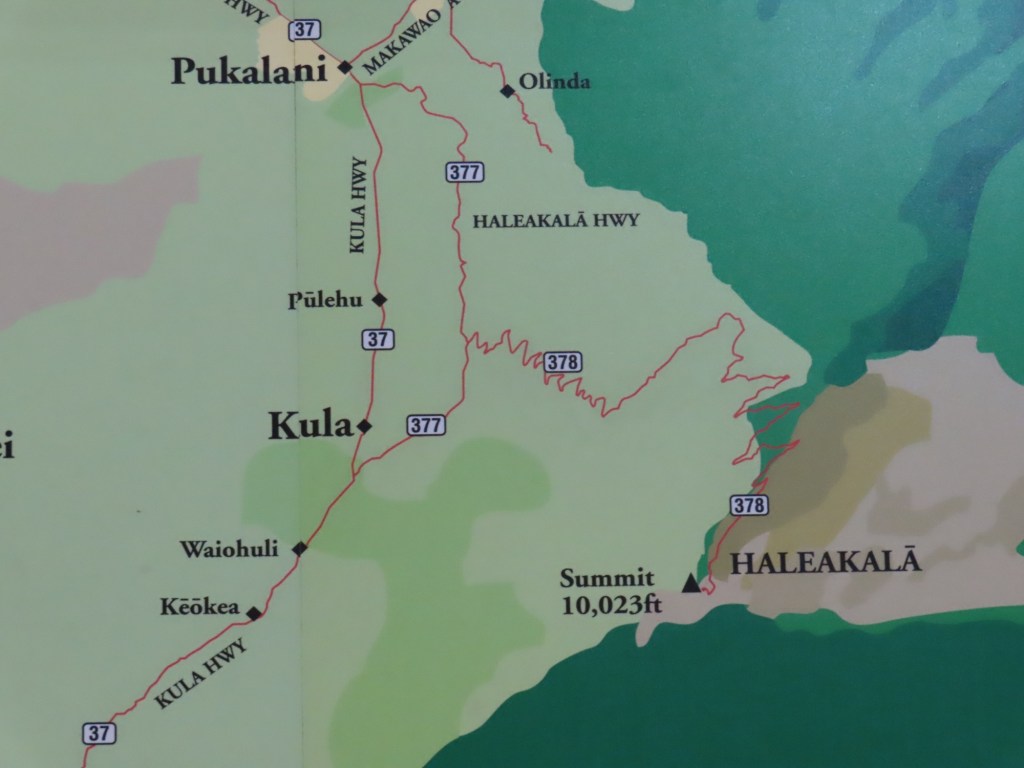
Only 4 of us on this excursion. Me and 2 men plus the lead bicyclist. We are using specially made, very heavy bikes. We are not to use both brakes at the same time…..right first which is for rear brakes otherwise you could fly over the handlebars. Mount Haleakala is just over 10,000 feet but we are only allowed to ride from outside the national park …..so around the 6500 foot level.
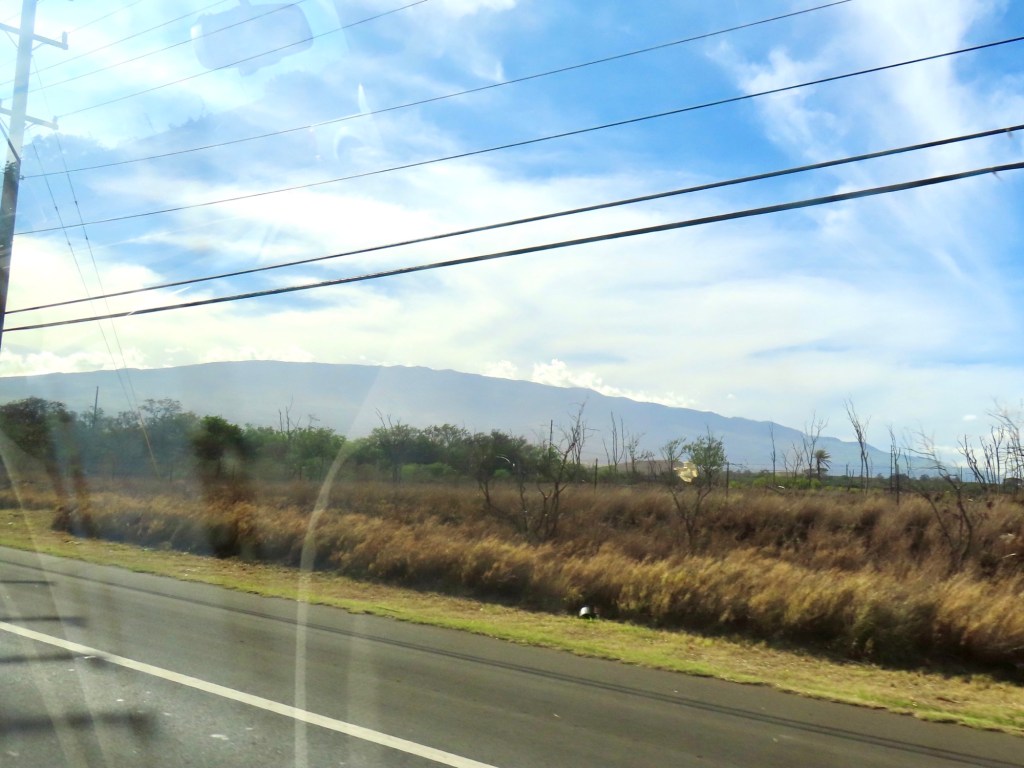
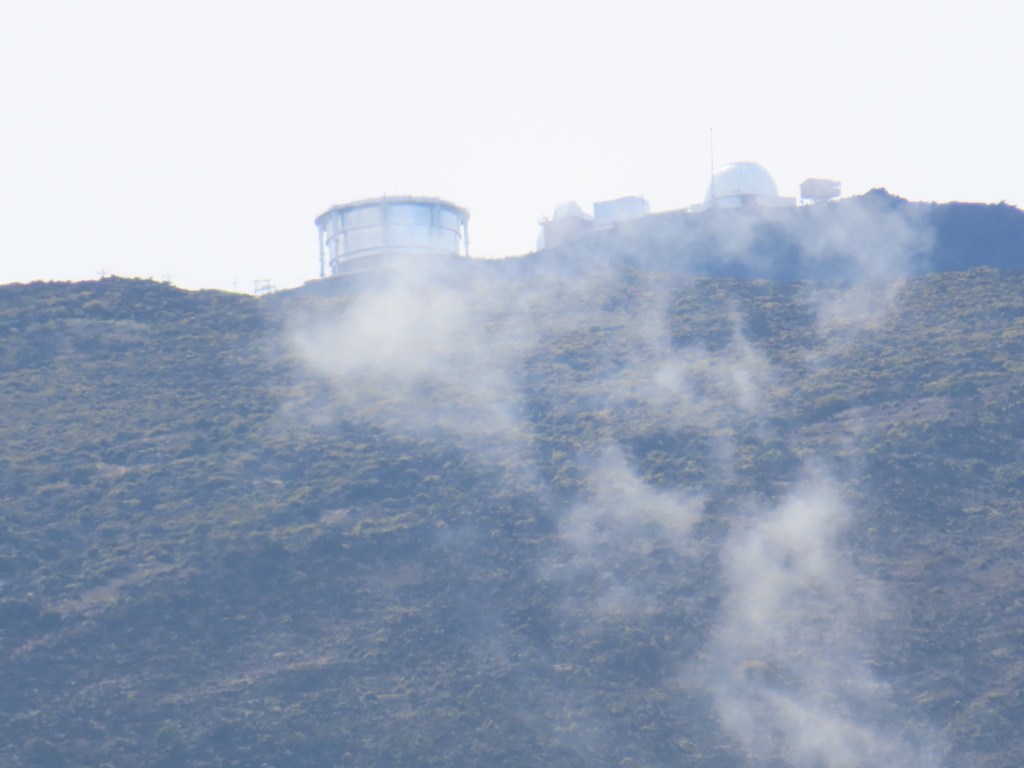
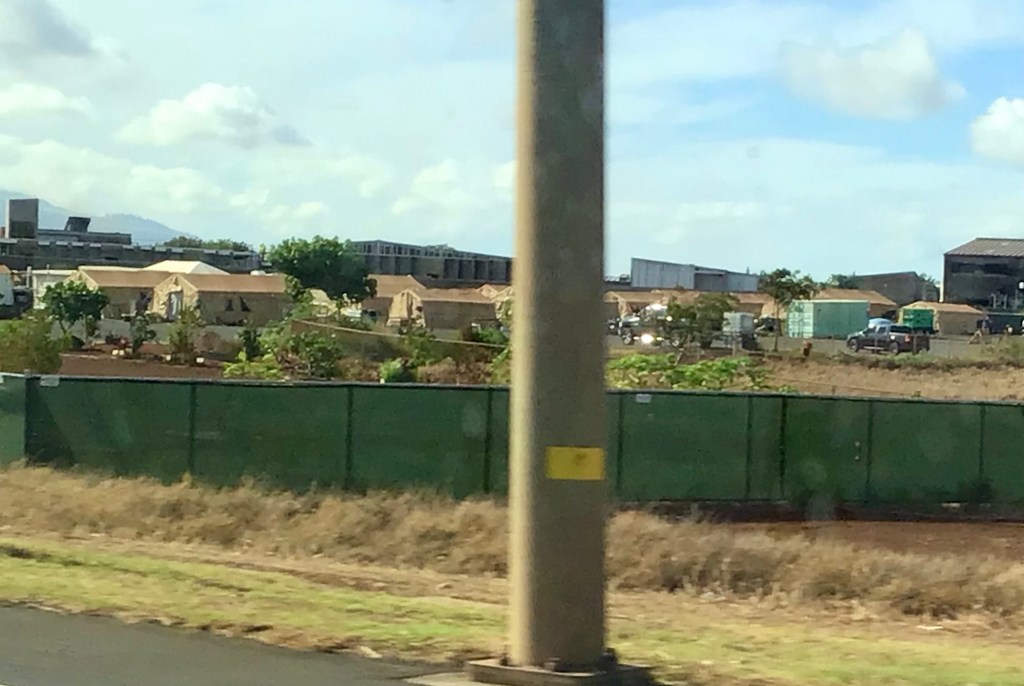
Lahaina Electric “will probably go bankrupt soon cuz the cause of Lahaina fire was faulty electric lines and rotten poles that blew down during the hurricane causing the fire”. They had another fire on Haleakala about 3 months ago but they believe it was naturally causes. Will take 8-10 years to rebuild Lahaina. As we drove off, we saw tents to house the displaced residents.
They used to farm sugar cane here til 2016. They now trying to grow limes and oranges ….trying to make it so that they don’t have to import everything….become more self sufficient. Not allowing the land to be used to build skyscrapers, just farming.
“Up country” refers to above 1500 feet elevation. Every island has a cowboy town cuz there’s a ranching.
Wild deer, boars…it is never not hunting season.
Evidence of trees burnt happened at the same time as Lahaina
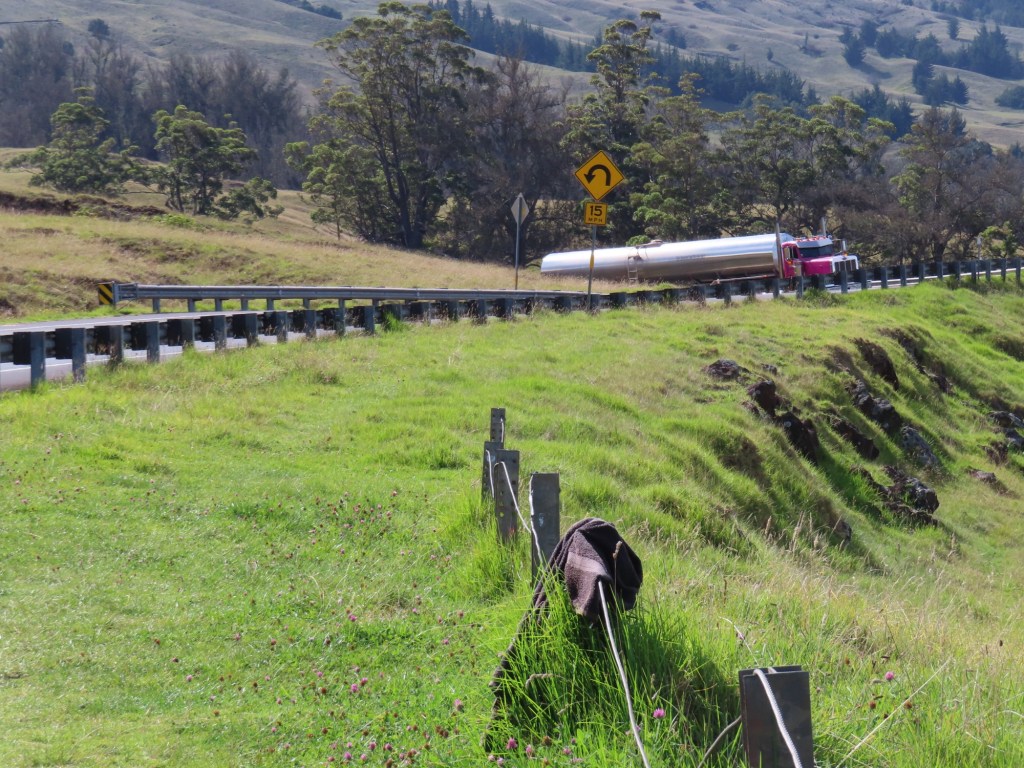
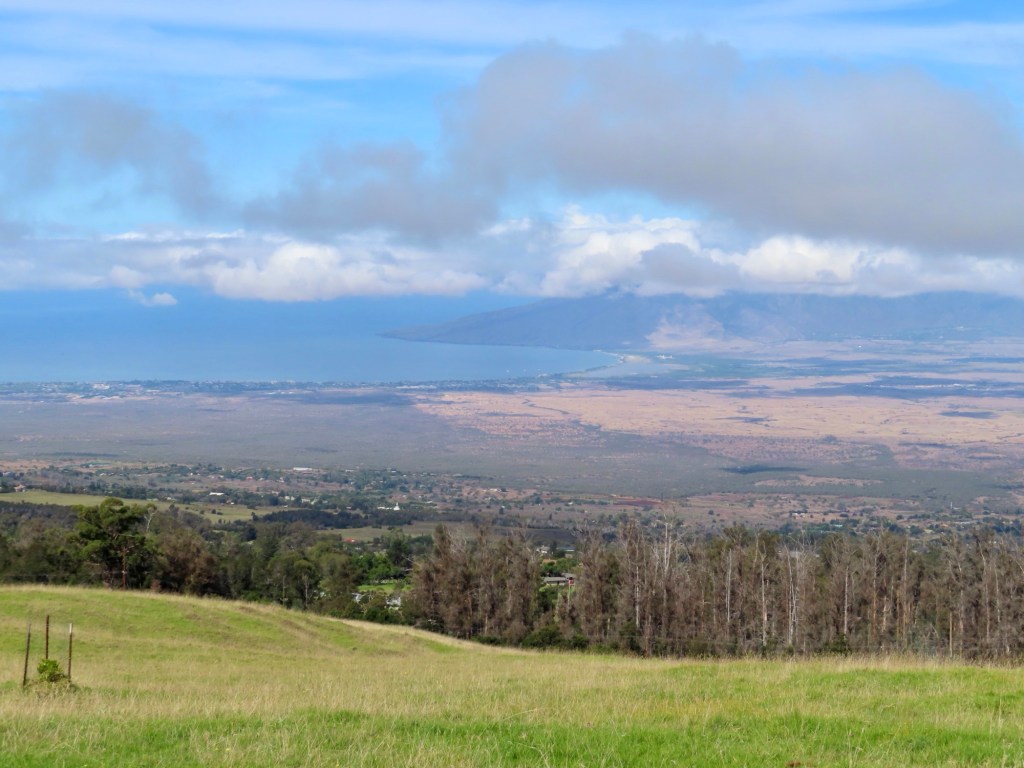
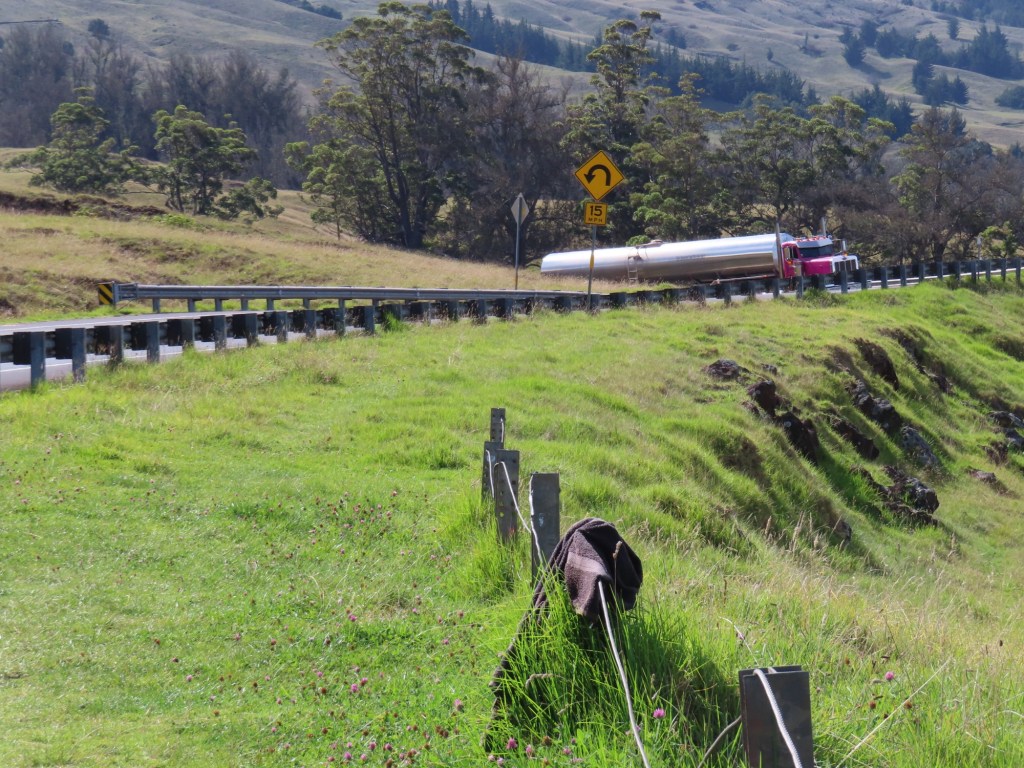
Kula next town. The road was built for SDI by R. Reagan …..is military. It’s a good road, paved, no police so no speed limit but it has very sharp turns but we did see a “B-train” come around one. There was not room enough for another vehicle though. The road is a 12% grade.
Tents for the displaced Lahaina residentsThere is our ship the Zaandam in Kahalui
The houses do have fireplaces up here cuz it gets down to 40 F.
Grow proteas here…probably better than South Africa ….appparently!
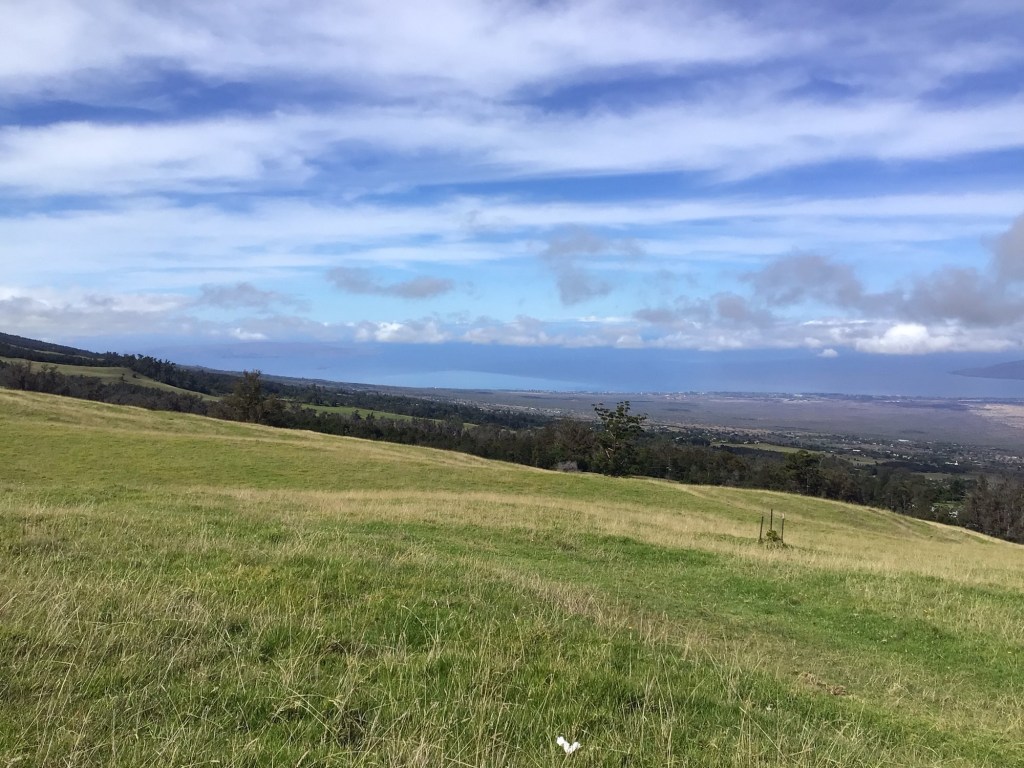
At the 4000 ft elevation there are no more houses. It is all cattle ranch
Hurricane Dora… Lahaina fire and trees downed.
Kahalini Island that we can see way off shore, was use to test bombs so no access to public cuz of possible unexploded ordinance.
Power lines cannot be buried here cuz the lava is just below the soil. It would be extremely costly and almost impossible without blasting . Electric company has to keep cutting the trees away from power lines to prevent fires.
Below 5000 feet or over 50,000 feet is only place you can fly any aircraft. Everything else is military airspace
Haleakala means “House of the Sun”.
Canada goose is called Nene goose, is their state bird….funny! Thee is a $50,000 fine if you kill one.
There are no dairy farms here. Consequently it costs $15.50 /gallon for milk on Maui.
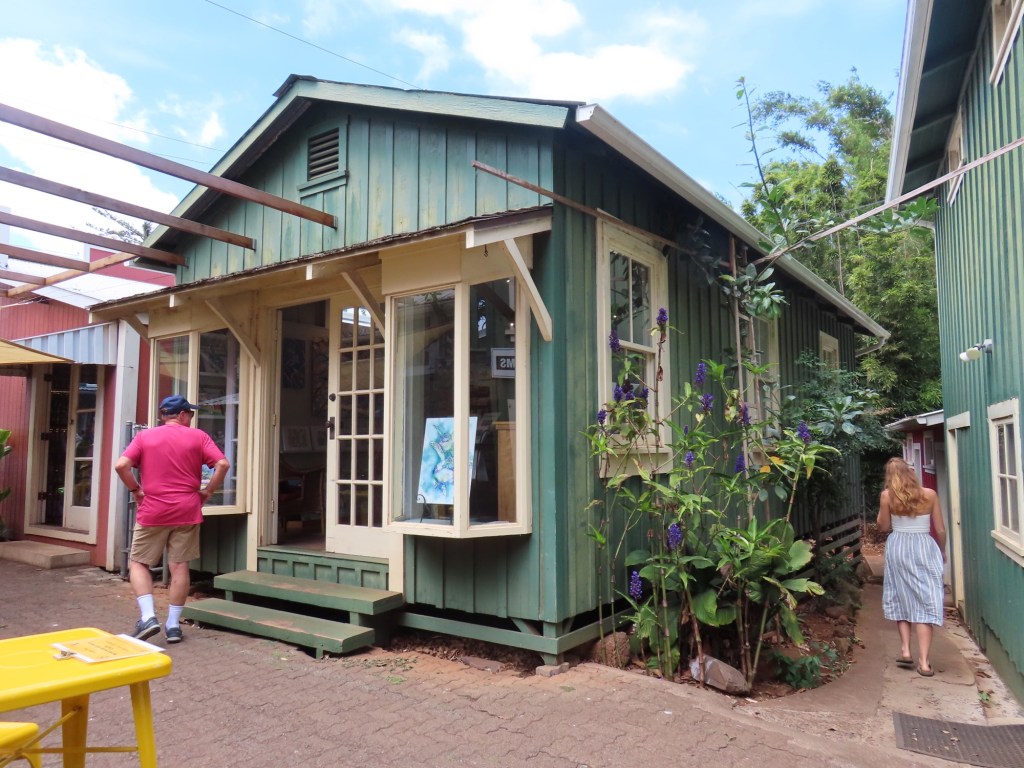
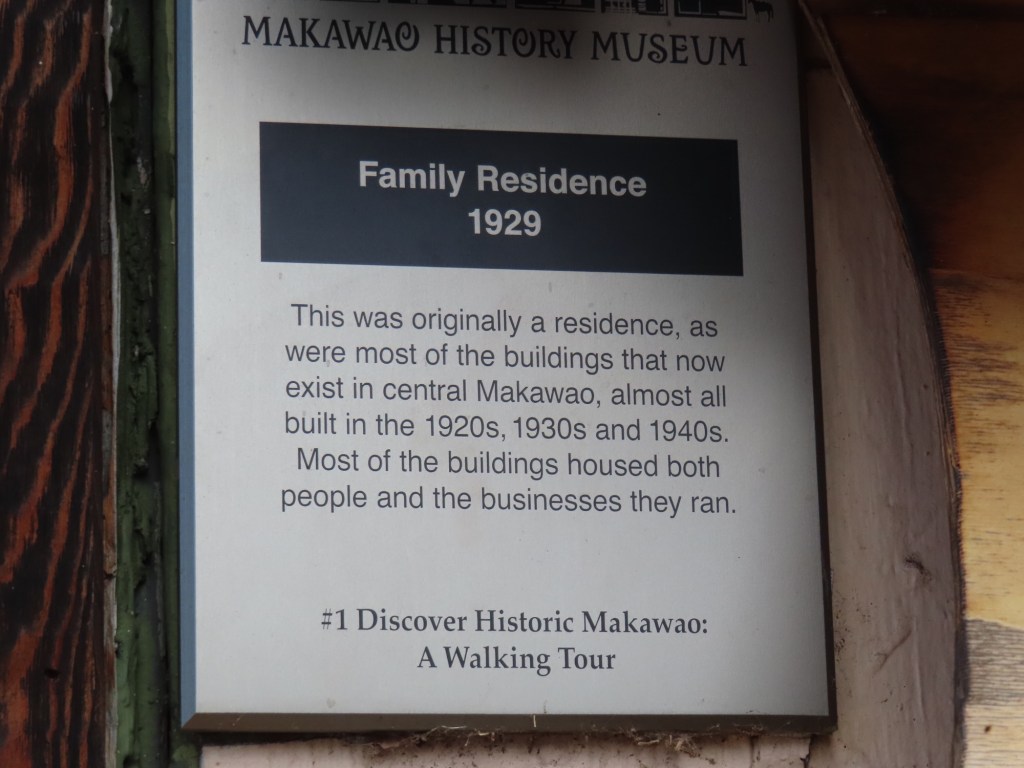
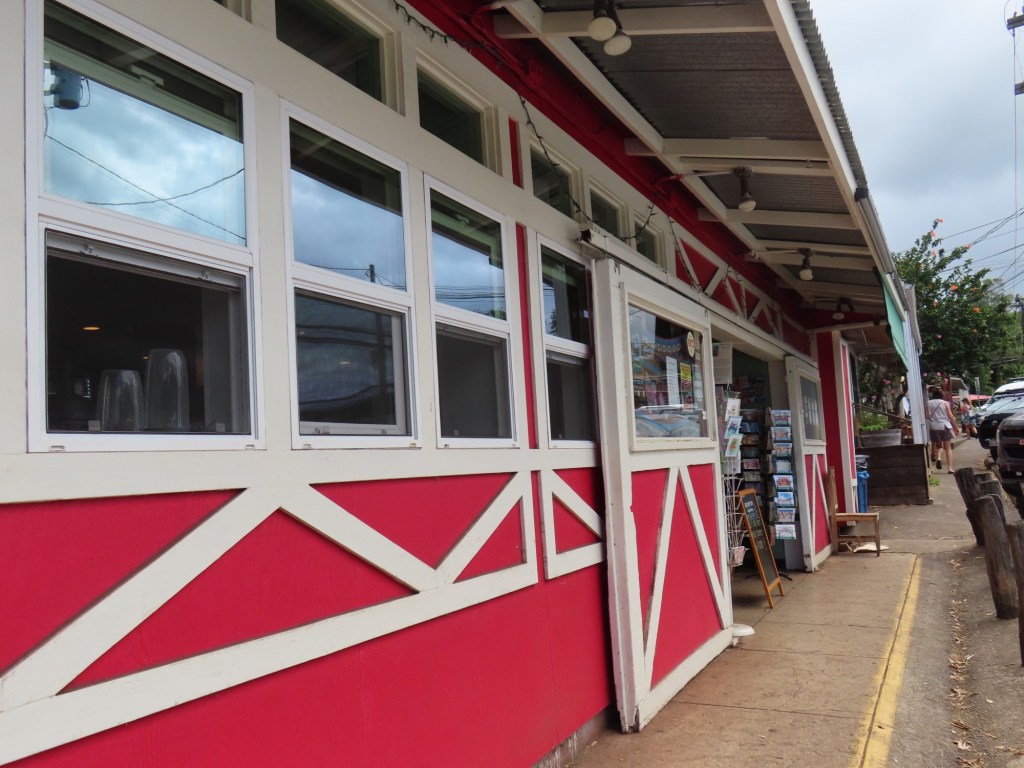
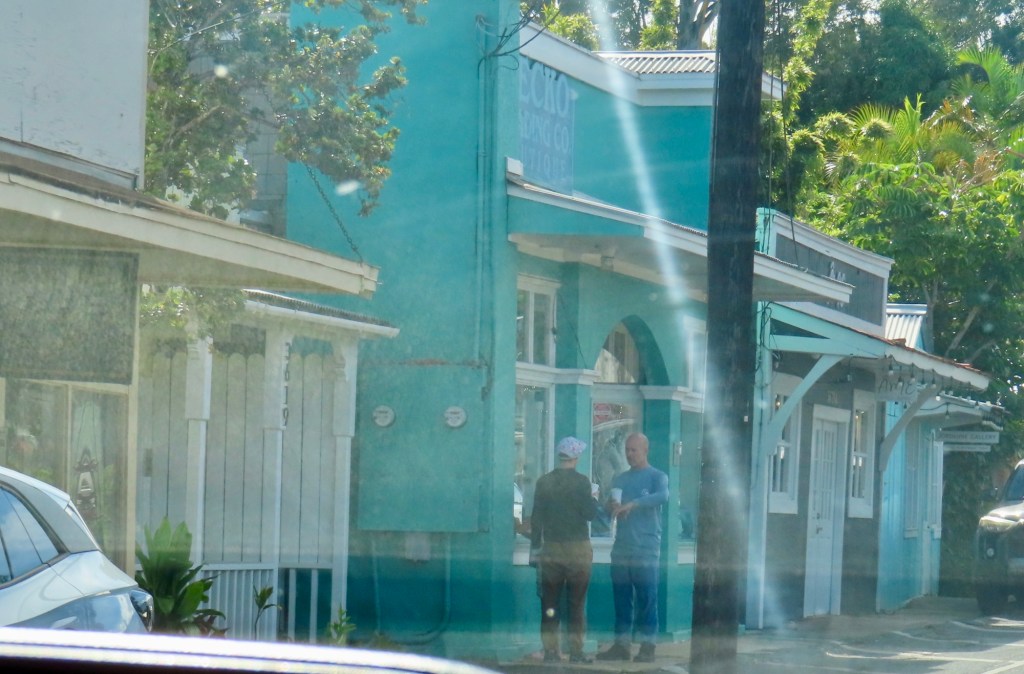
We stop to shop at Makawao. It is a “cowboy town” with all the old buildings from the early 1900’s.
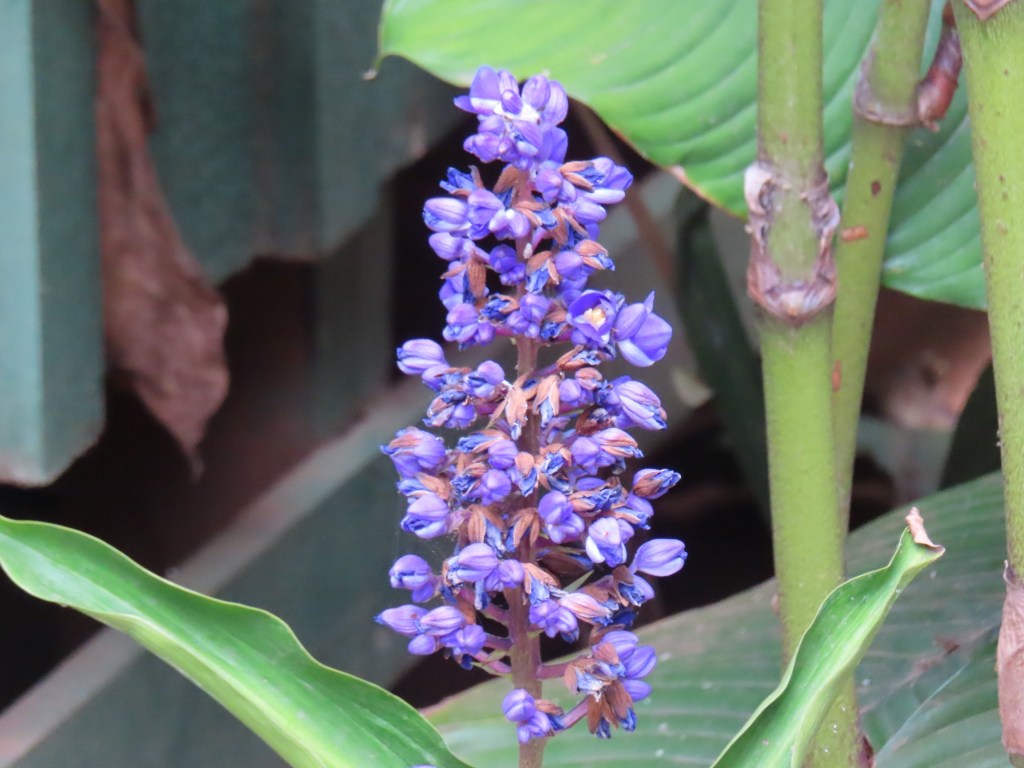
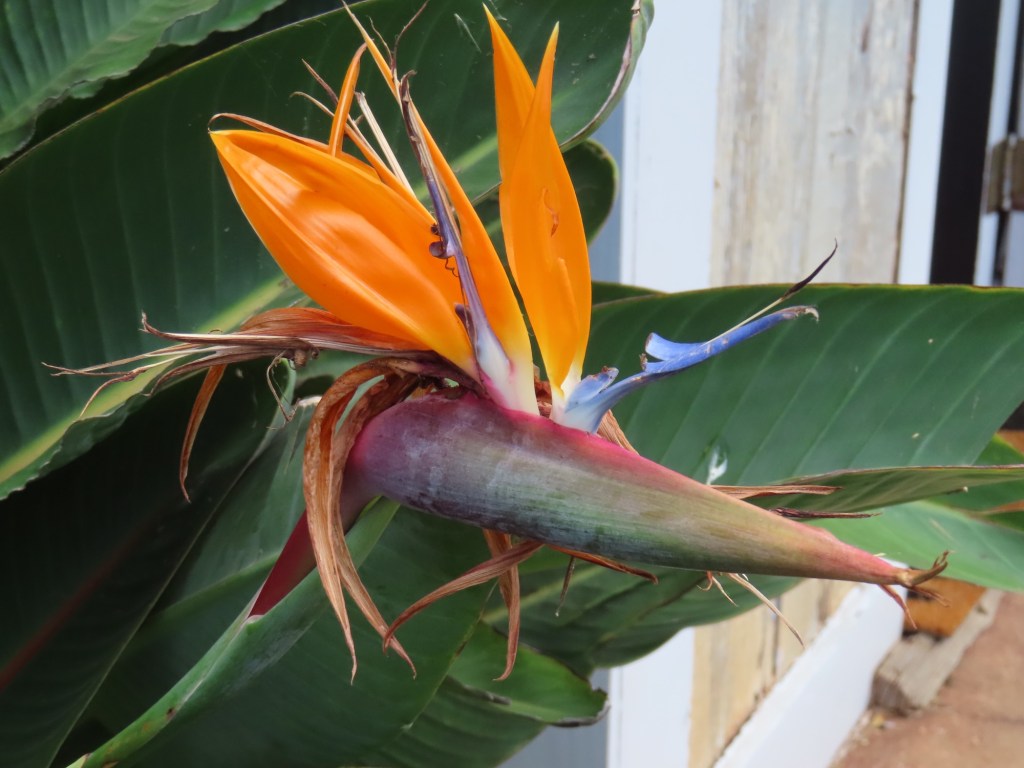
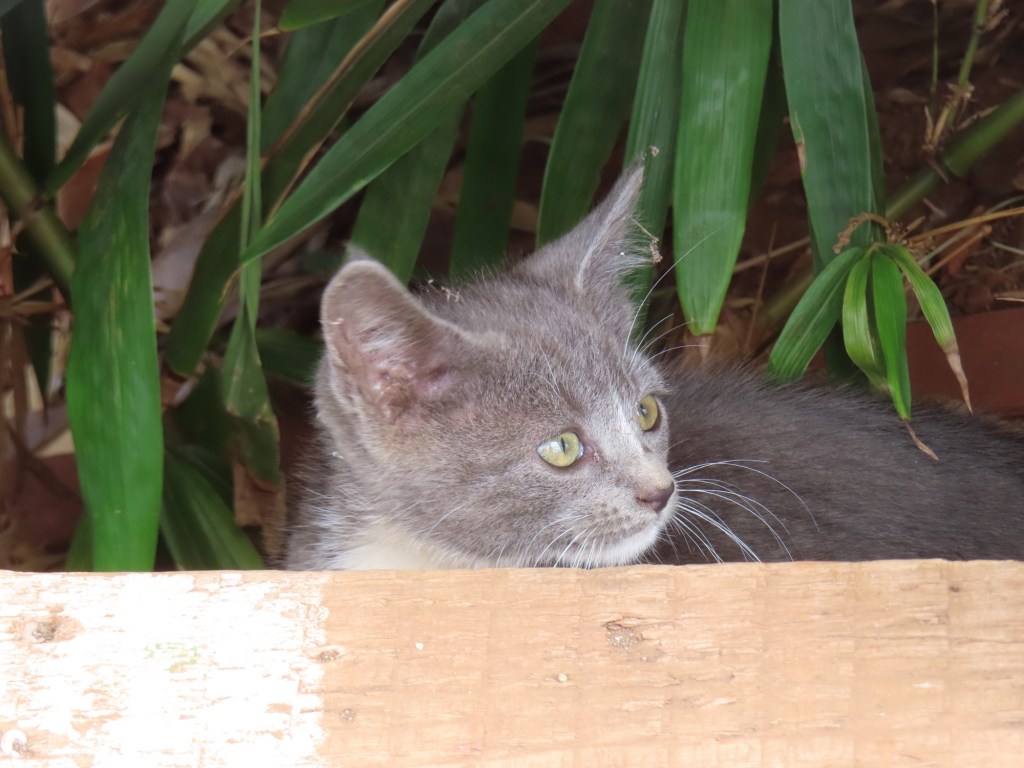
Bird of paradise Sweet kitten
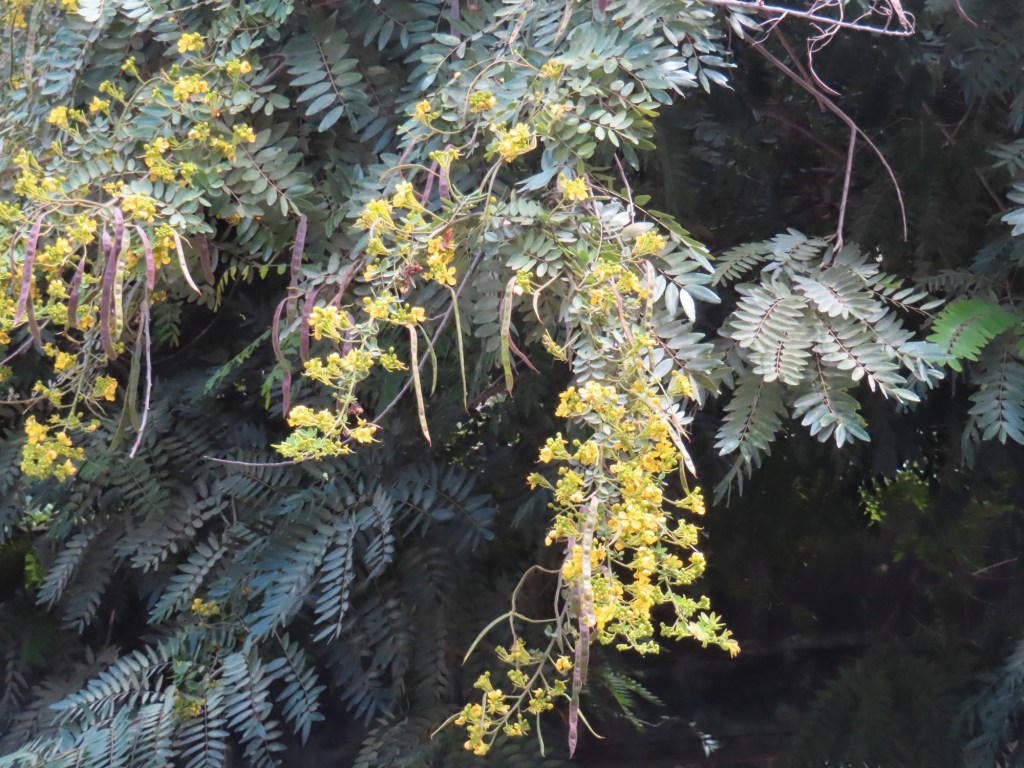
“Red shower trees” bloom when it rains. There are yellow ones too but sorry …didn’t get a picture.
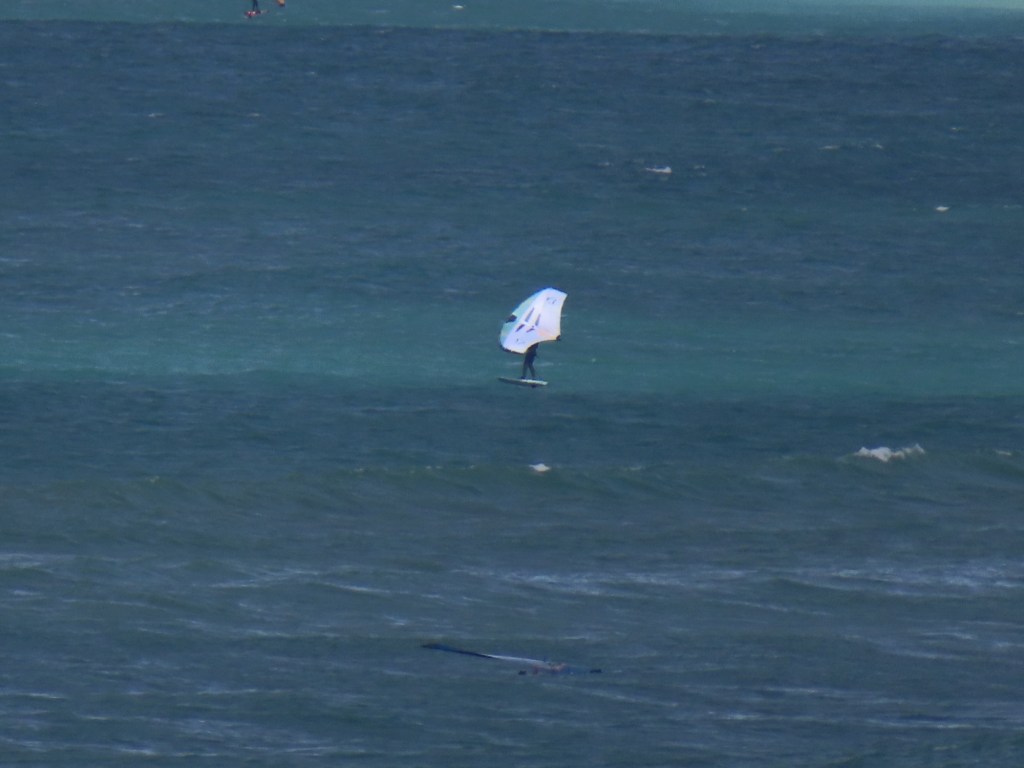
See all those twists and turns that we rode down and aroundKite surfing Beautiful beach
Yesterday while I was snorkeling, my phone got wet. The case that I was using for my phone to take underwater pictures….leaked. I am trying to dry it out but so far it’s not working. I may have to buy a new phone 😥. All the pictures and videos that I had taken, of course, have not transferred to my IPad making it difficult to do this blog. Geesh…..should have put the above on the previous post but maybe you all figured it out.
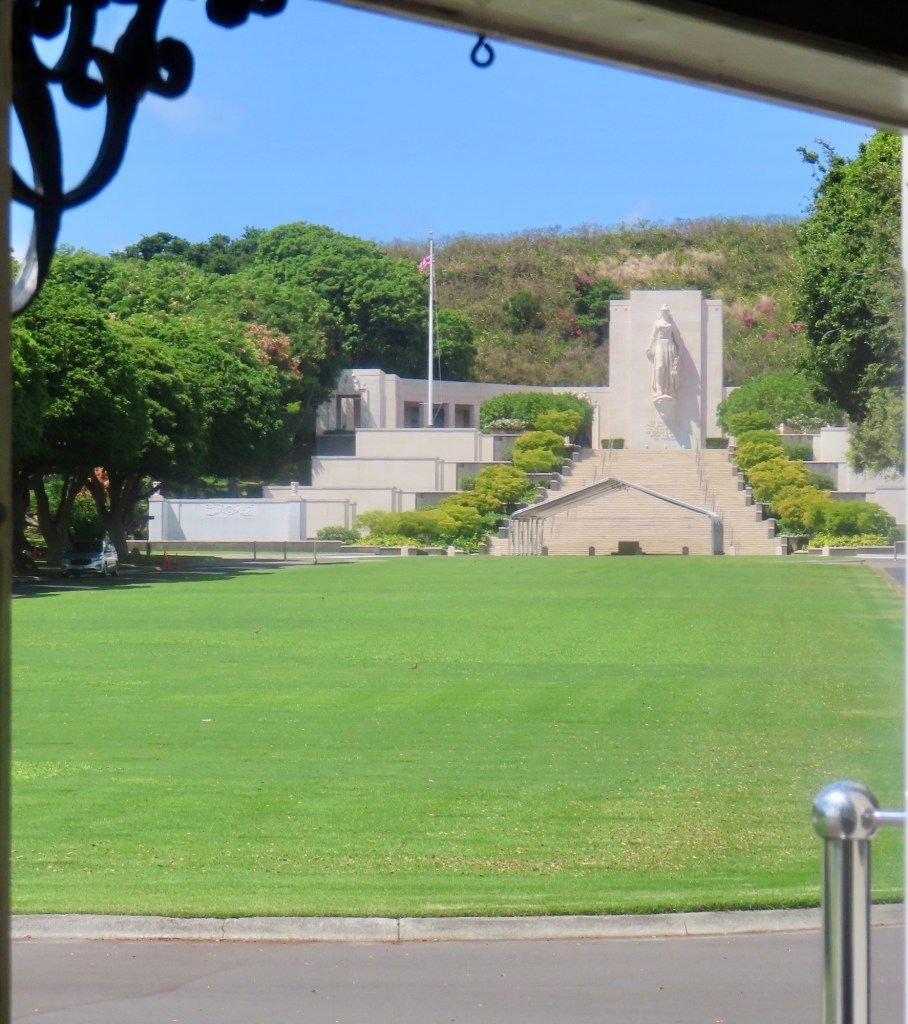
Our first day in Honolulu we took two routes on the hop on hop off trolley. Below will pictures from that day.
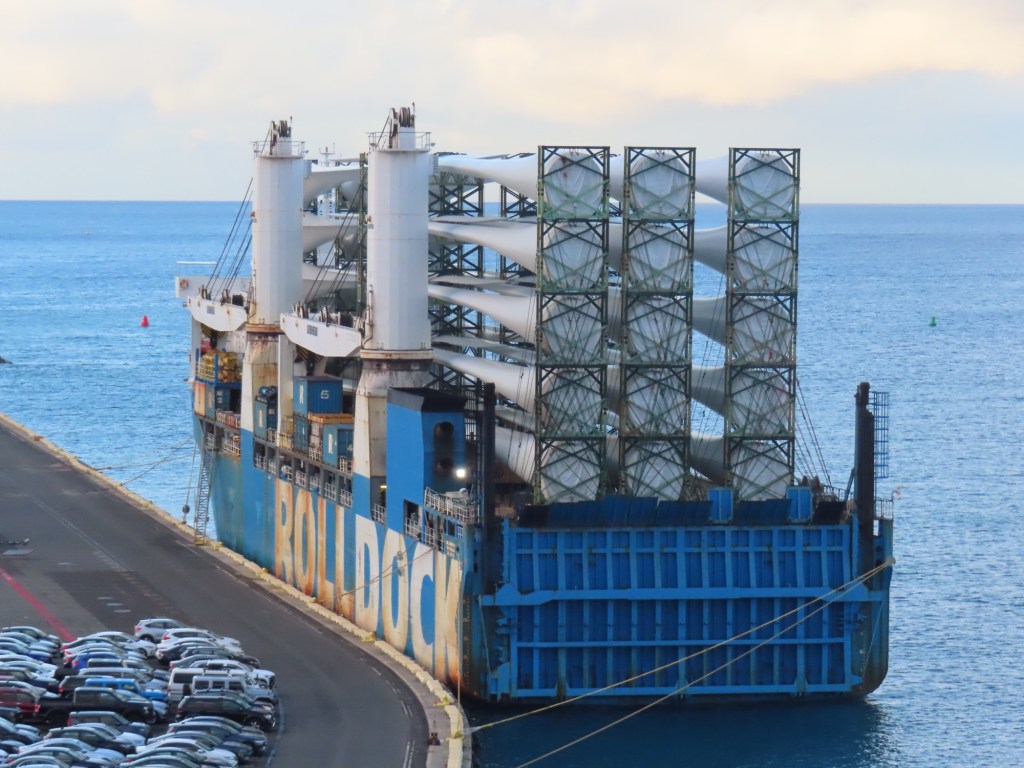
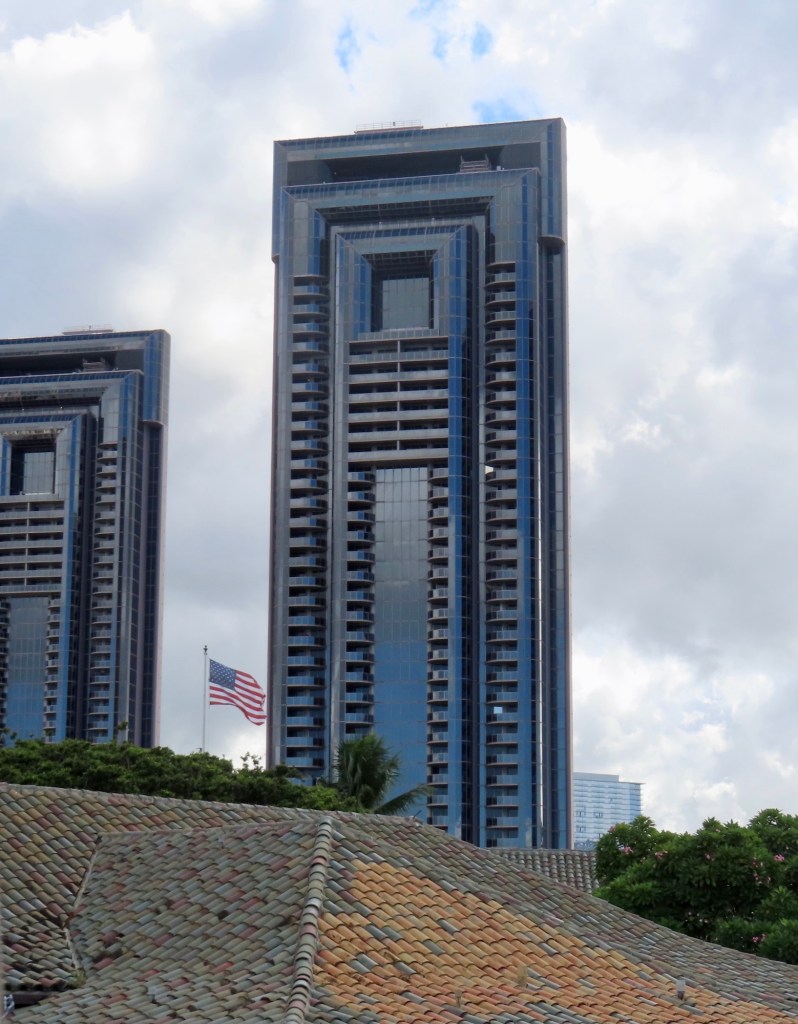
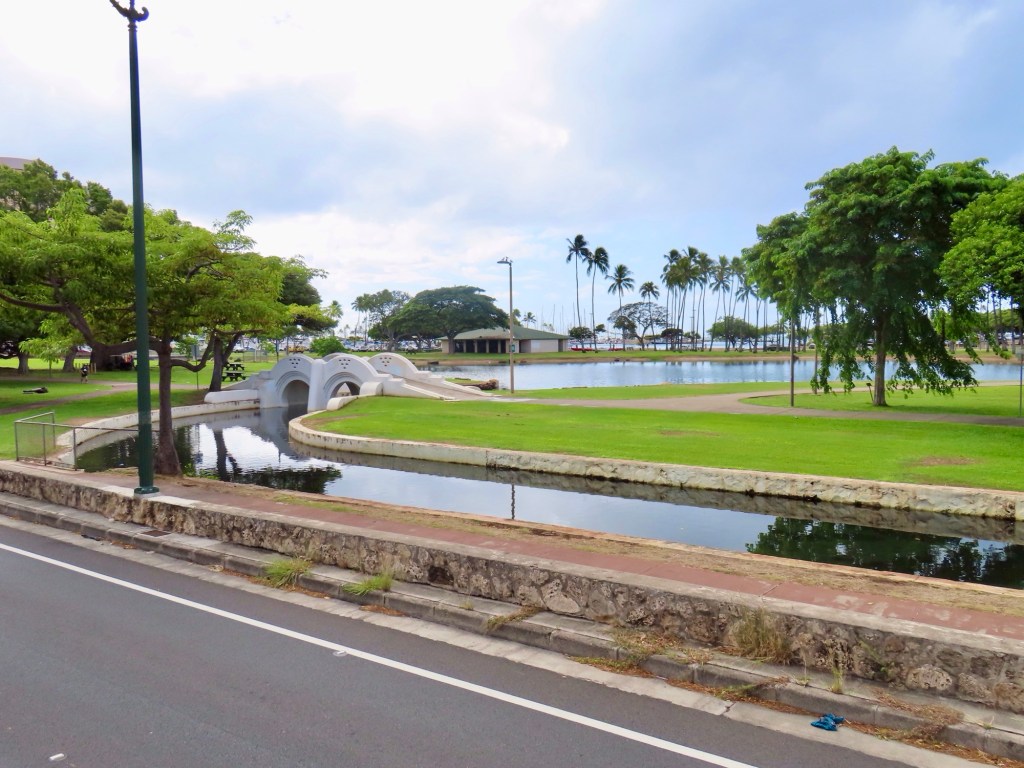
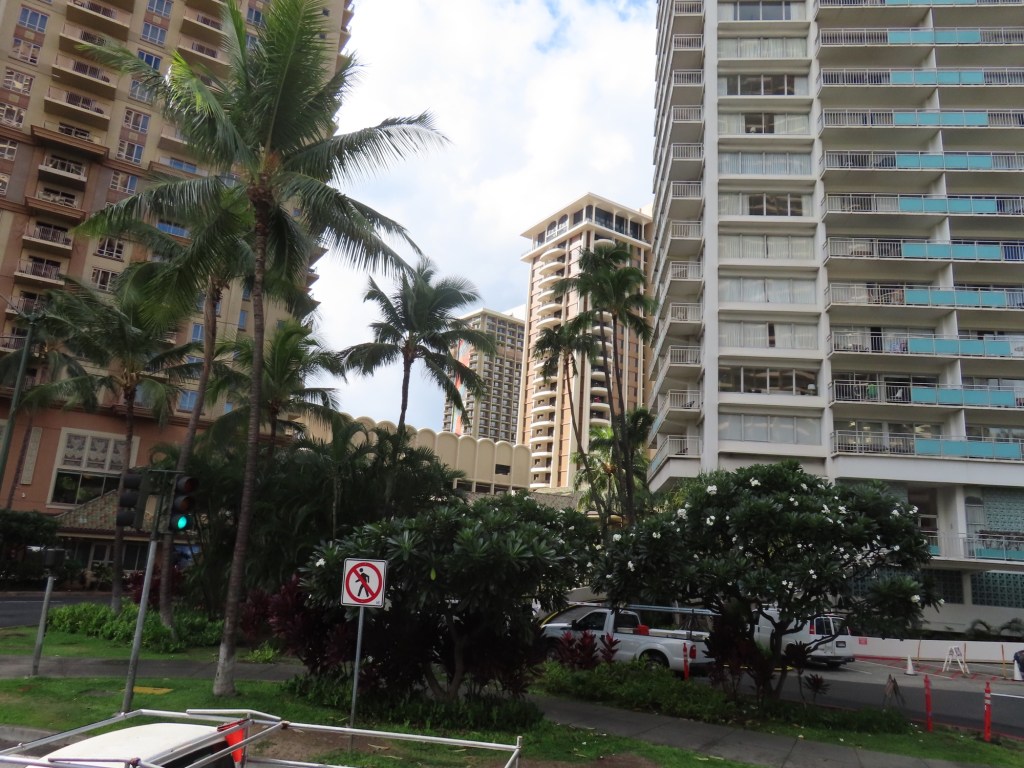
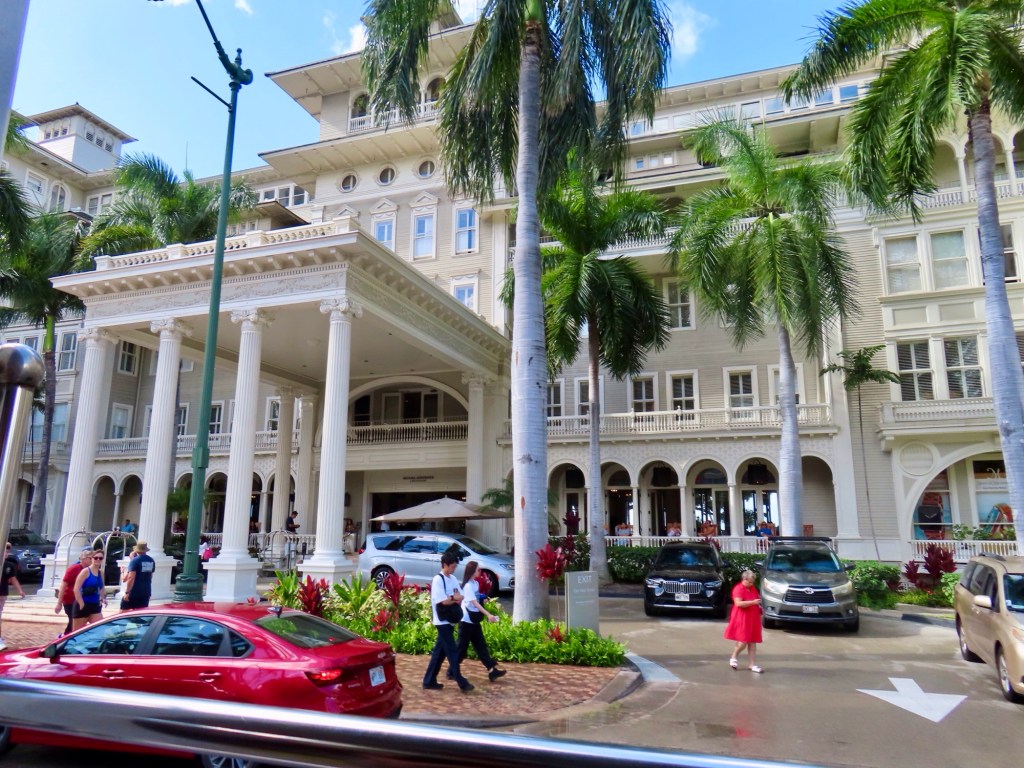
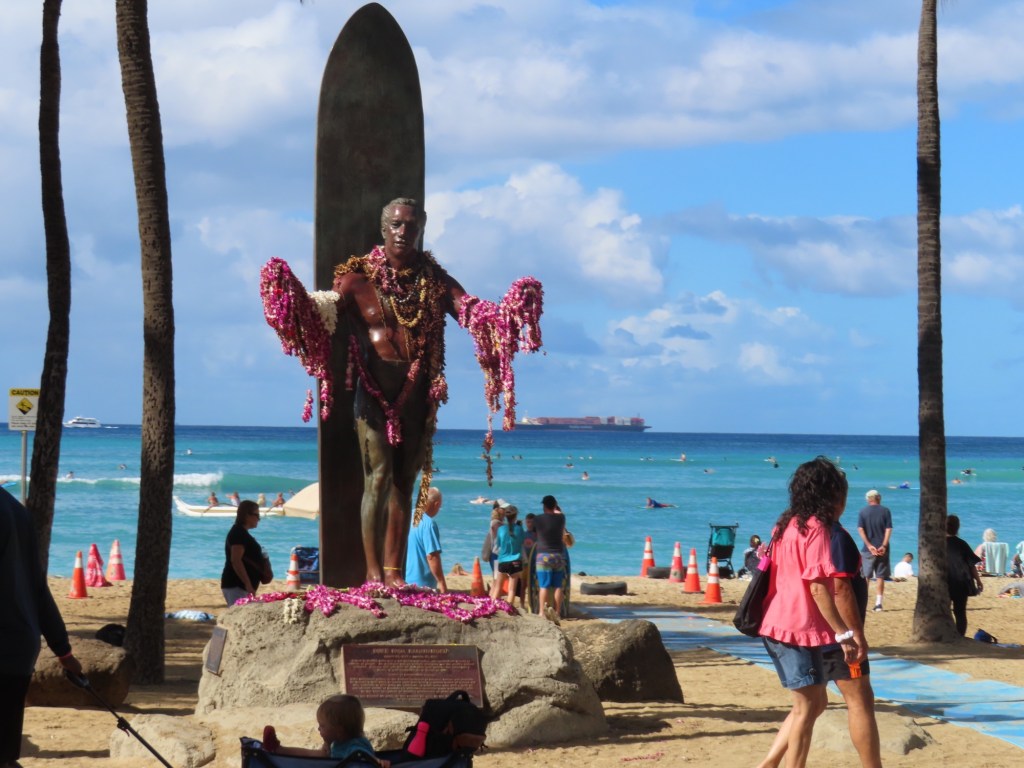
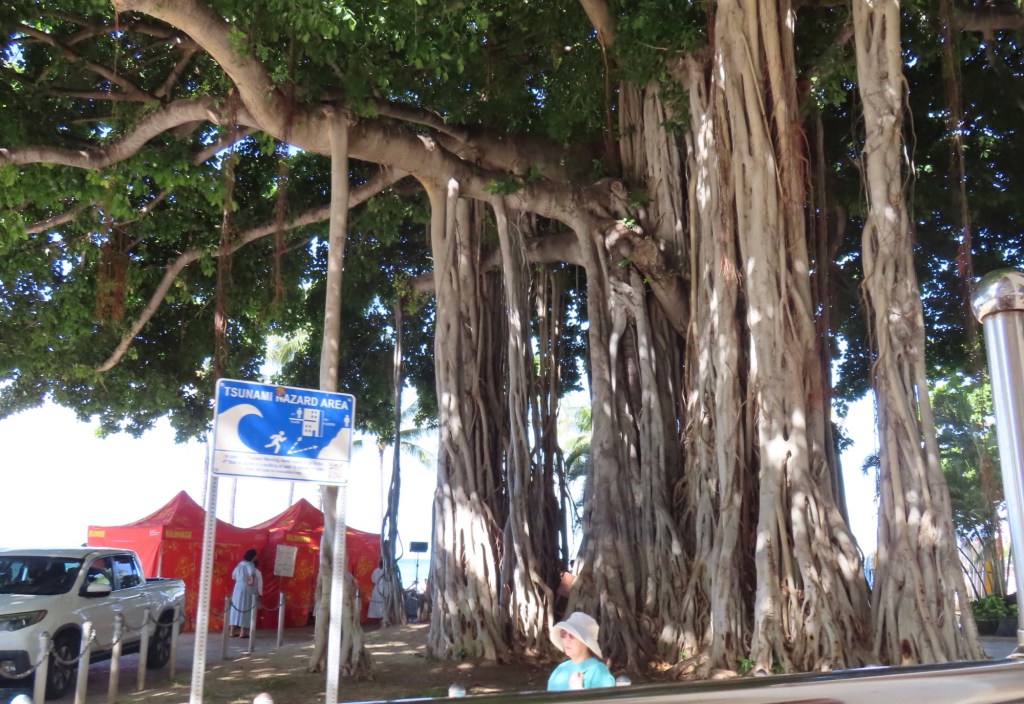
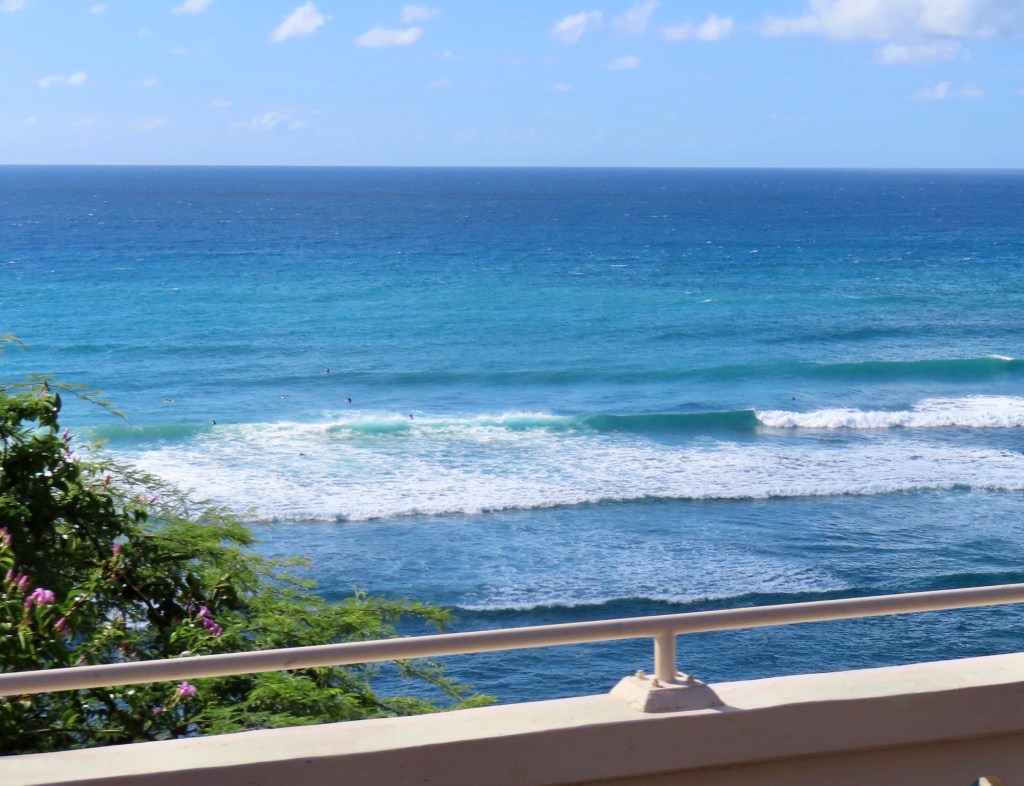
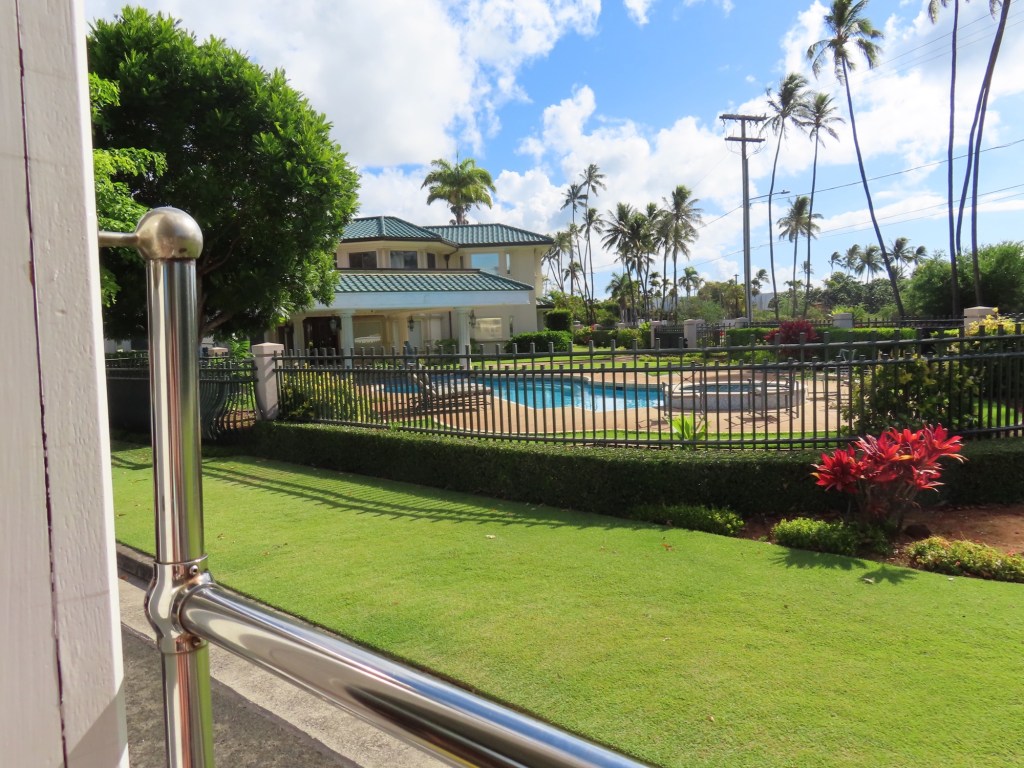
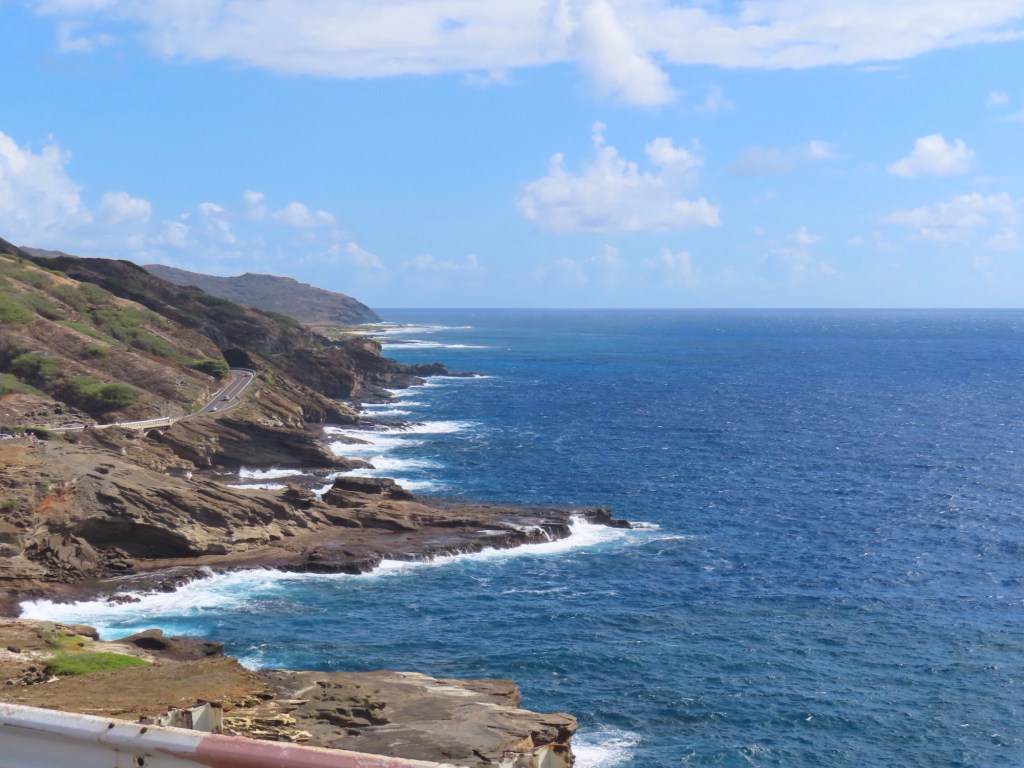
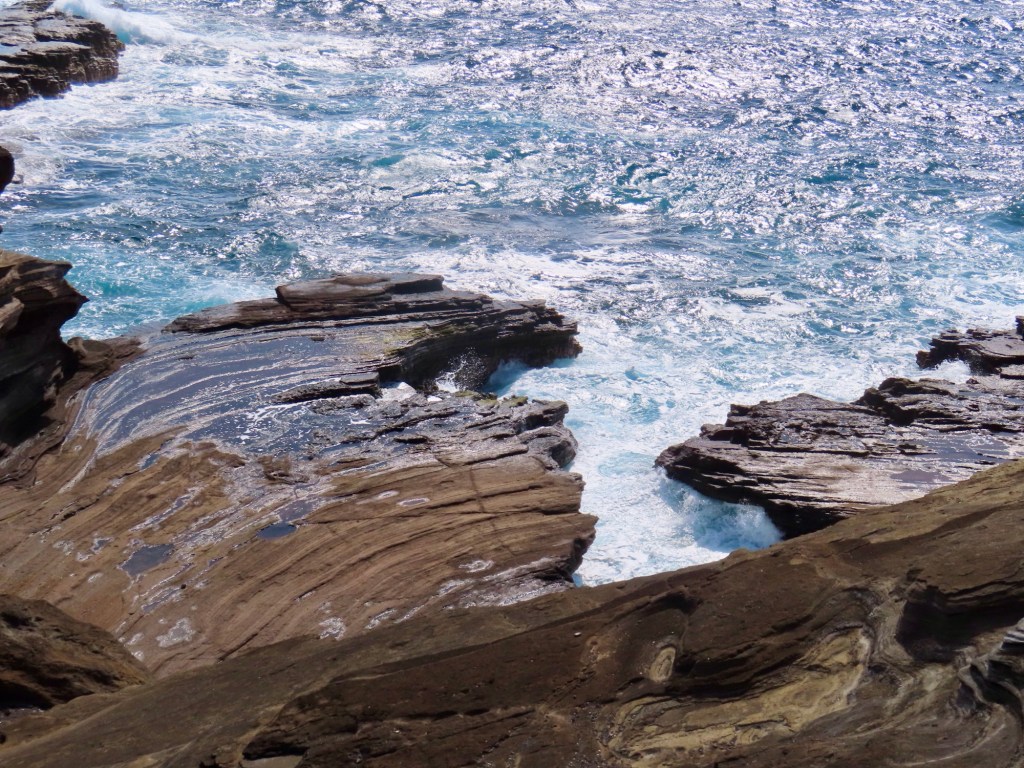
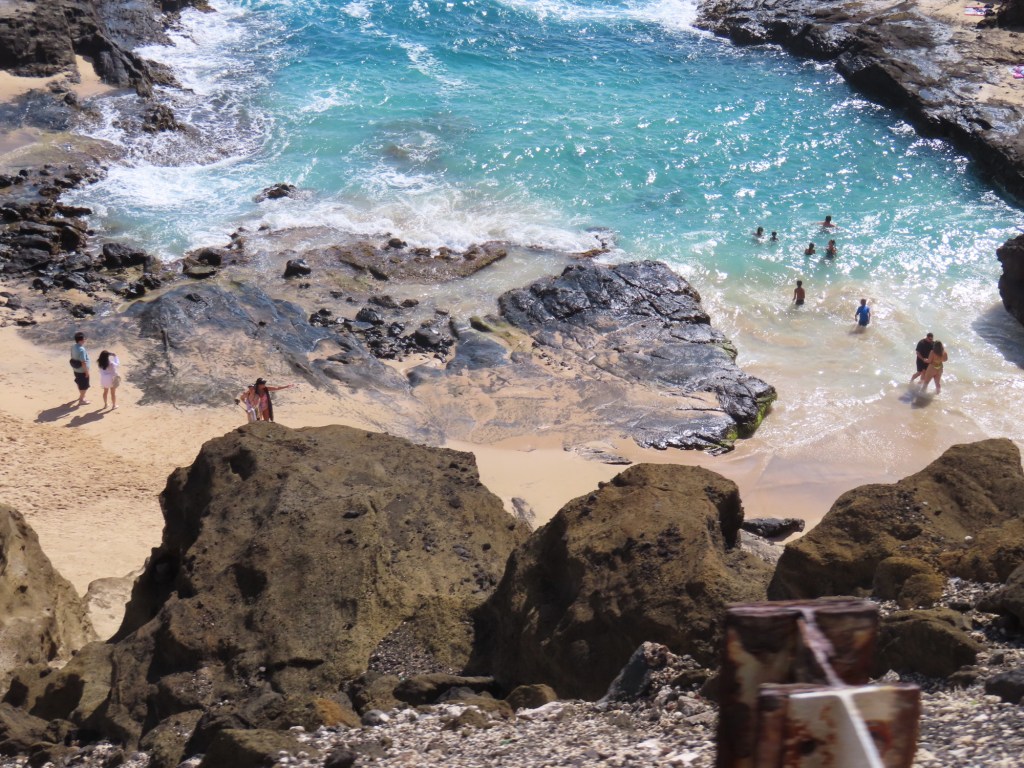
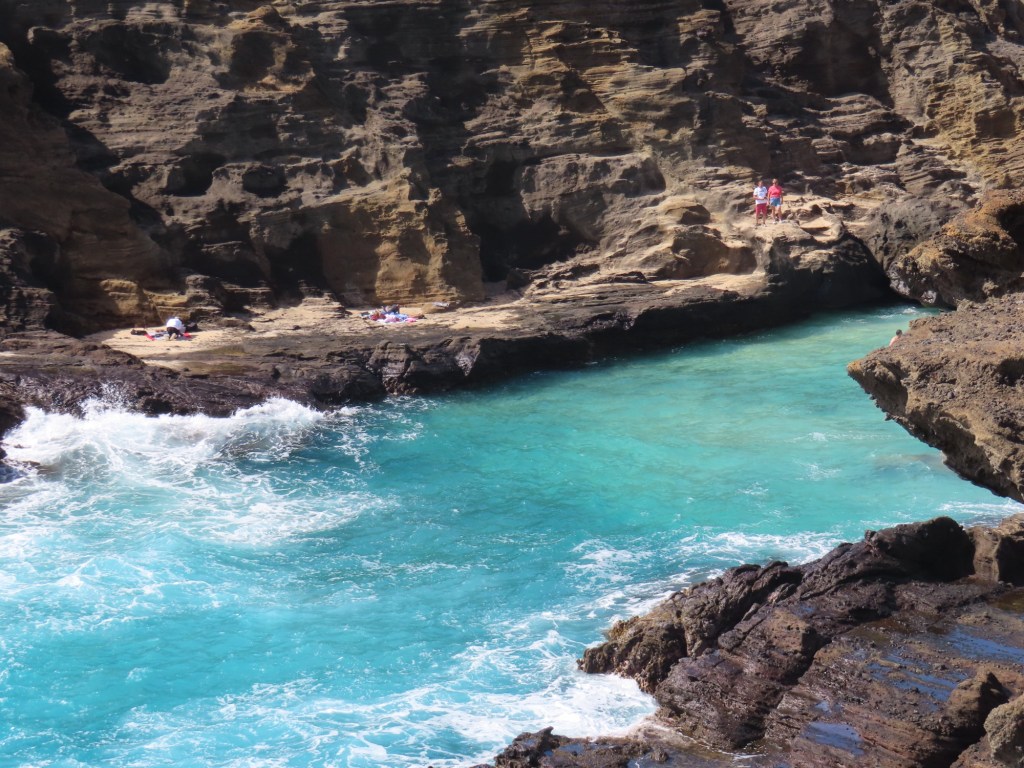
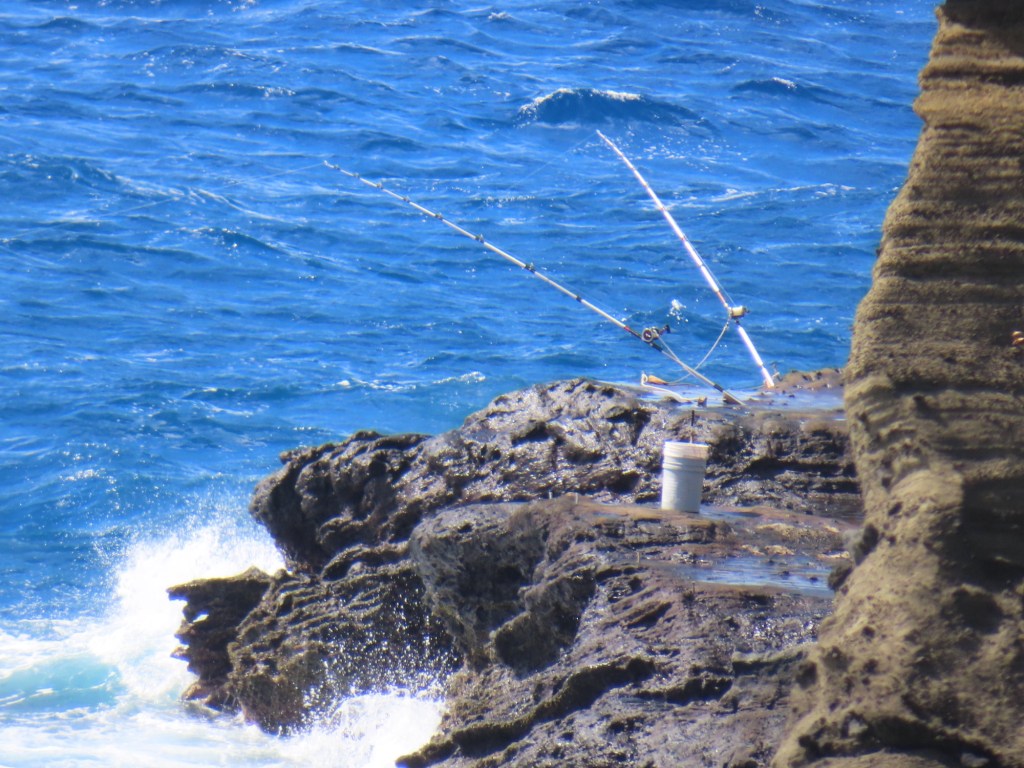
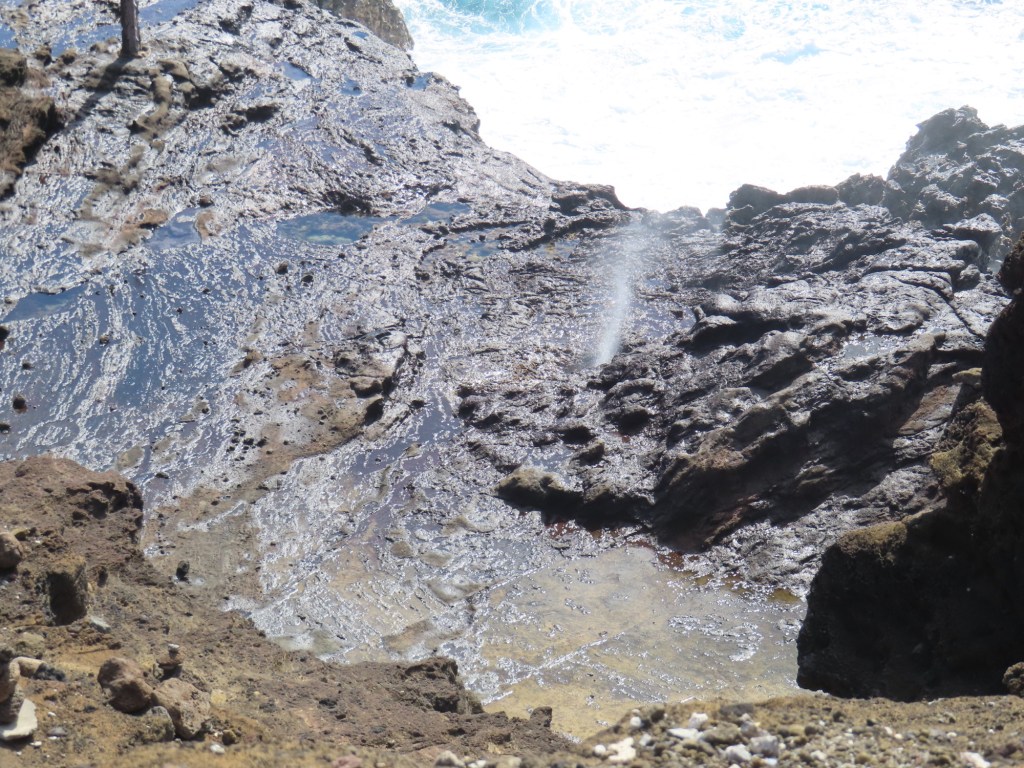
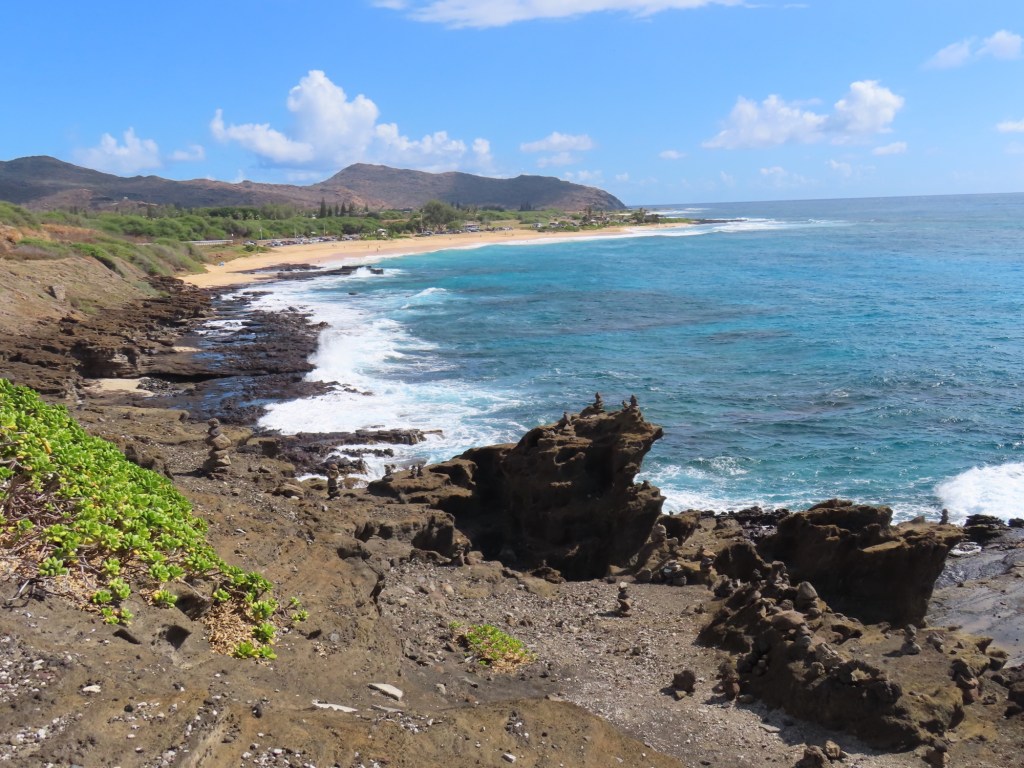
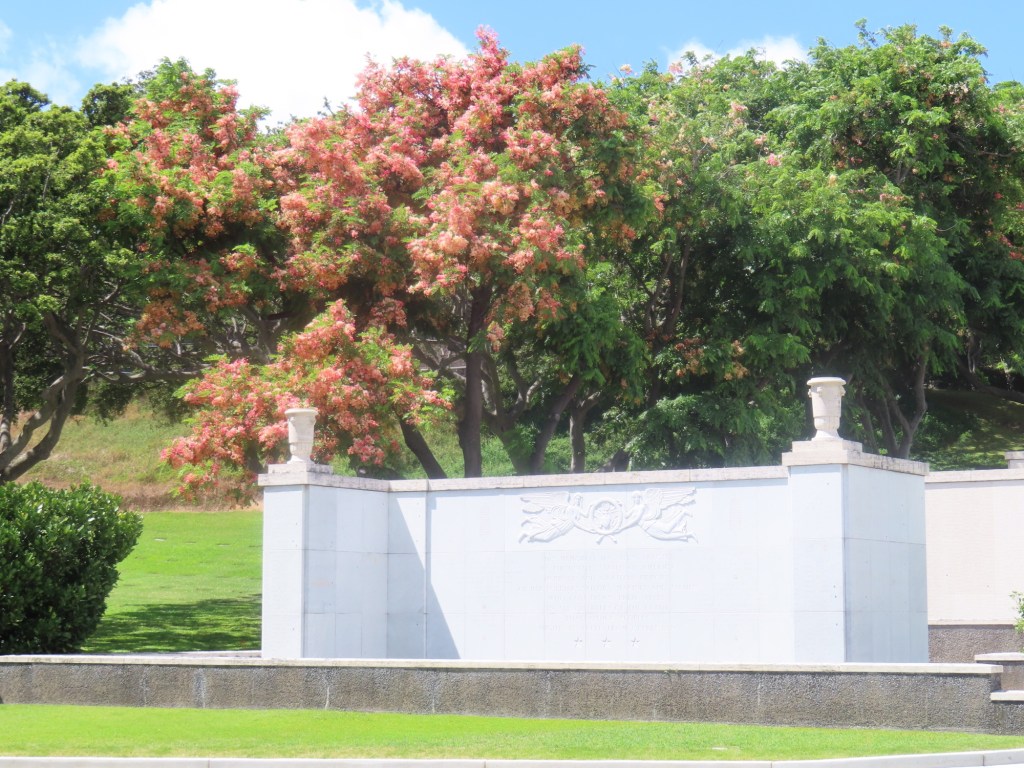
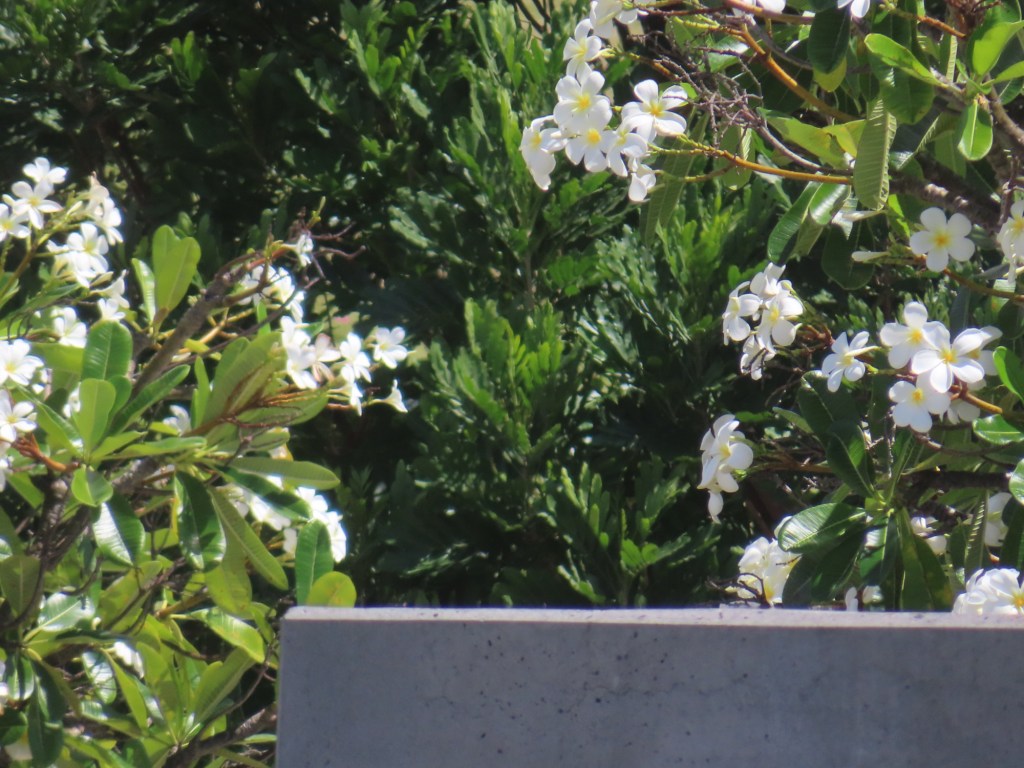
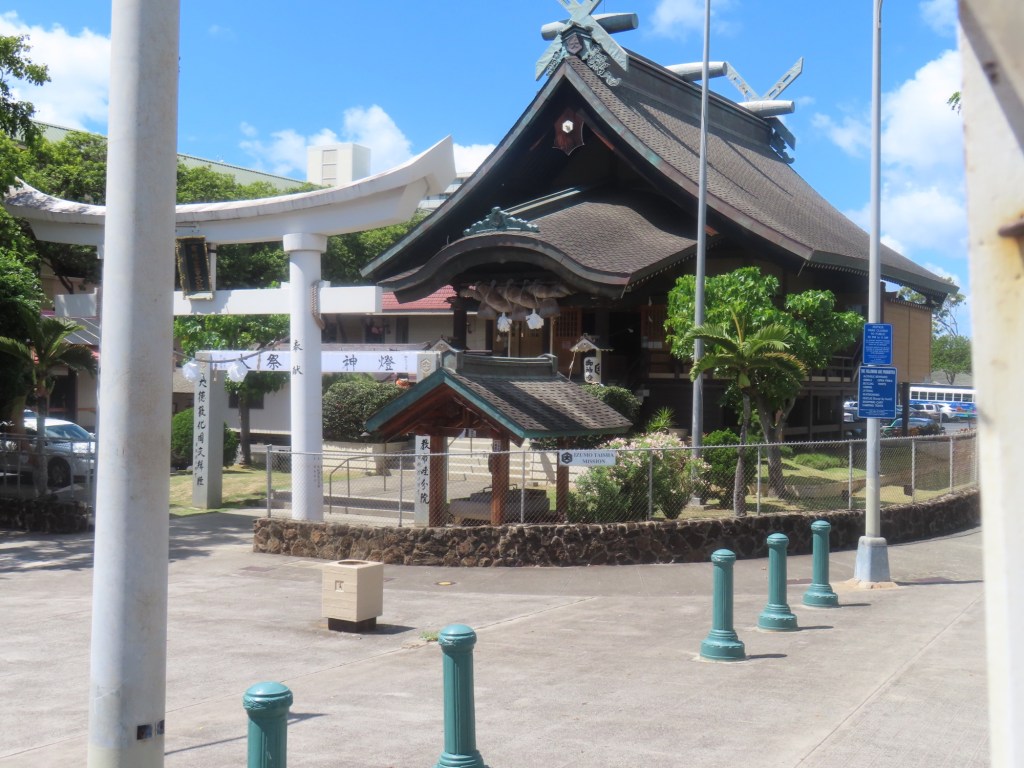
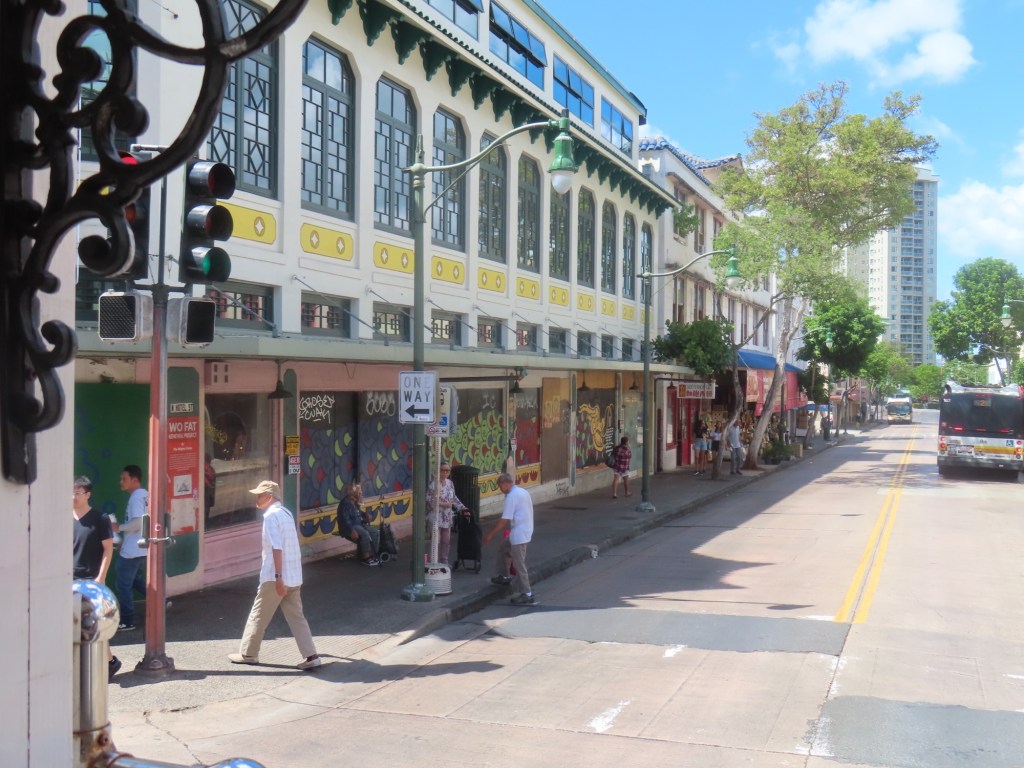
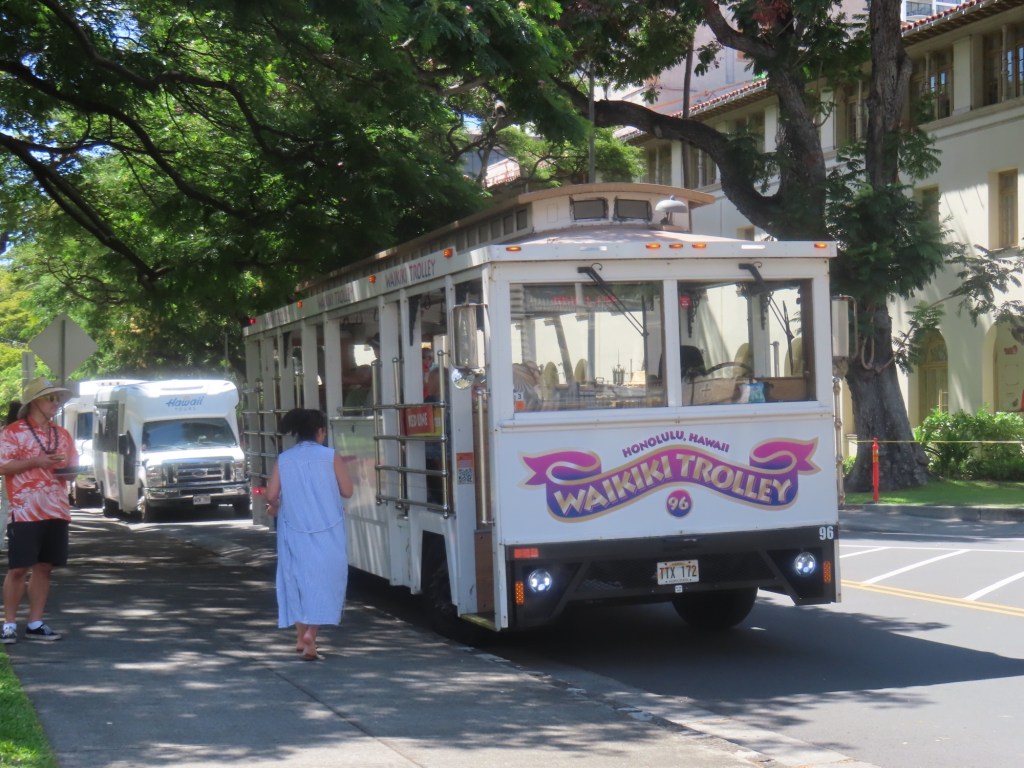
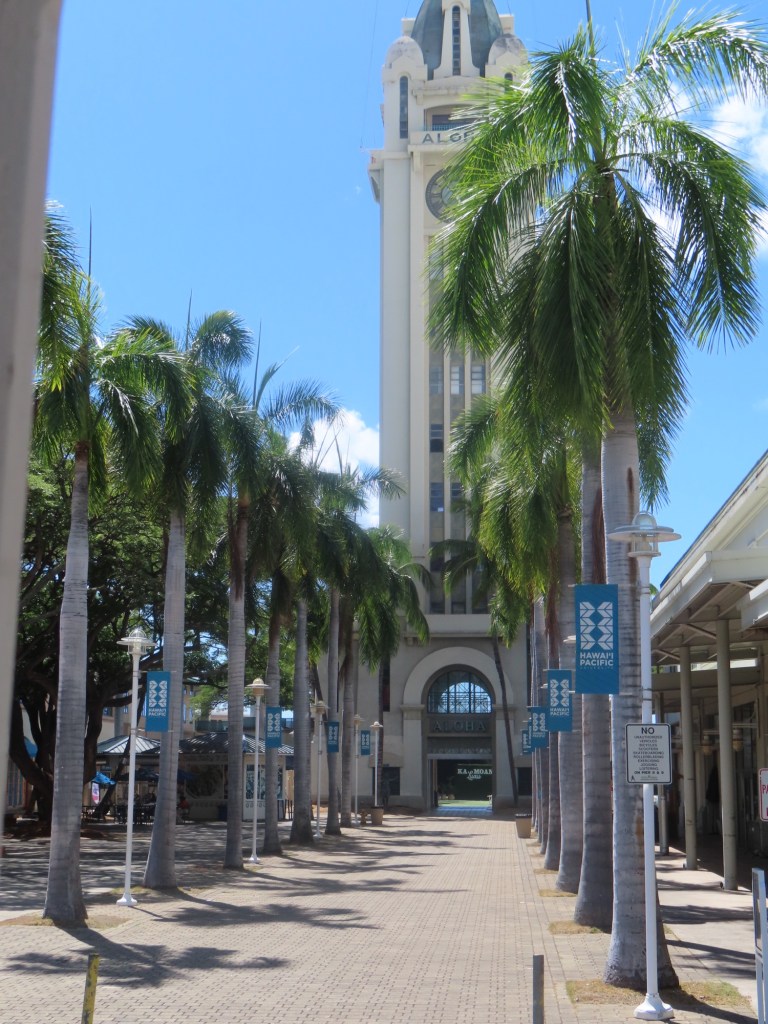
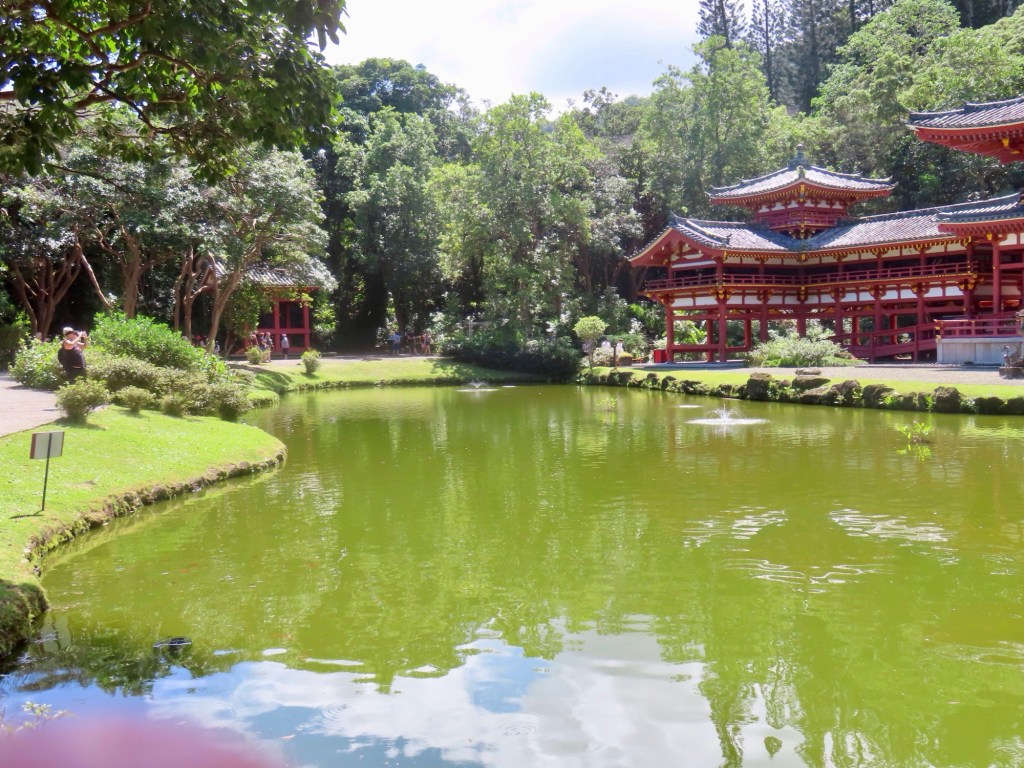
Diamond Head first thing in the morning as seen through the high rises Containership hauling wind turbine bladesOne guide said these towers looked like cellphones sticking upright in the sandMoana Surfrider HotelThe famous surfer “Duke”….on WaikikiBanyan treesDiamond HeadSurfersExample of houses in this area as we head to east coast of OahuThe start of the spectacular coastline Fishing rods without the fishermenHalona BlowholePunch bowl Cemetery Plumeria….love them!Japanese Shinto temple….Start of Chinatown rideFederal courthouse with King Kamehameha statue.King Kamehameha statue.Hop on, hop off trolley HonoluluAloha Tower
Circle island tour…..Oct. 9/24
Drive thu Honolulu…..350,000 population
Kamehameha II died from measles along with the Queen in 1824 after being exposed to it after a visit to a British military asylum for children. Even common cold was enough to kill native Hawaiian cuz of a weak immune system.
Outrigger hotel that I stayed in in 1972, is still here.
Moana Surfrider Hotel, called the grand lady of Waikiki when built in 1901, cost $1.50/night at the time, now costs $1500/night. Many celebrities have stayed here back in the day.
Highest waves on Waikiki in summer was 15 feet
Queens Beach… public movies several times a week.
80% of vegetation is not native…wow!
Coast Guard lighthouse
Diamond Head Beach
Hibiscus is not native to Hawaii
Aquifers …takes 20 years to filter rain water thru mountain
Hawaii Kai…named after Wm. Kaiser…. He had the swamp in the area dredged to make all-waterfront lots.
Hanama Bay was a crater. It’s full of lots of fish. I remember years ago looking into the water with a snorkel having being stunned by all the fishes swimming around my legs…you couldn’t see them if you just looked down.
Sandy beach, also known as ”break neck beach”….is appropriately named. An orange flag means danger…could be undertow, currents, jellyfish and/or Portuguese of war,
1940’s was last tsunami…originated from Seychelles. Once a month they test early warning siren.
Waimanalu beach, where there are 7000 homeless. We in Victoria and Canada, are not the only place in the world with homeless, mental health cases and drug addicts. Even Hawaii has them.
Huli….. means turn over so Hulihuli chicken means rotisserie chicken.
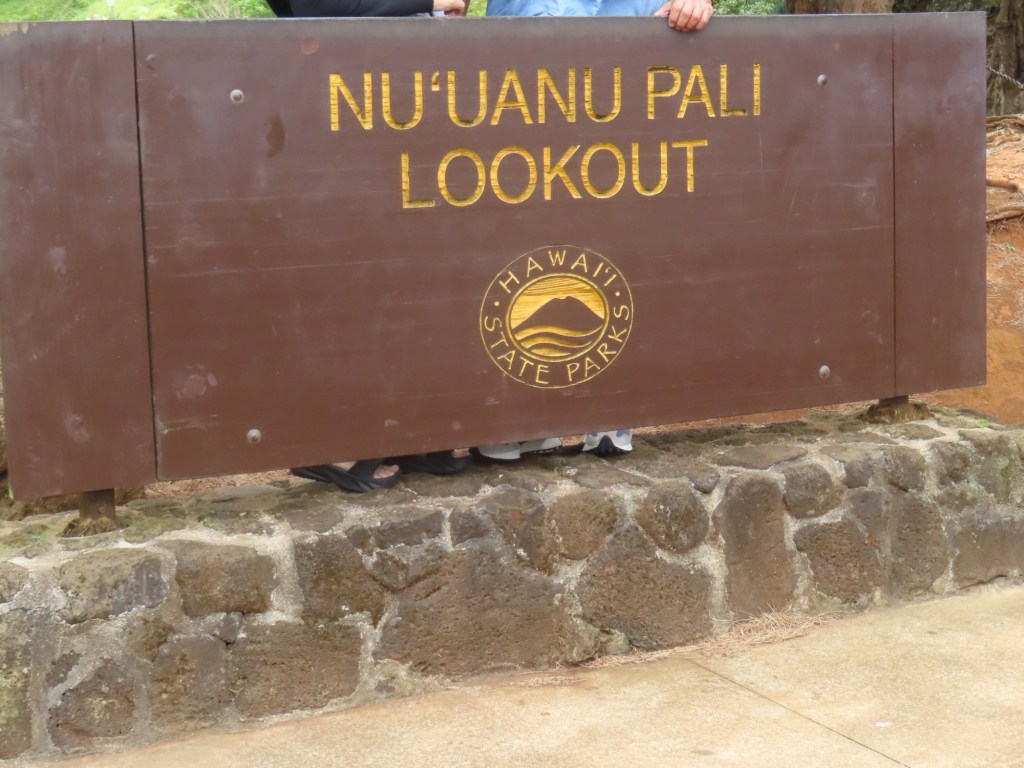
Pali means to walk. Going to Pali Lookout. It is very windy
Red vehicles are federal emergency vehicles, yellow are local fire trucks
150-250 inches rain in area of Pali Lookout.
The vines and vegetation on the way up will cover the road if not kept cut back.
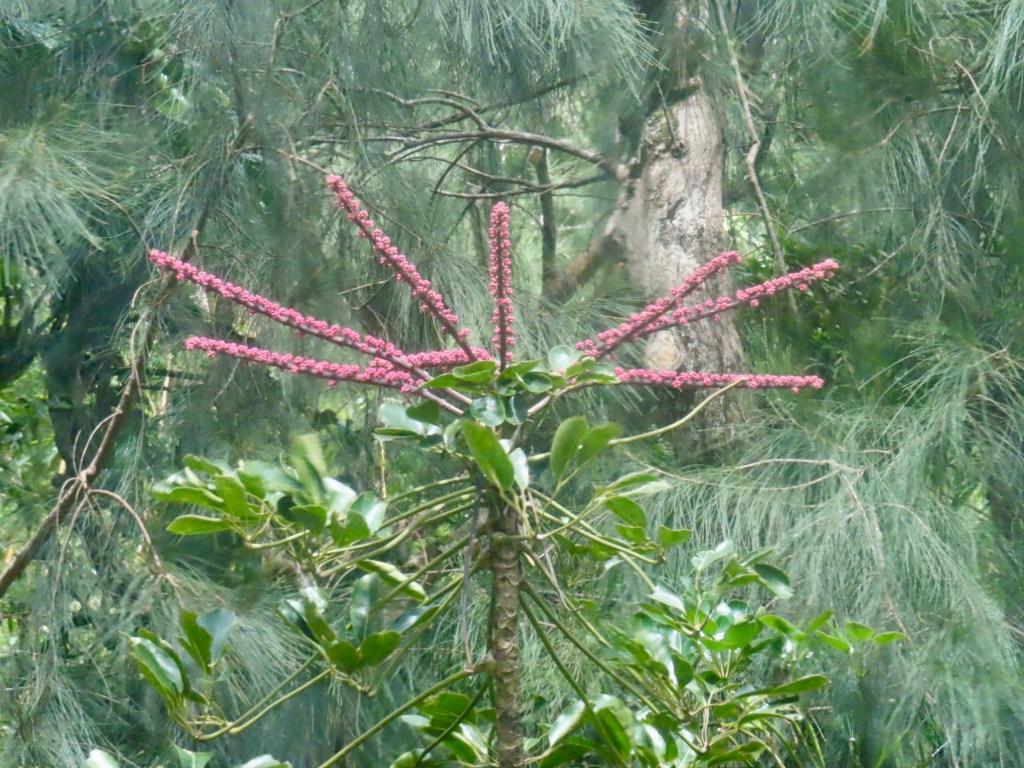
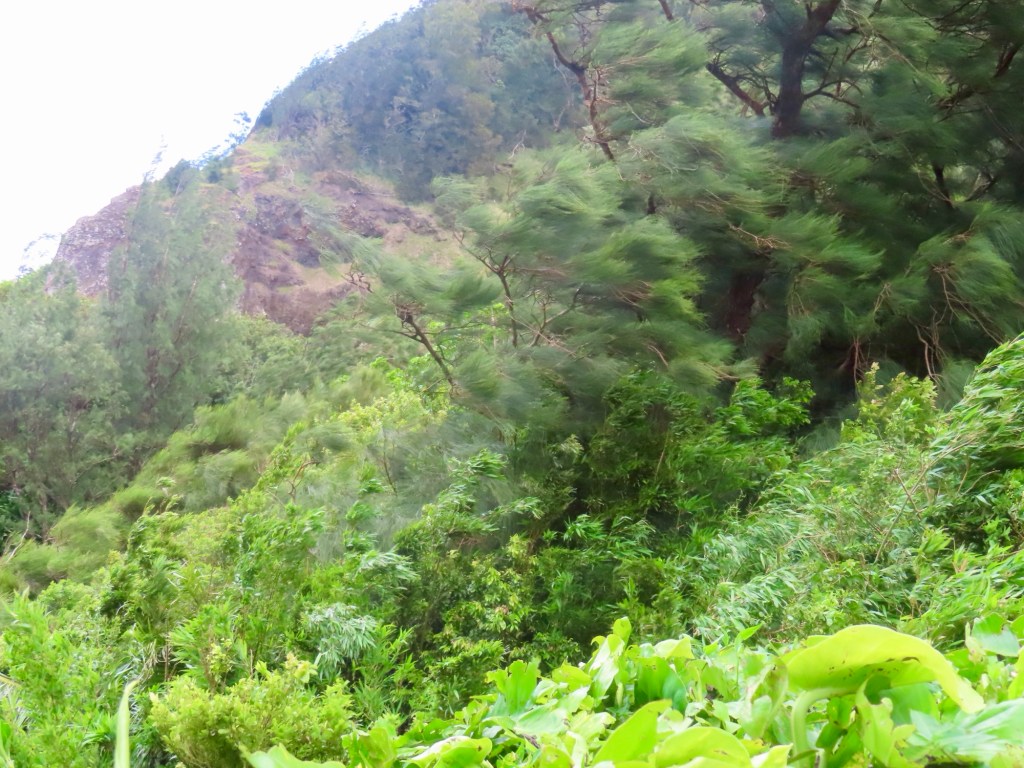
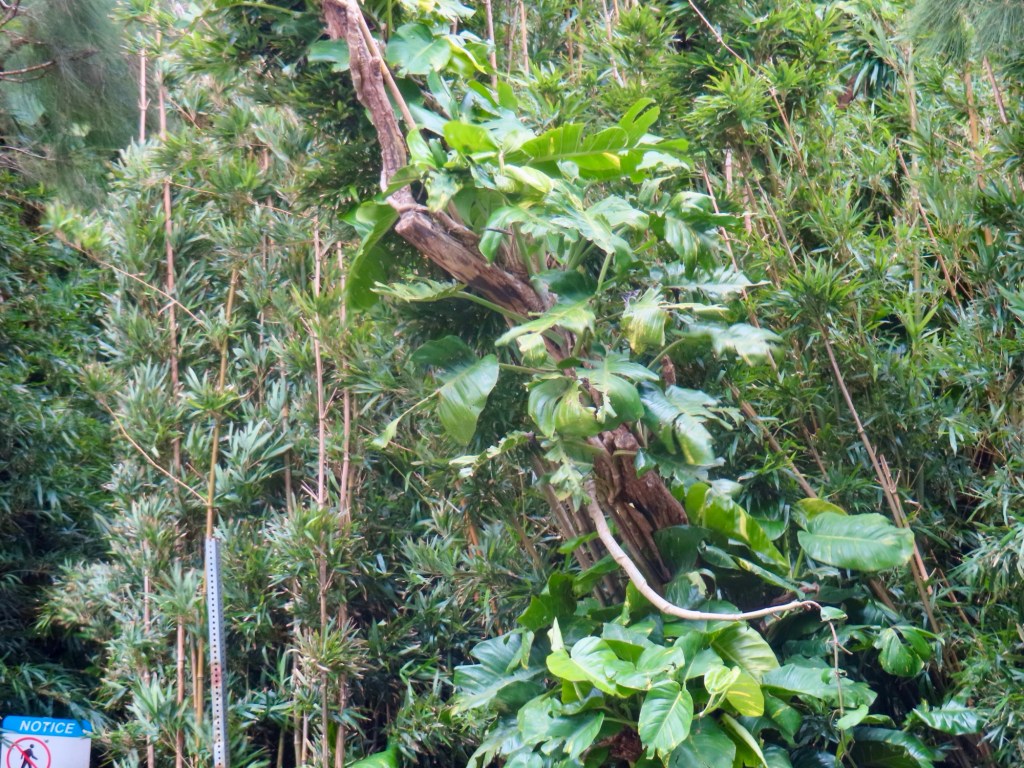
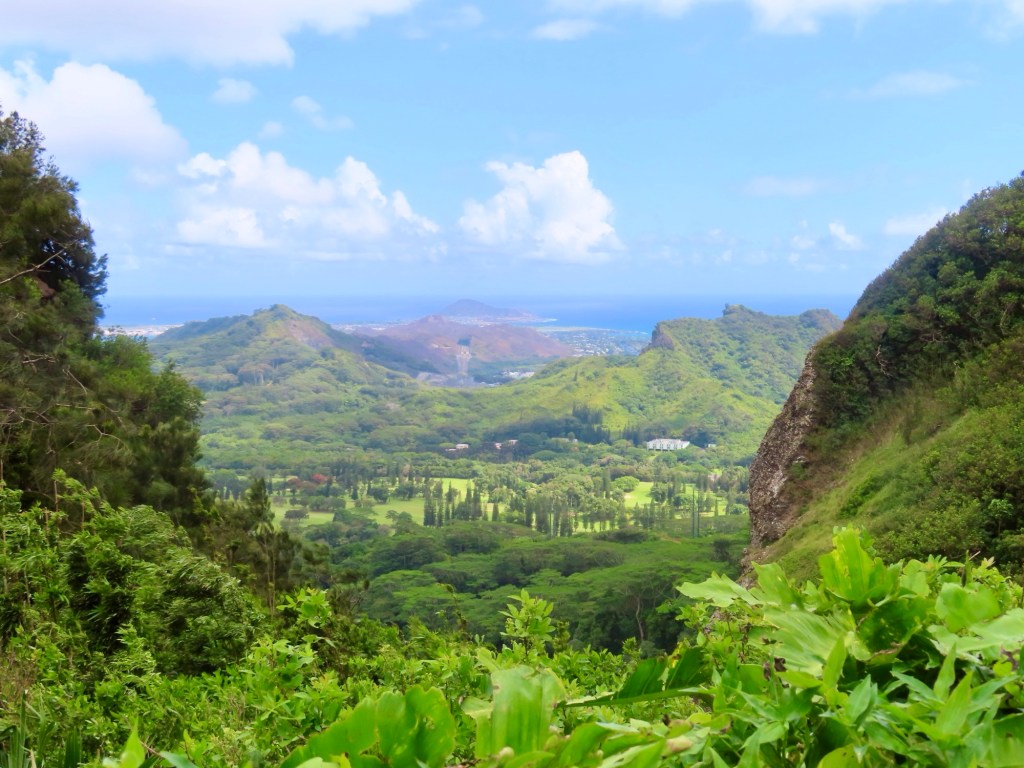
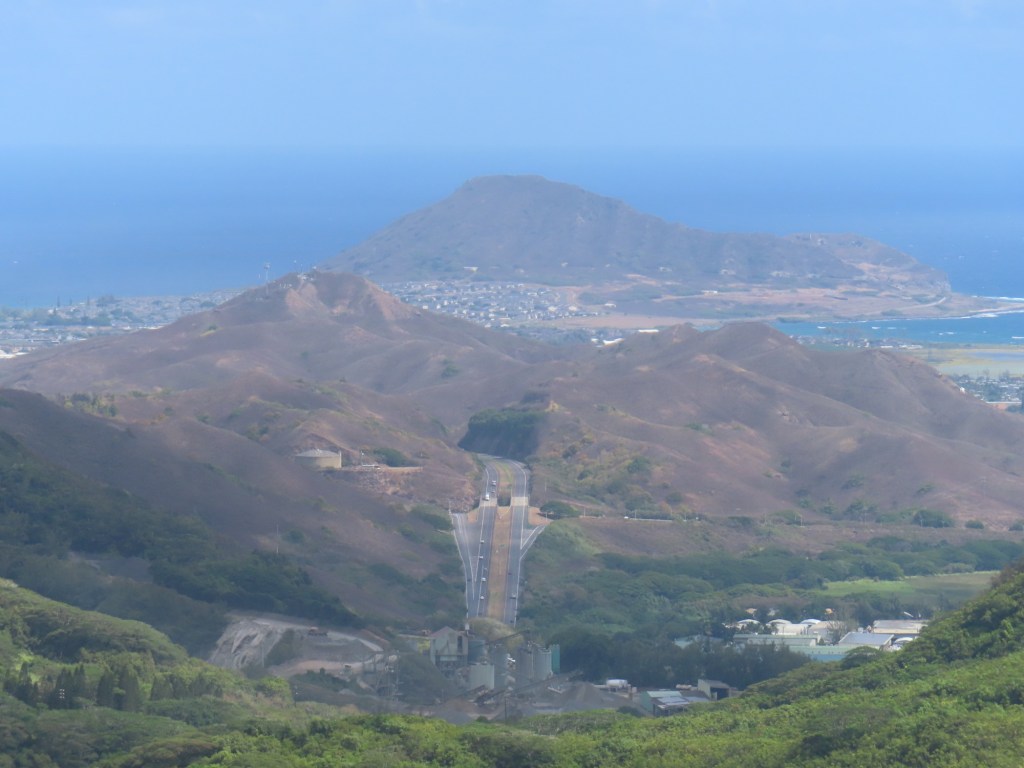
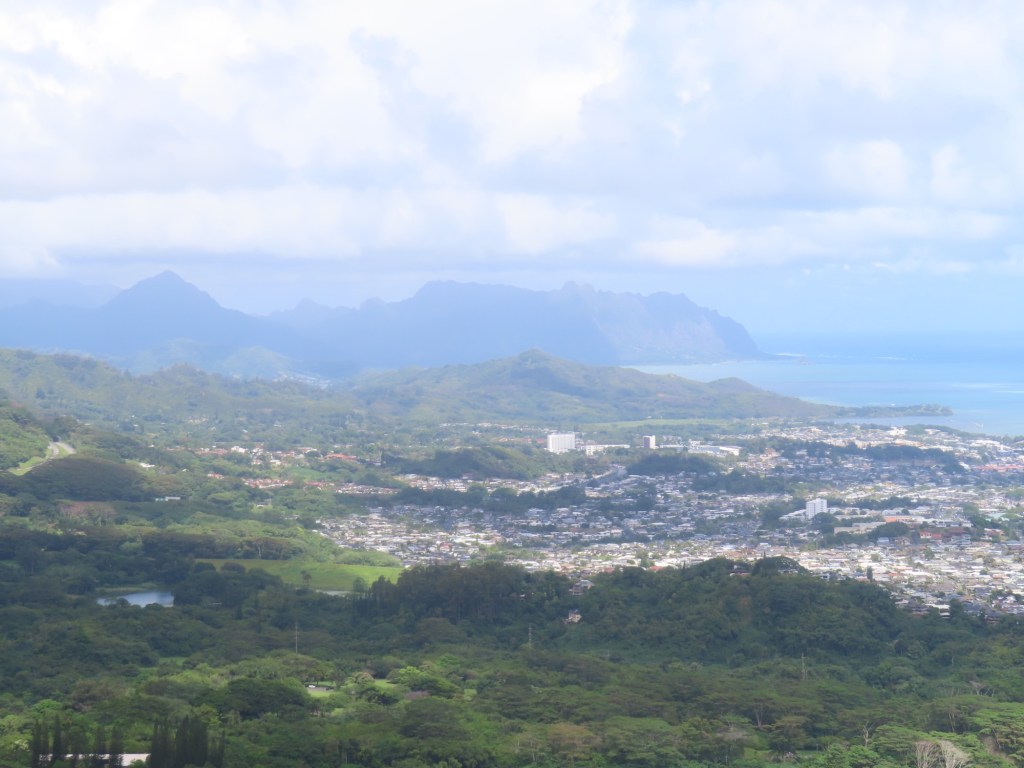
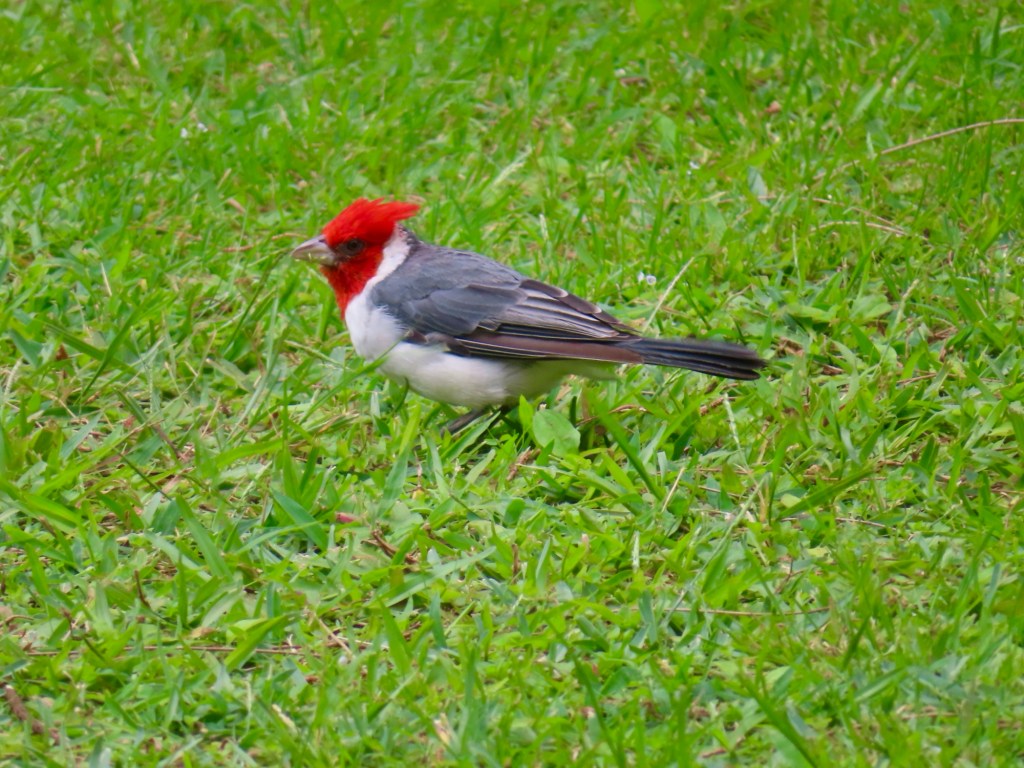
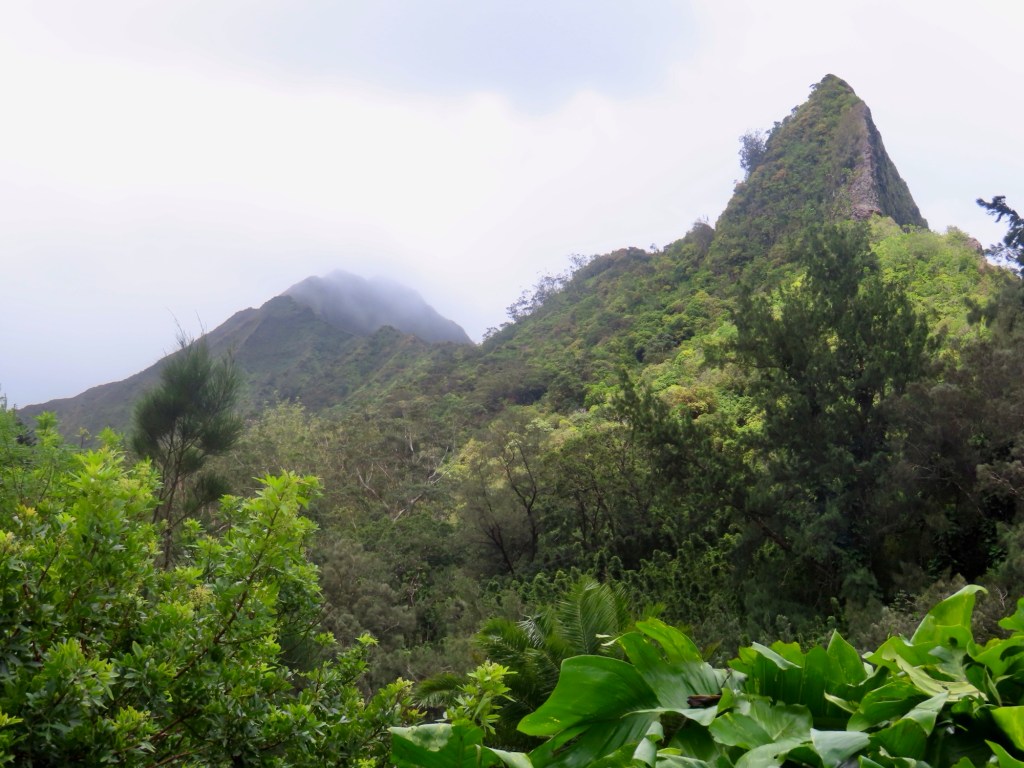
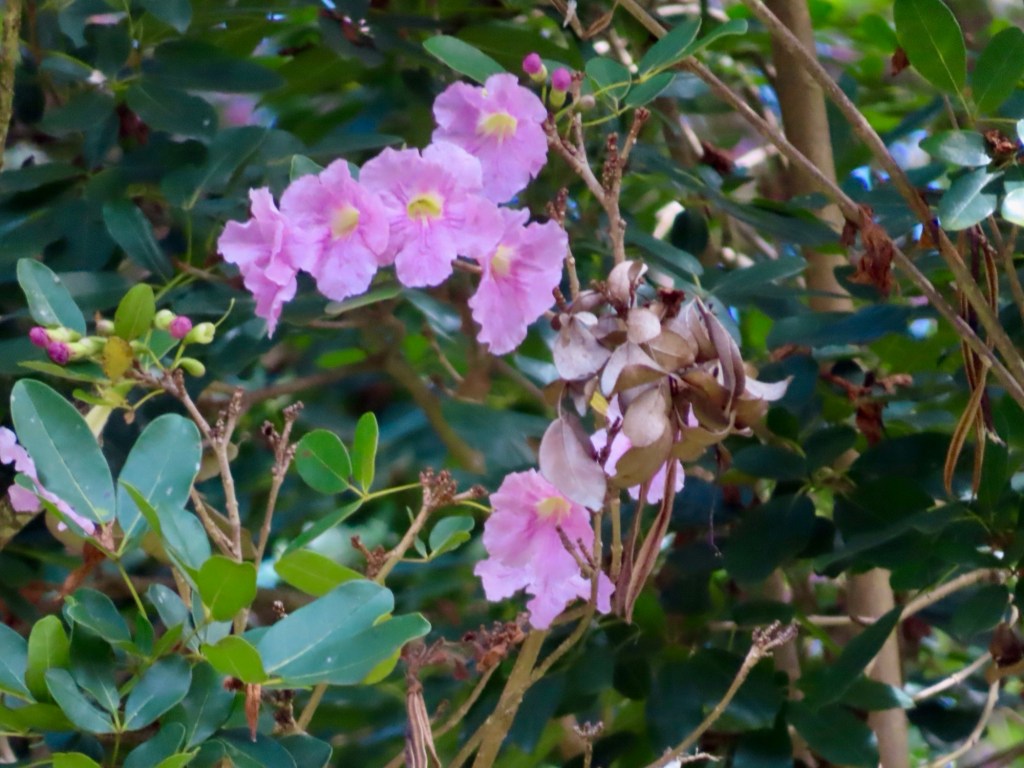
I never knew schefflera plants had these flowersViews from the lookoutRed crested cardinal???Check out the wind on those trees
Pali lookout was so, so, so very windy but what an amazing views
Likelike Hwy named after princess
Highway to Heaven, a hike, is closed because railings & steps are missing. It’s a liability.
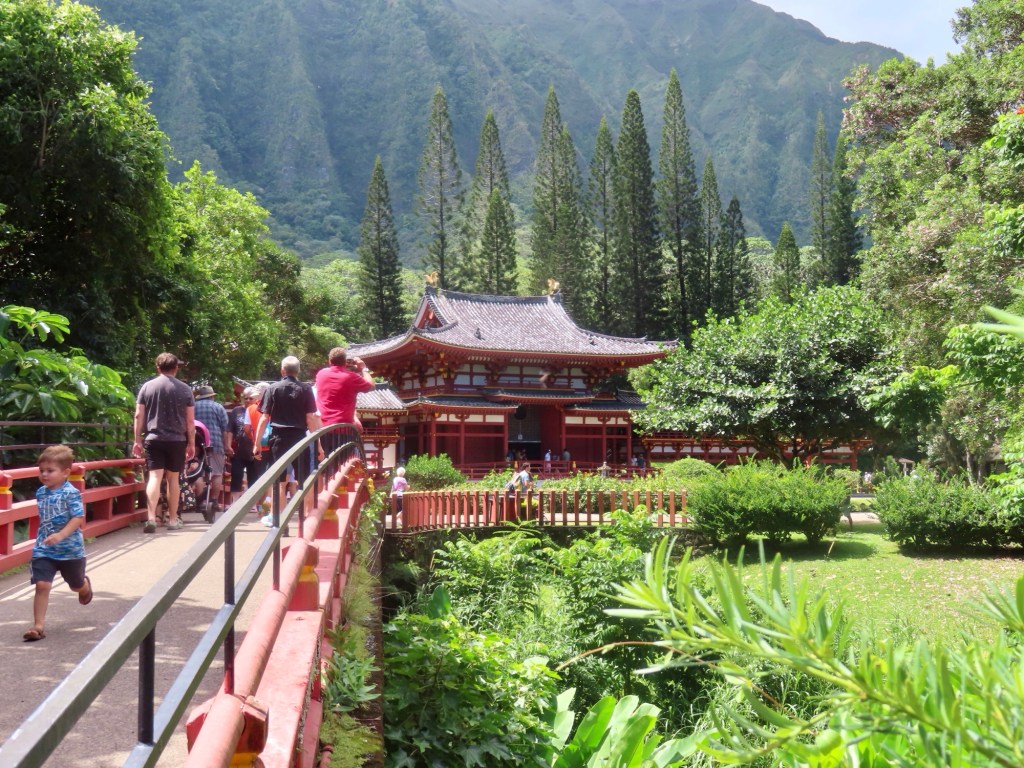
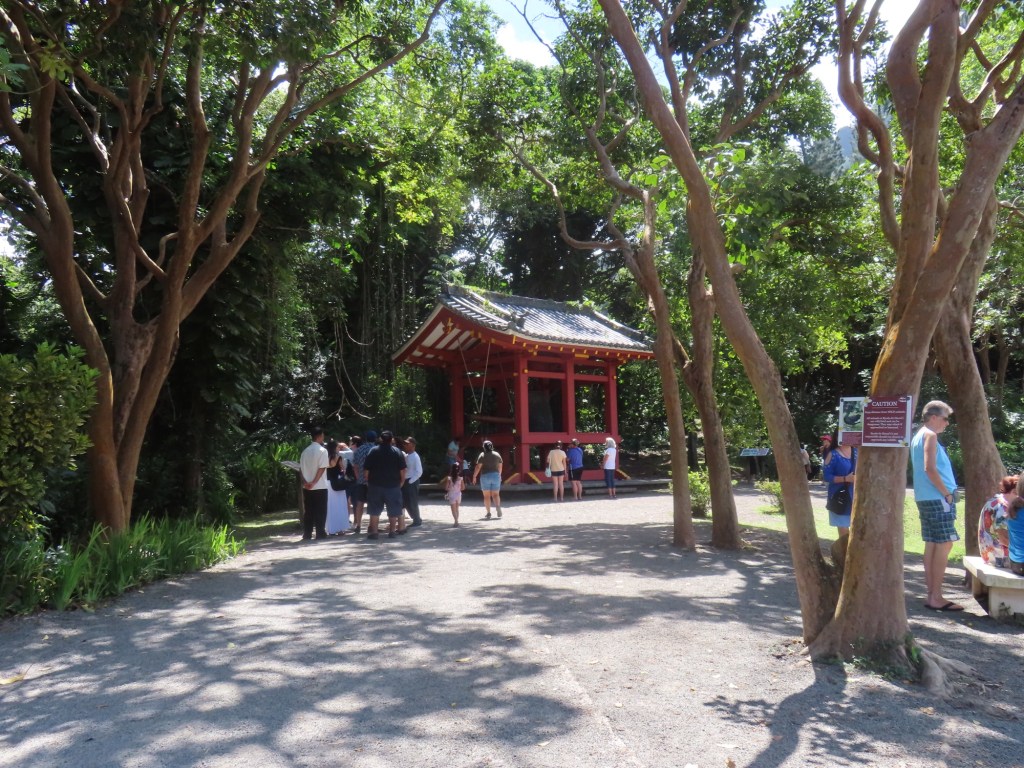
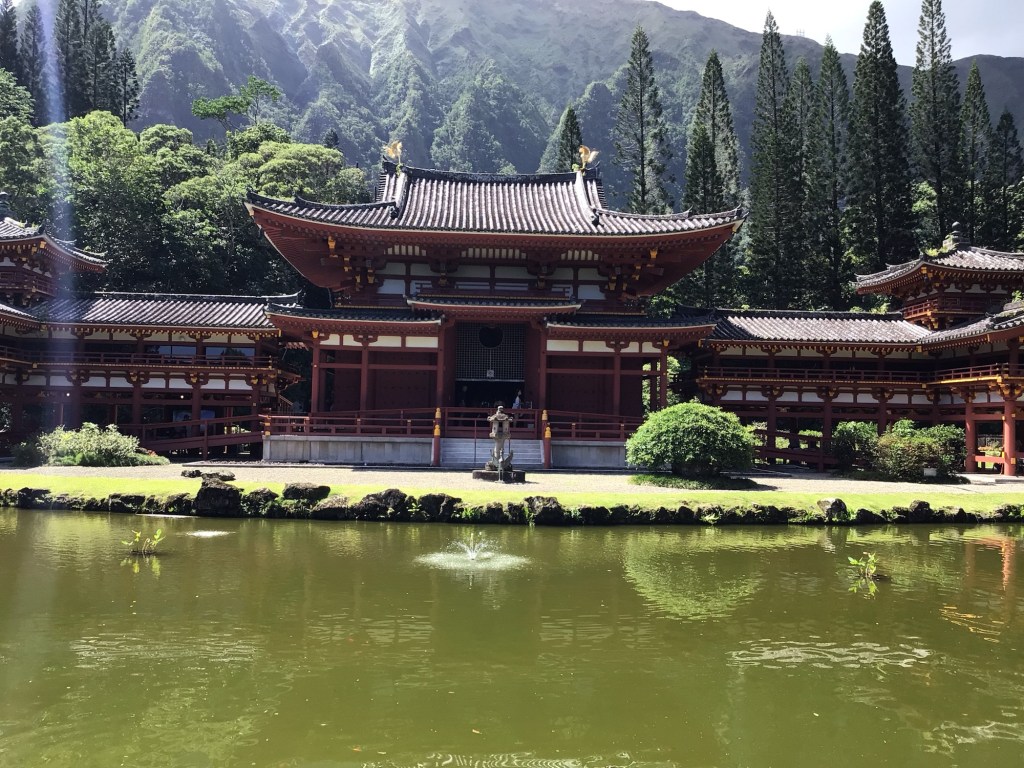
Valley of the Temples…..cemetery byodo-in
Hawaii is the biggest consumer of spam….have a festival
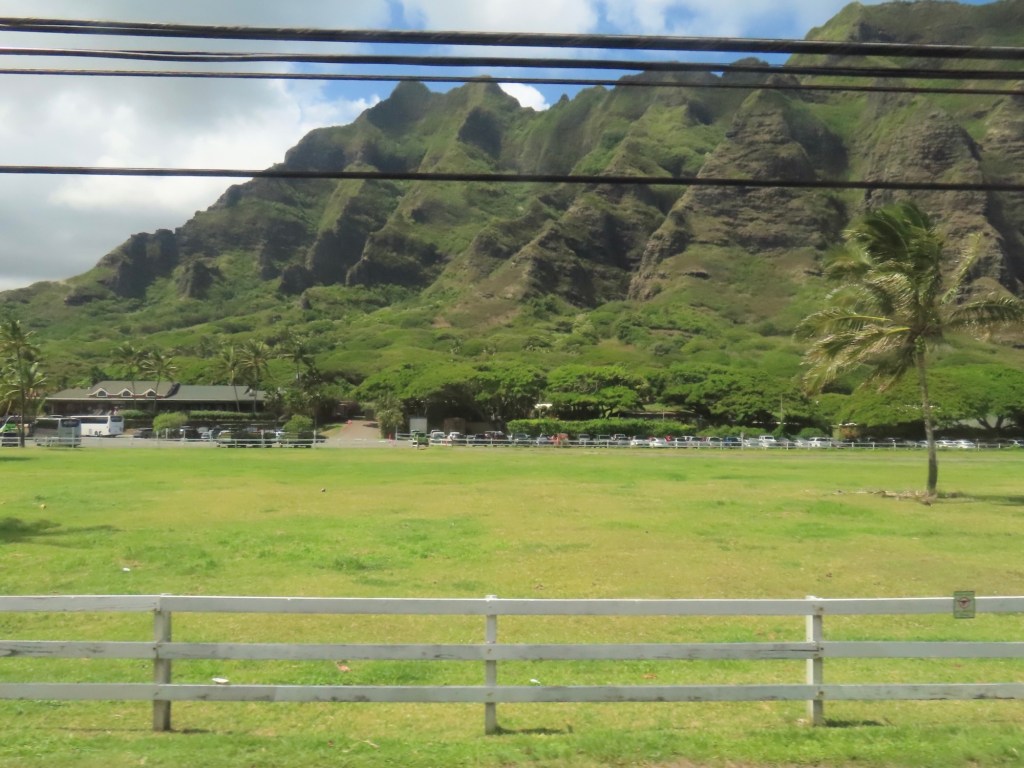
Kuoloa…military base, Jurassic park across from Chinaman’s Hat
No scorpions or snakes on the island.
At Winter there 60 ft waves at Sunset Beach. Also humpback whales come to birth.
Last the harvest of sugar cane on Maui was in 2015
Bonsai pipeline just beyond Sunset Beach ….competition held for professional competition. As much as 40,000 watching from the beach.
Norfolk pines planted to produce mast replacement for ships
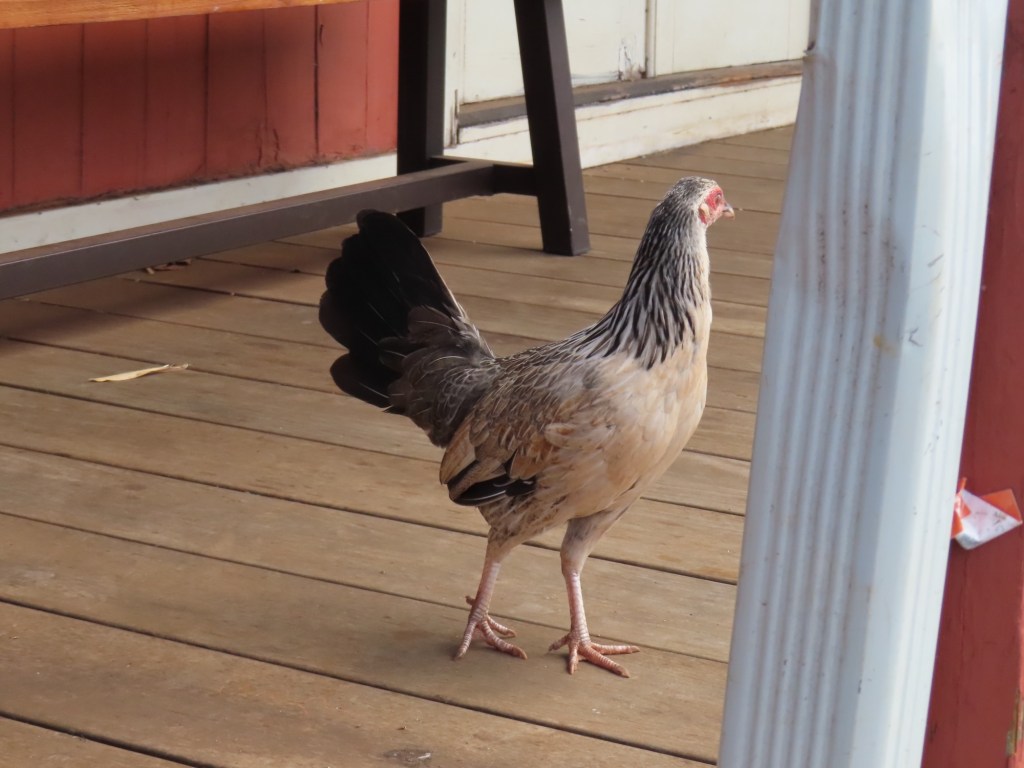
Chickens are allowed to run free so that they can escape from tsunami. They are everywhere.
Dole…no processing done here, stopped in 1990’s.
If you cut the top off a pineapple, you can grow pineapple. You can get 3 harvests for each top cut off.
From all the military bases in Hawaii, there are probably 150,000 personnel.
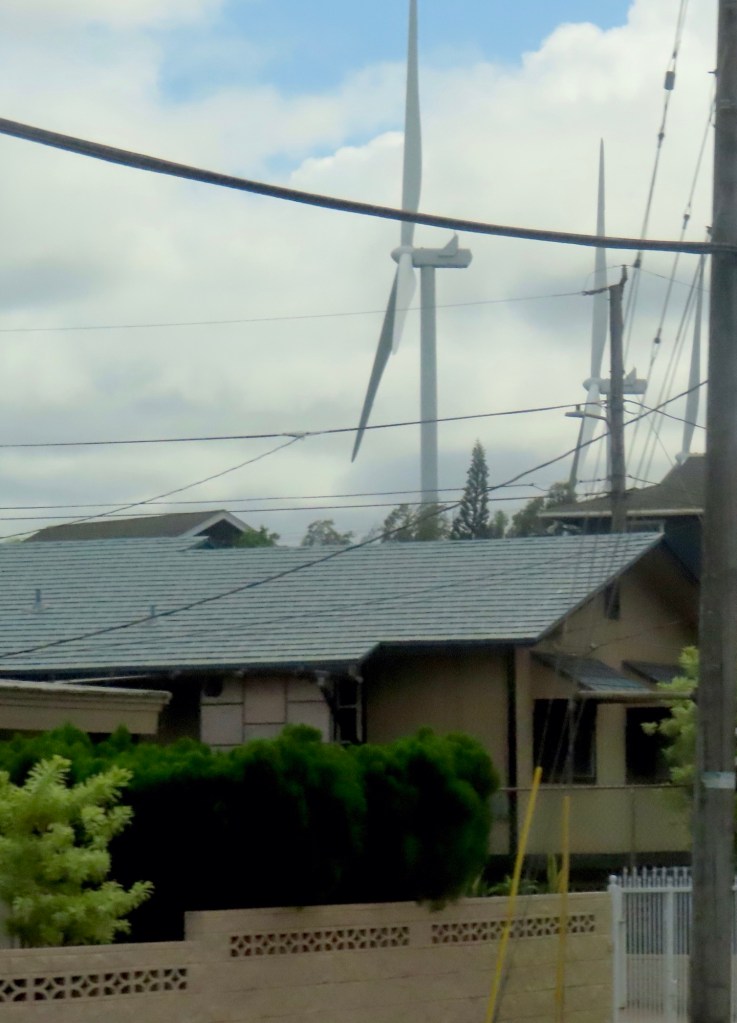
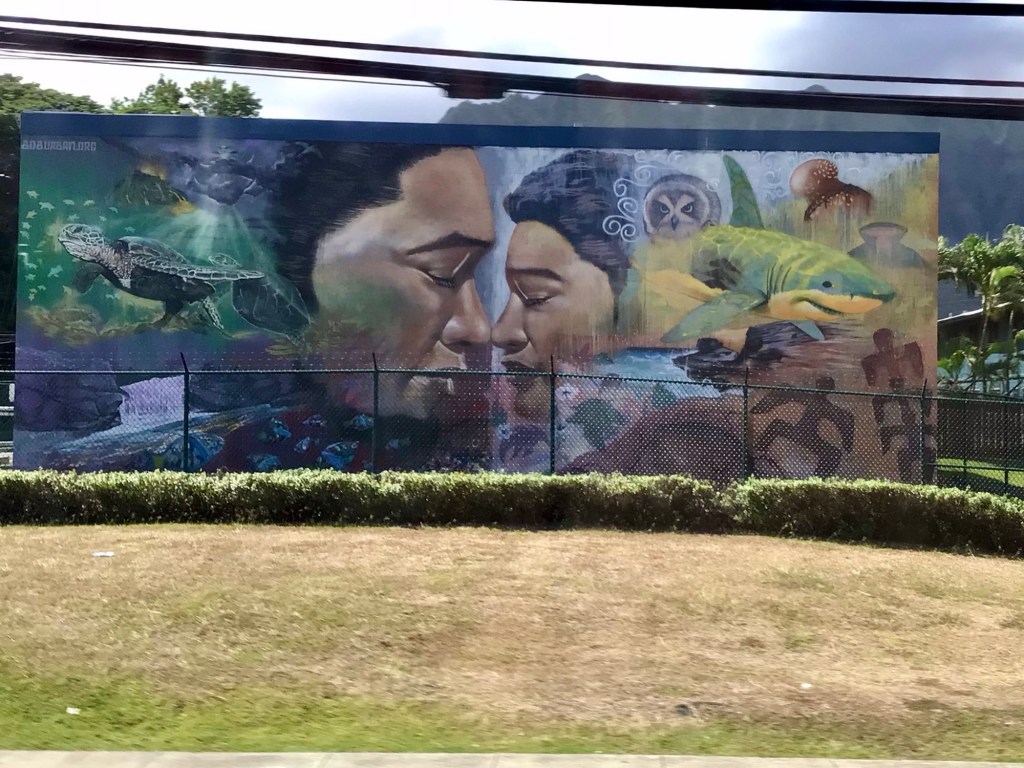
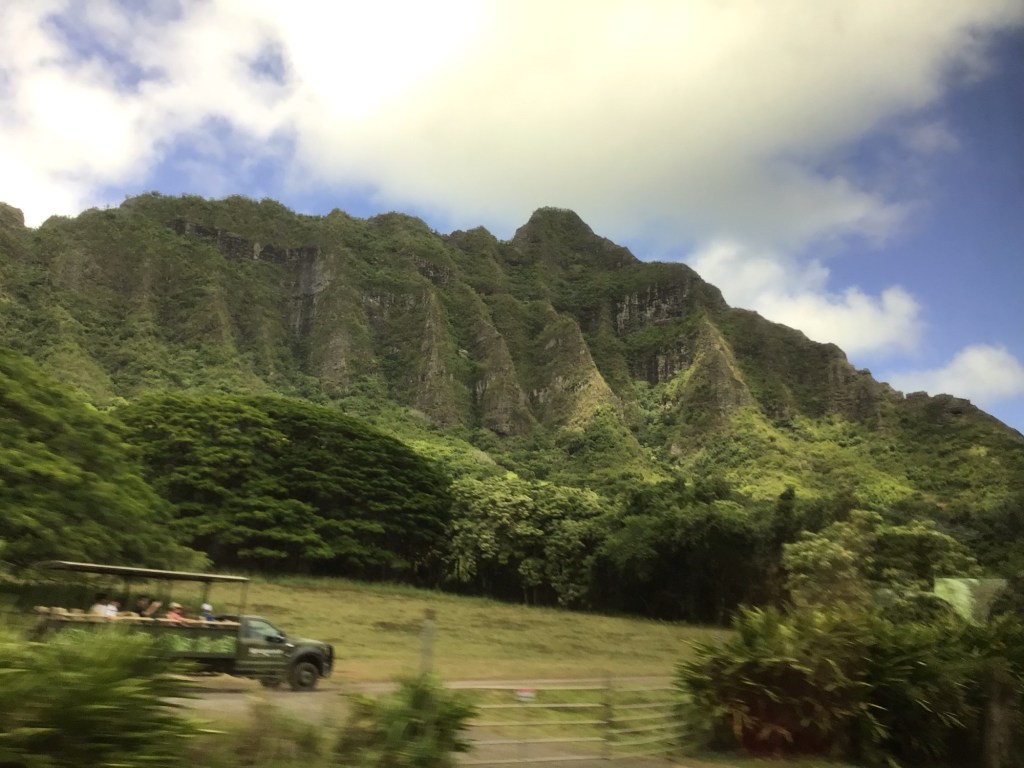
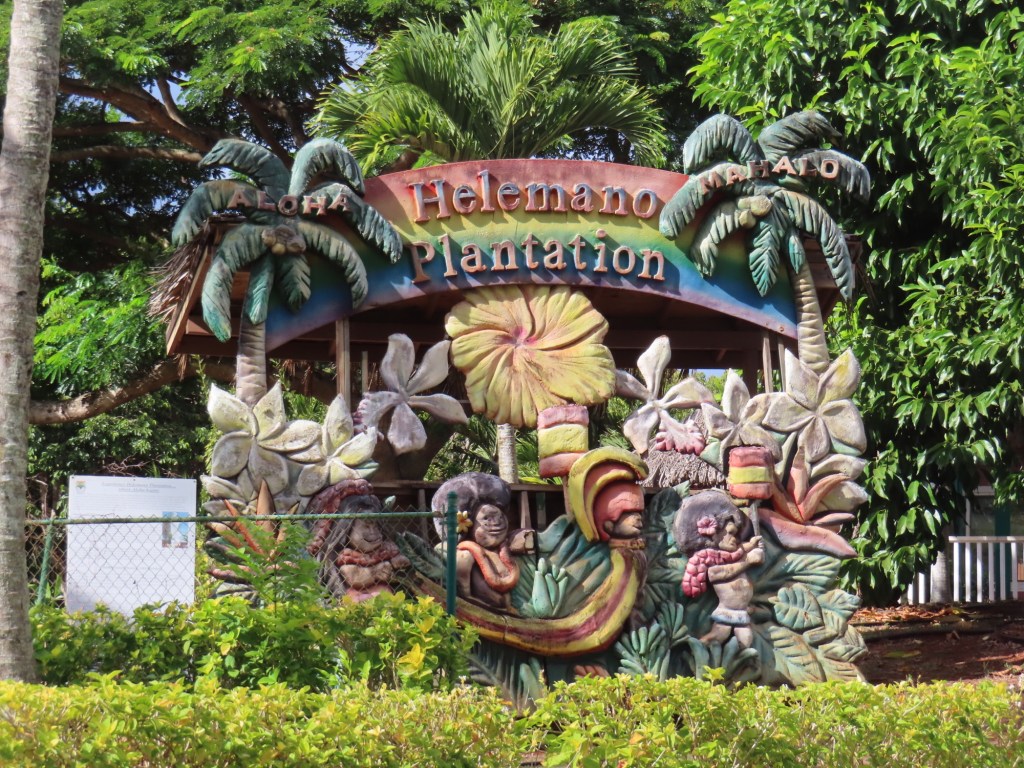
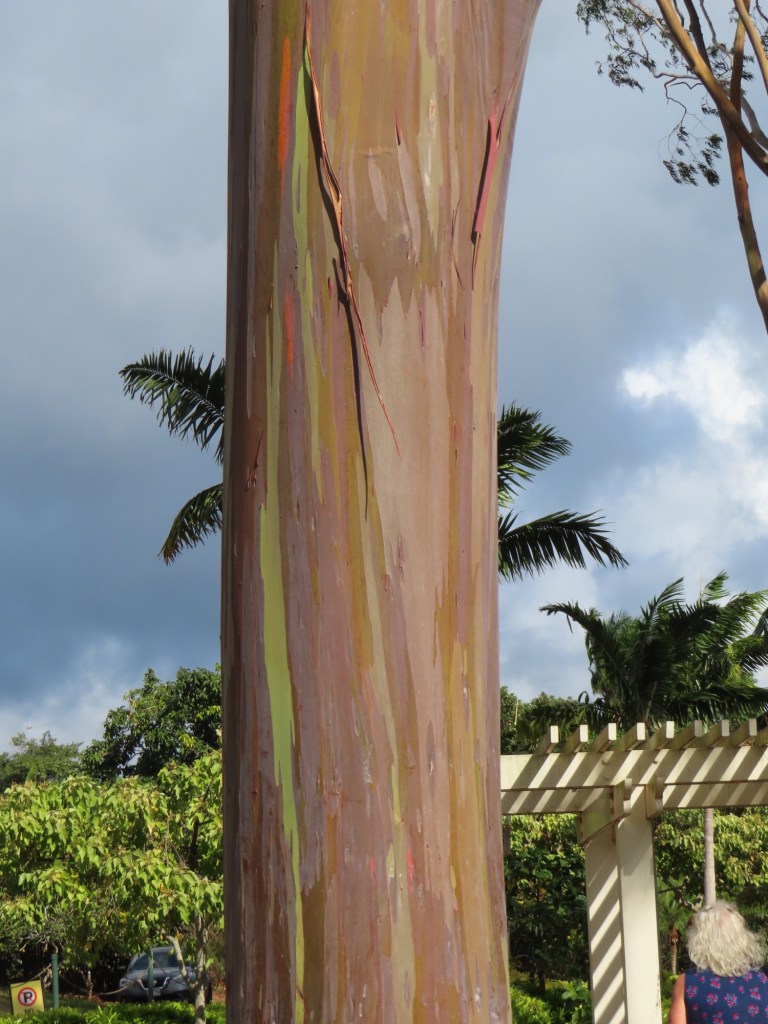
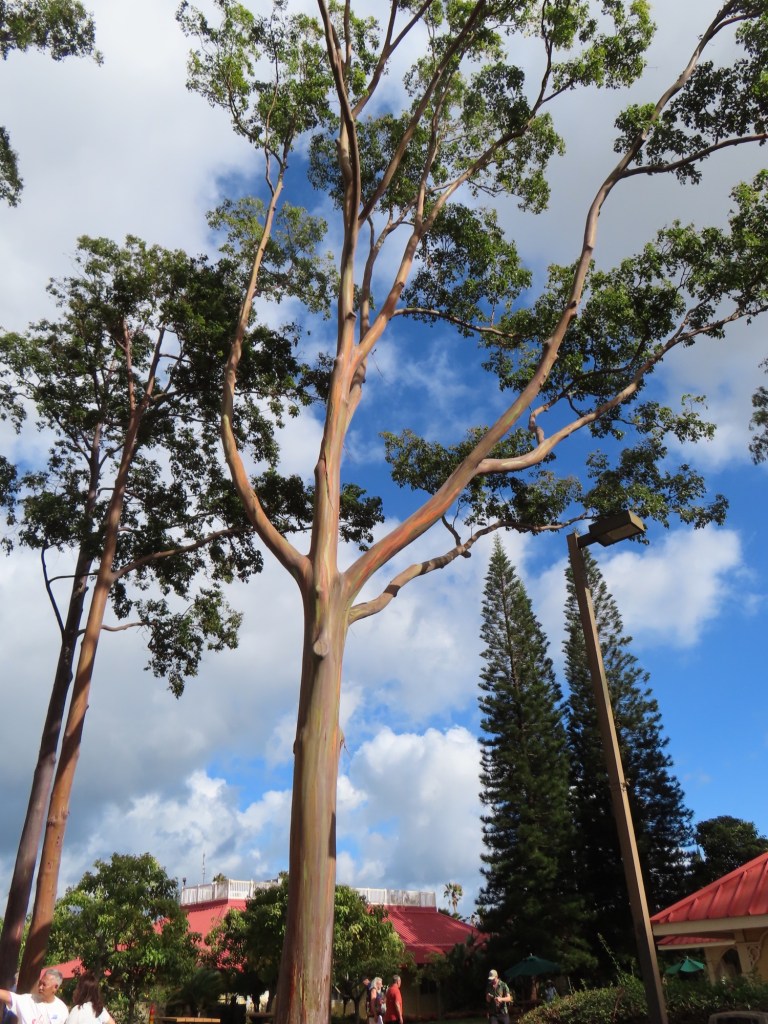
Where Jurassic Park was filmedWind turbines….in some cases this close to housesBeautiful mural At Dole PlantationBark of eucalyptus
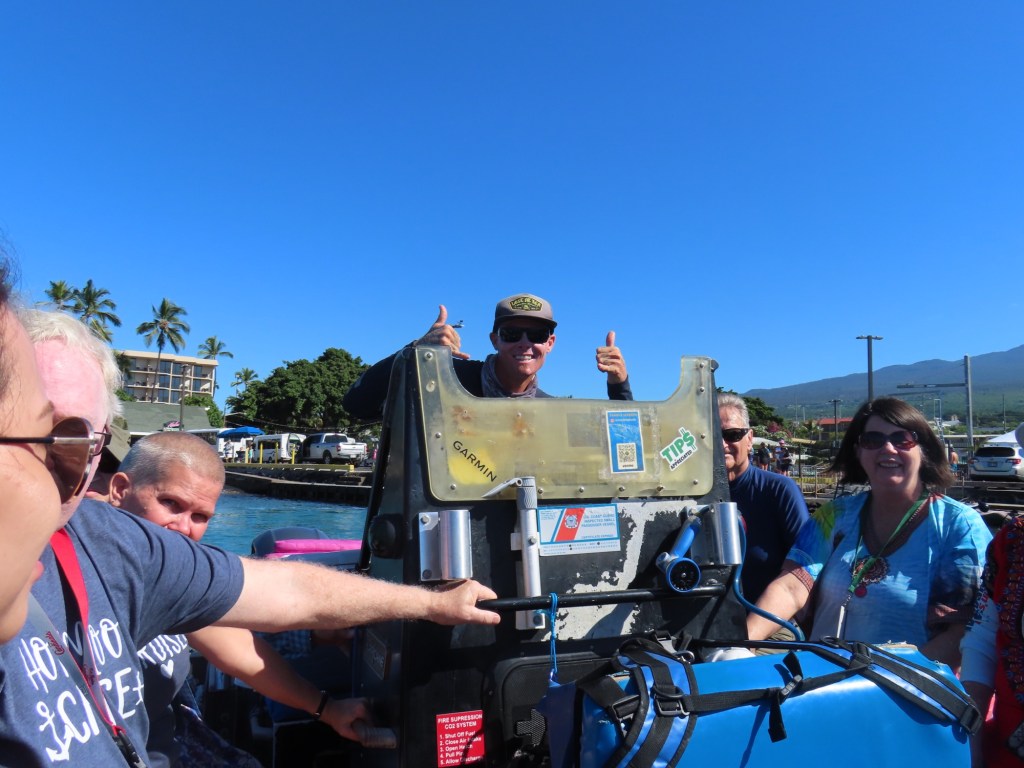
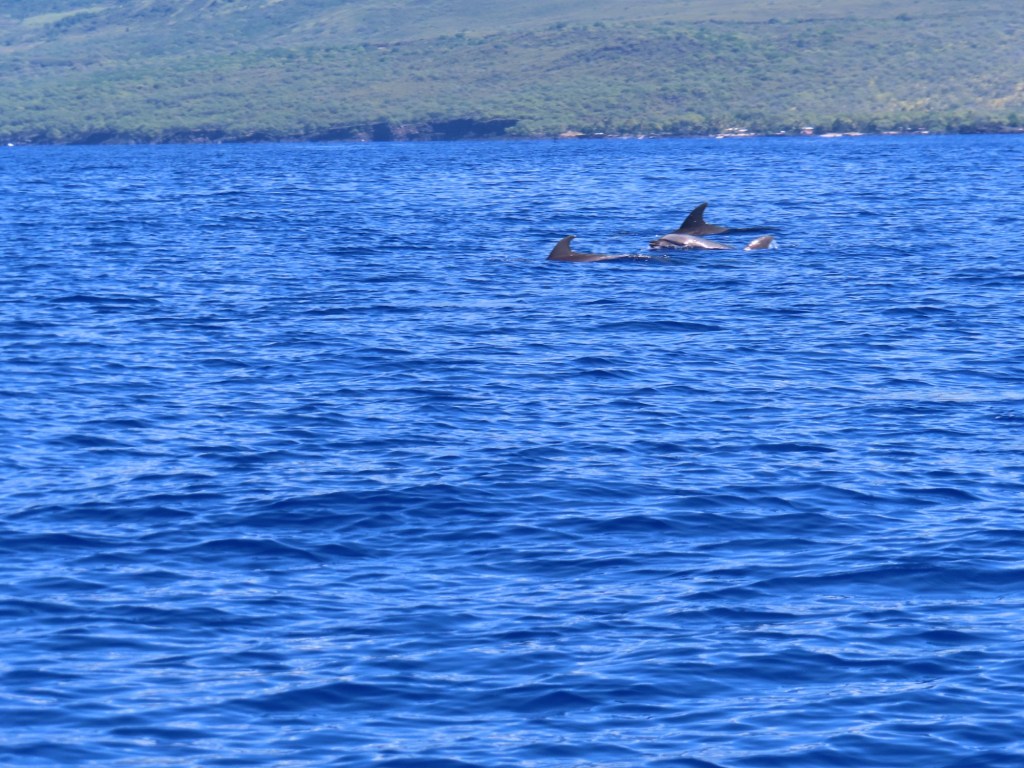
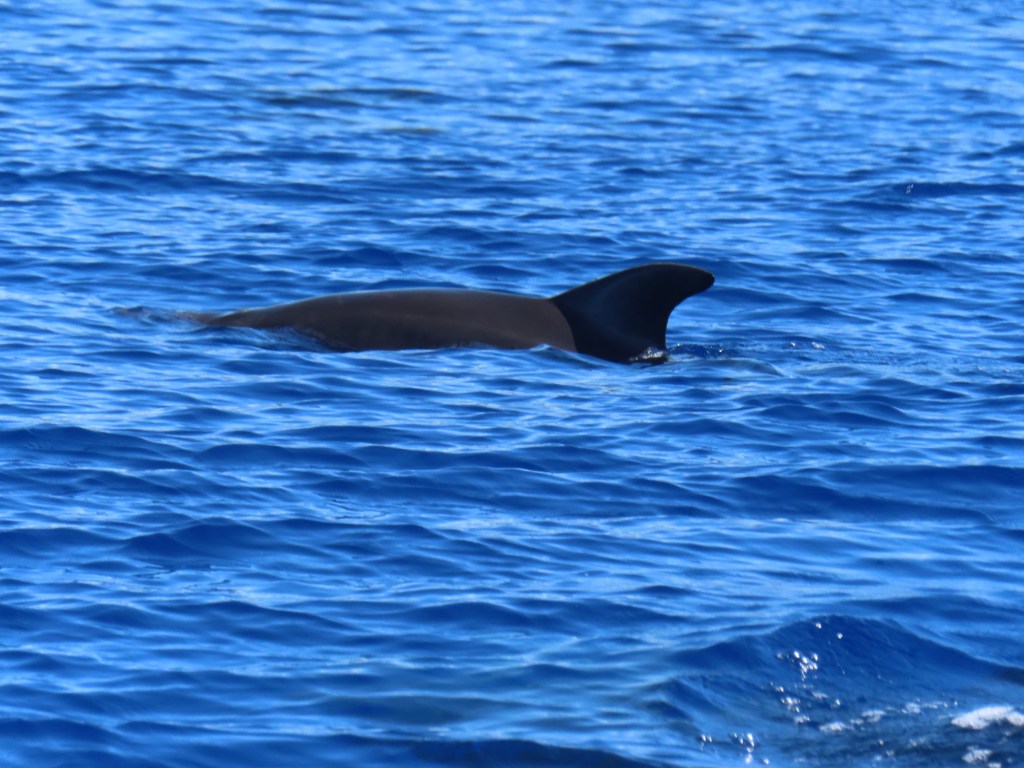
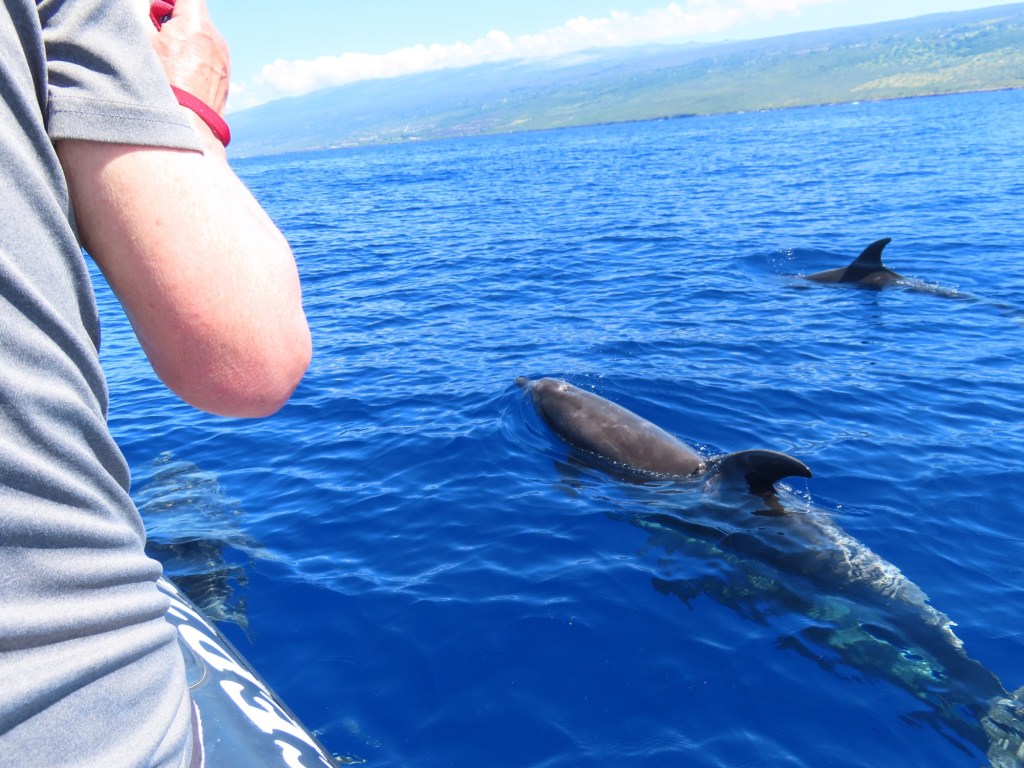
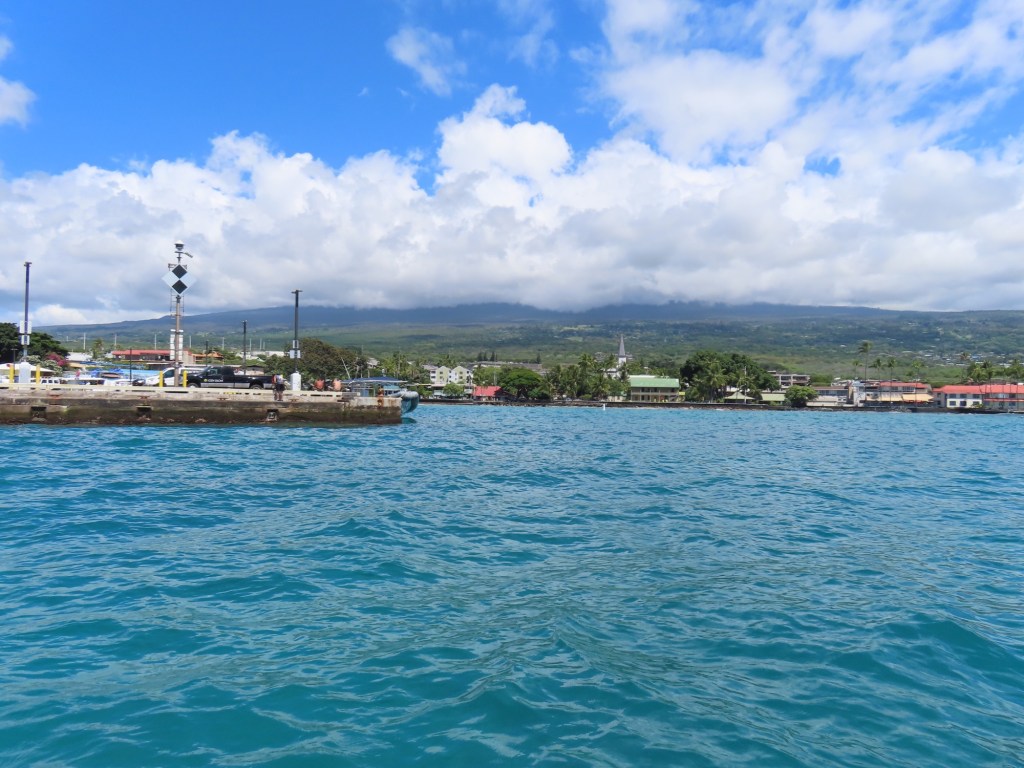
Our big excursion here in Kona was to go out on a zodiac to go snorkelling. On the was there we encountered a pod of 10+ bottle-nosed dolphins. They had a good time frolicking around the zodiac with one deciding it wanted to lay at front of the “boat”. One of the guides asked if anyone had a phone and he would video it. Yes, I volunteered mine. I was to airdrop it to the others on the tour. I did not get a chance to watch it before going snorkelling.
The Capt. James Cook monument ….where he either drowned or was killed by the Hawaiians depending on who tells the story.
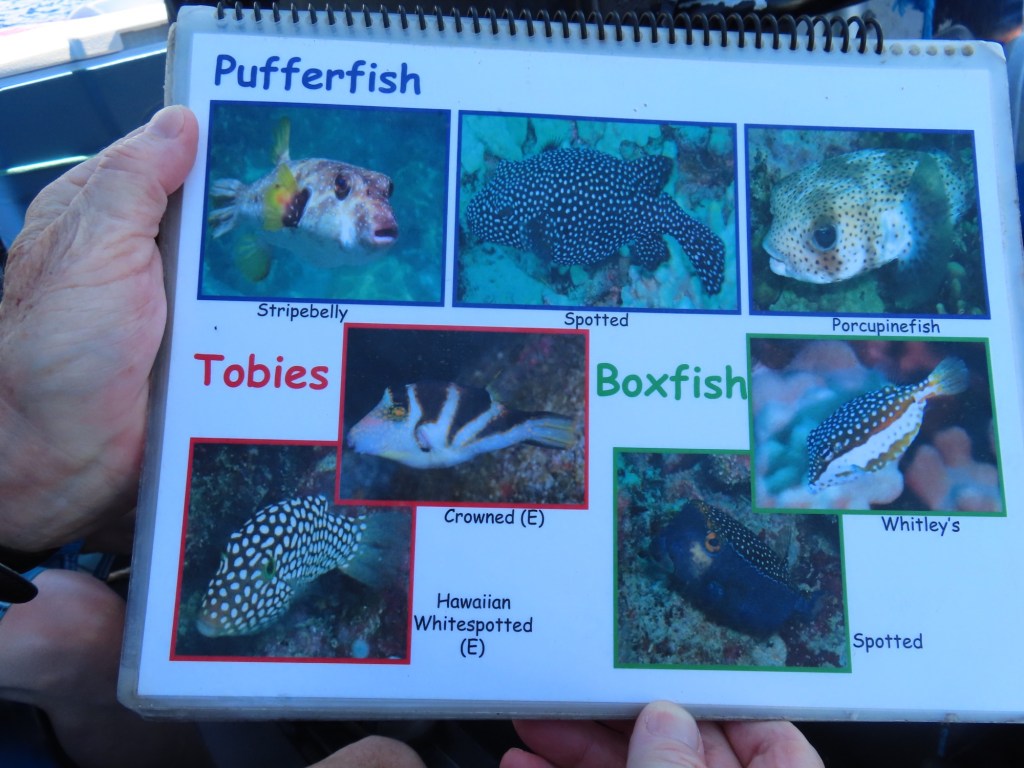
We were told that dolphins catch puffer fish, chew them without swallowing, then passing the fish to others in the pod sort of like humans pass a marijuana toke to one another. They get high on them but don’t get sick like human would if they injected them. They poisonous to humans.
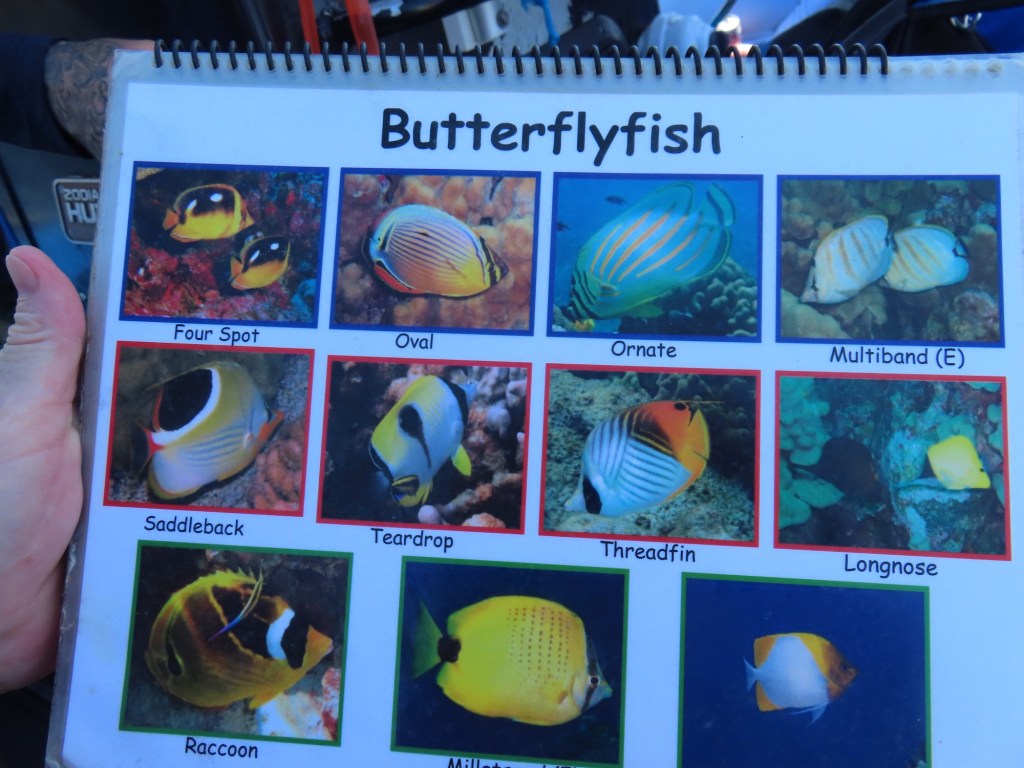
This is where I would have posted pictures of my underwater experience but as explained, my phone got wet. If it ever dries out and I am able to retrieve the video/pictures, I will post at a later date. In the meantime I have never seen so many different fish and urchins….amazing. I took pictures from a book showing all the different ones.
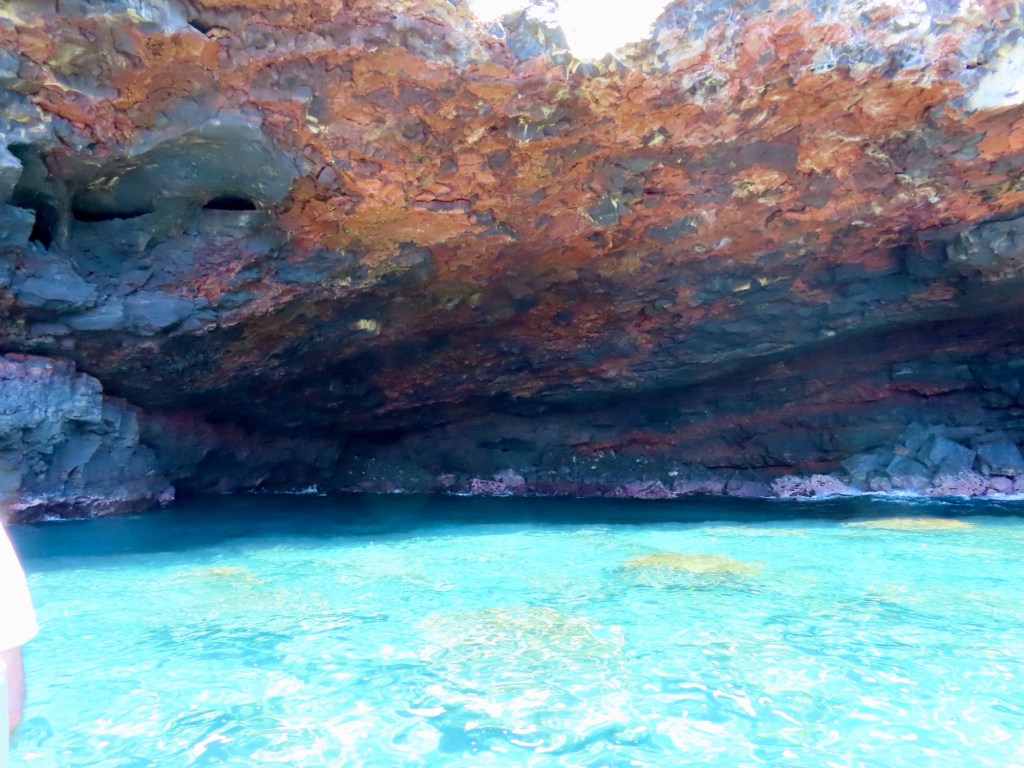
GrottoMadame Pele sleeping on her sideShows the three different lava flows. Between the layers you see lava tubes. In one case, it runs doe 14 miles.The mountain covered in clouds. In the morning as we were leaving, the mountain….. at 8,000 ft, was exposed. The picture from the morning is on my phone!Rain coming….no wonder it’s so green here.
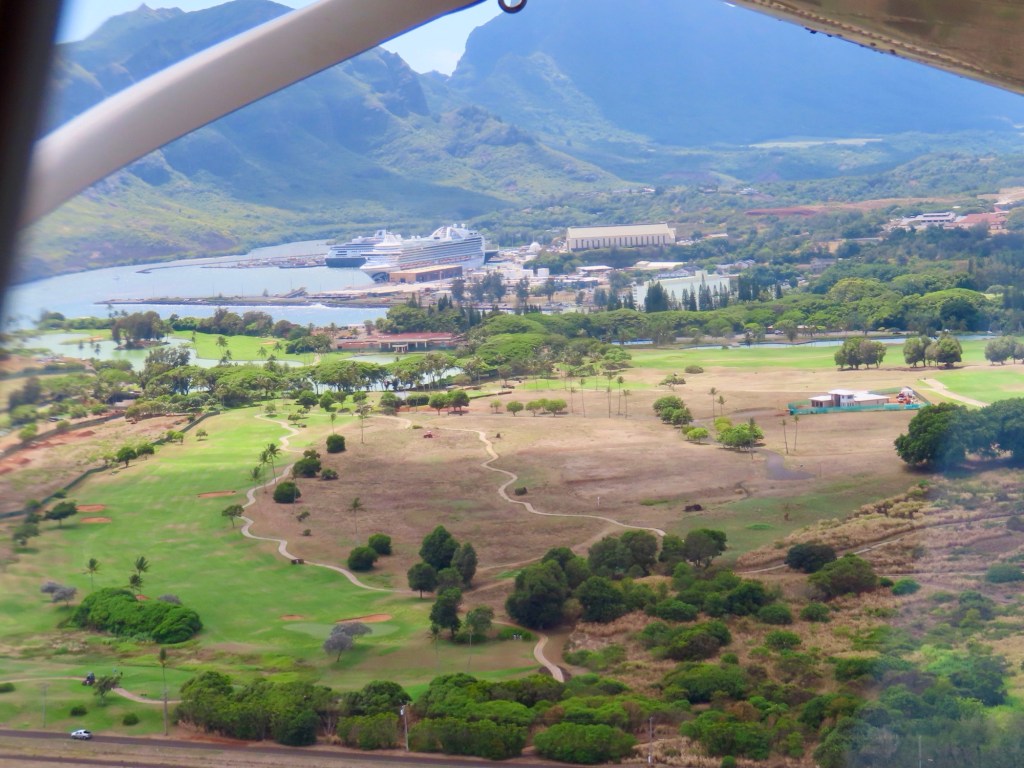
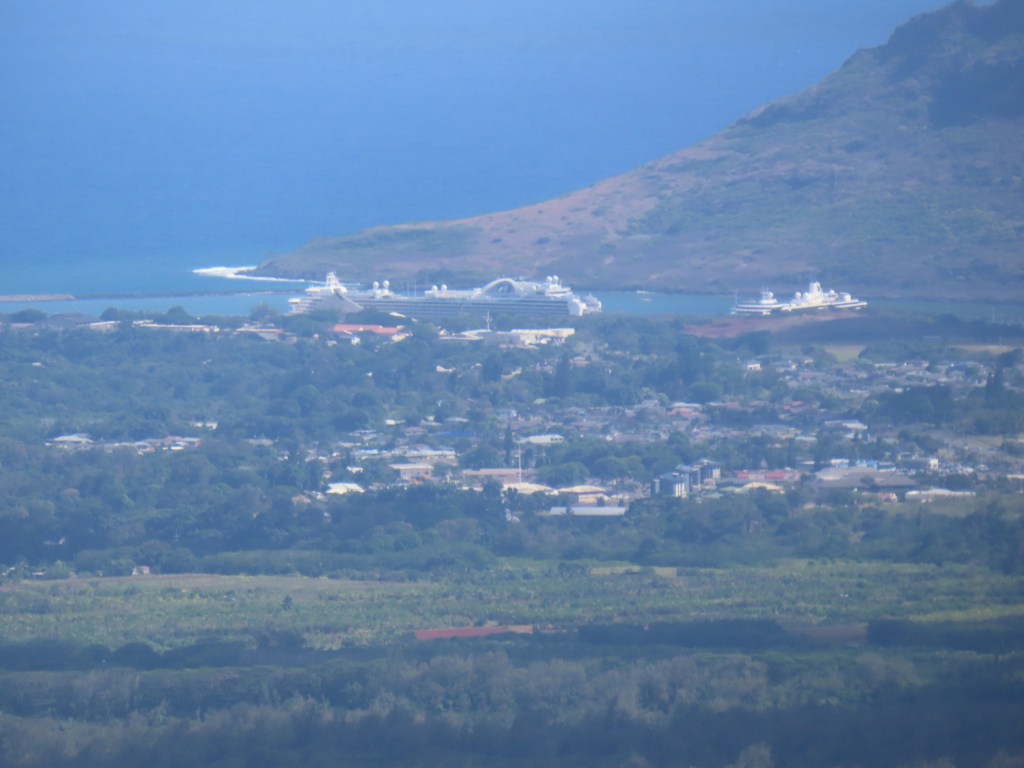
Today in the port of Nawiliwili along with another ship, the Ruby Princess with its 3000+ passengers.
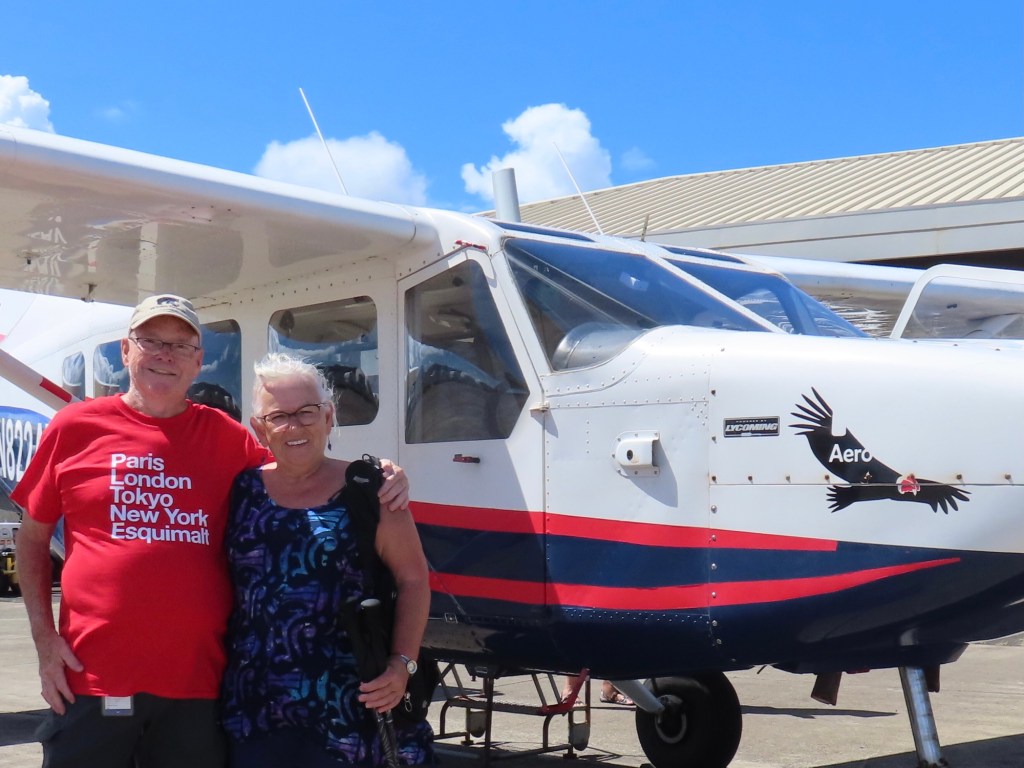
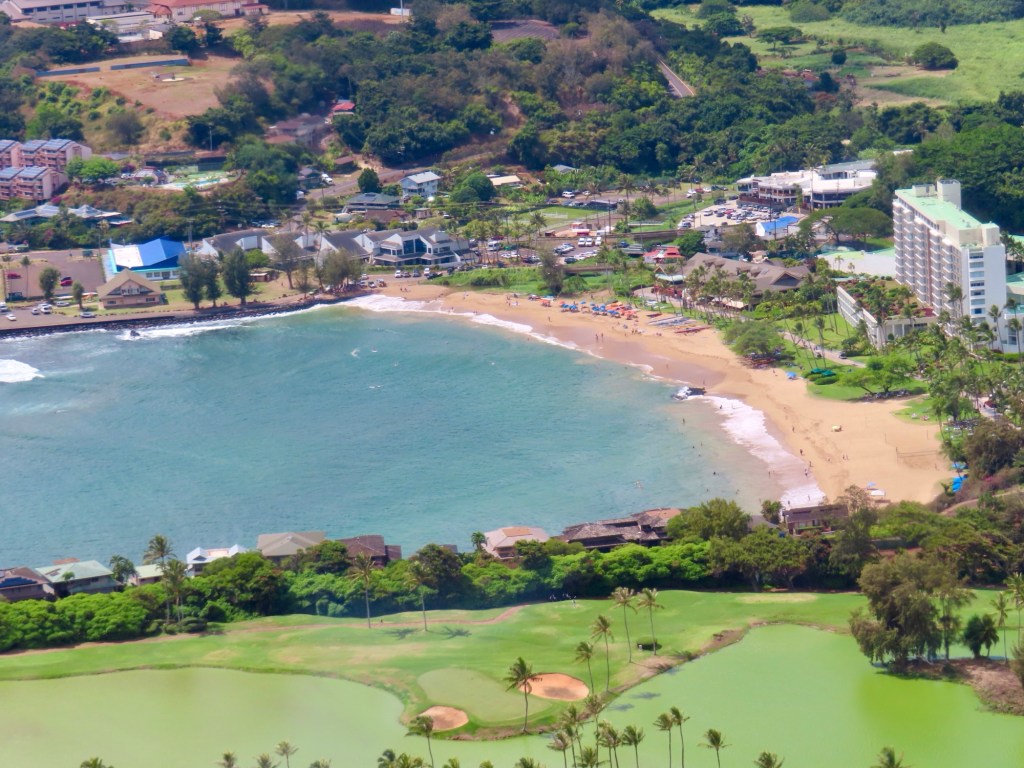
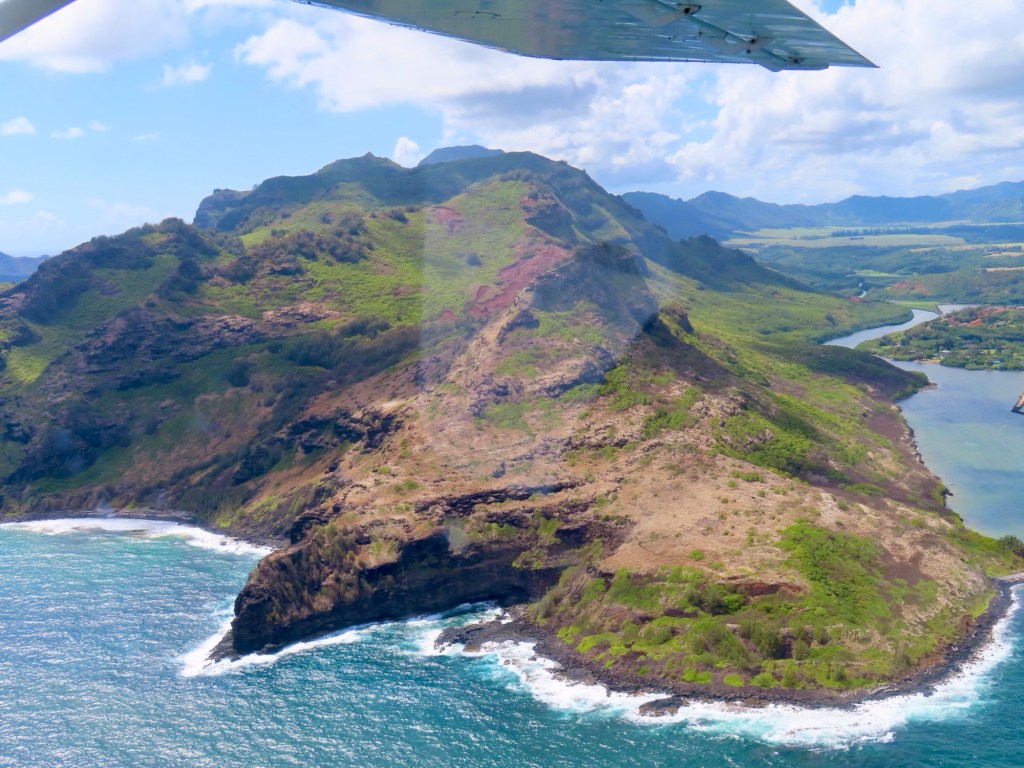
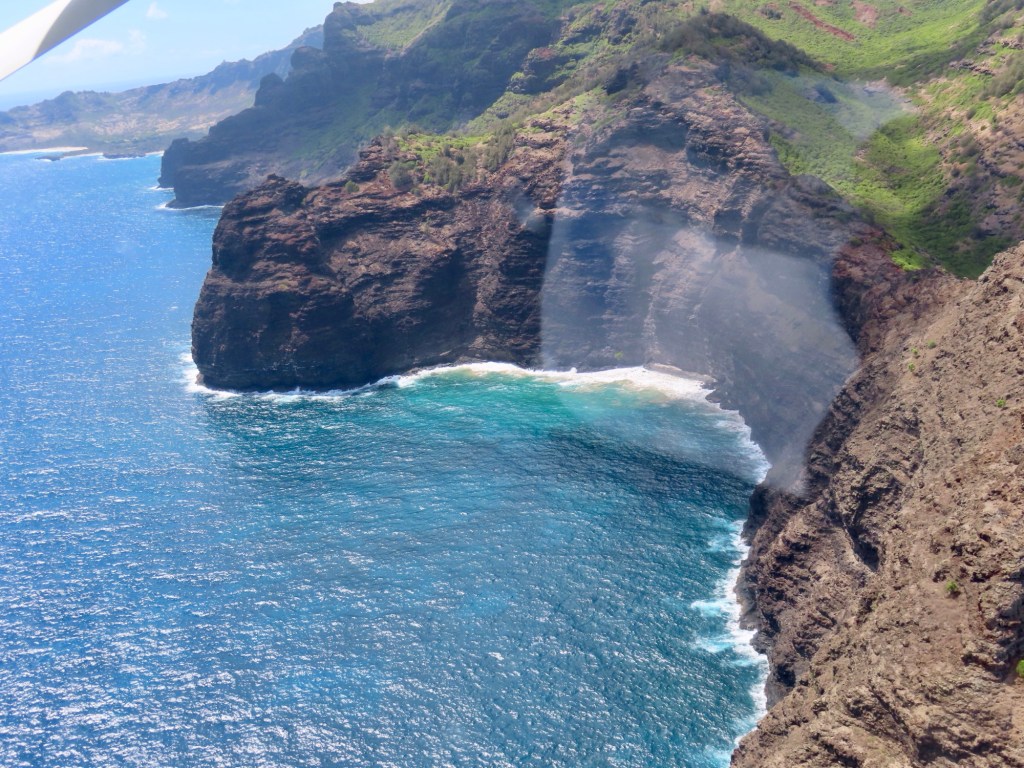
Today we are taking a flight around the island of Kauai.
The island is made up of lava. It is very brittle so there is no rock climbing
Haupu Mountain to the side where ships dock
Just before boarding this little plane The Ruby Princess and HAL Zaandam in Nawiliwili harbourPublic beach at Nawiliwili
Sugar plantation years ago… is what the islands were famous for. Now there is less canes ground because sugar beets are more profitable cuz they easier to grow.
On south side of the island is Poipu Beach…is great for snorkelling. It’s a flat area and drier.
Largest coffee plantation in all of US. Lots of iron so soil is red… makes for low ph coffee.
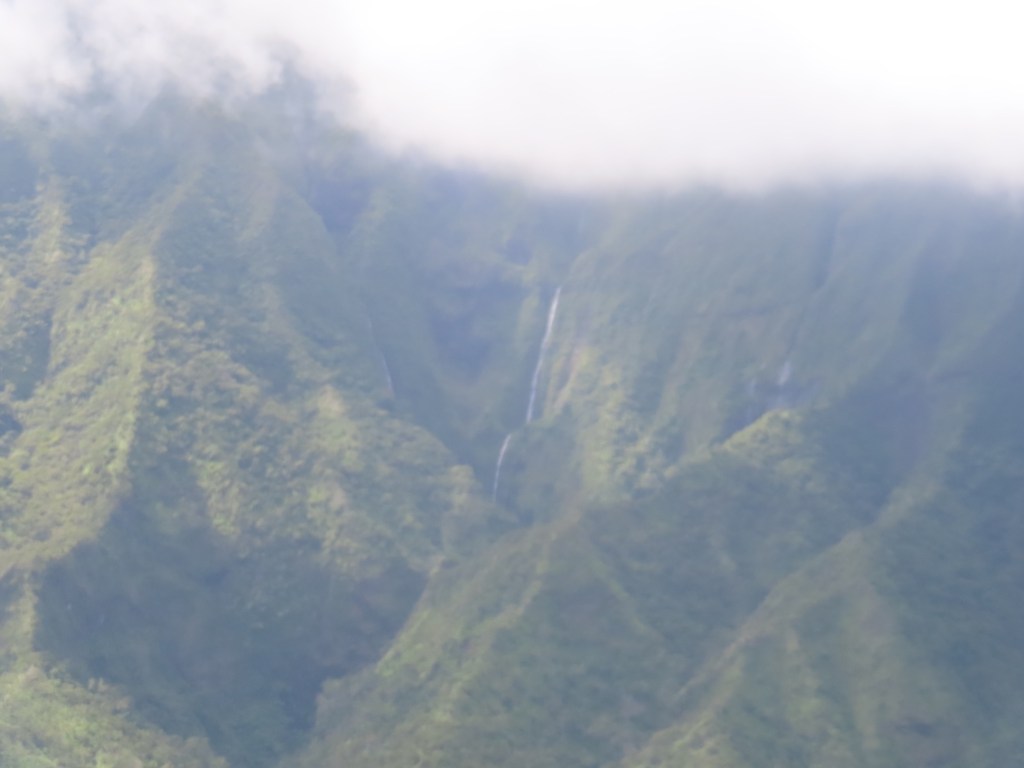
The mountains get 500 inch rain/ years … wind and rain erosion,…..has had most time since it is the oldest so very rugged.
There are no active volcanos on the island.
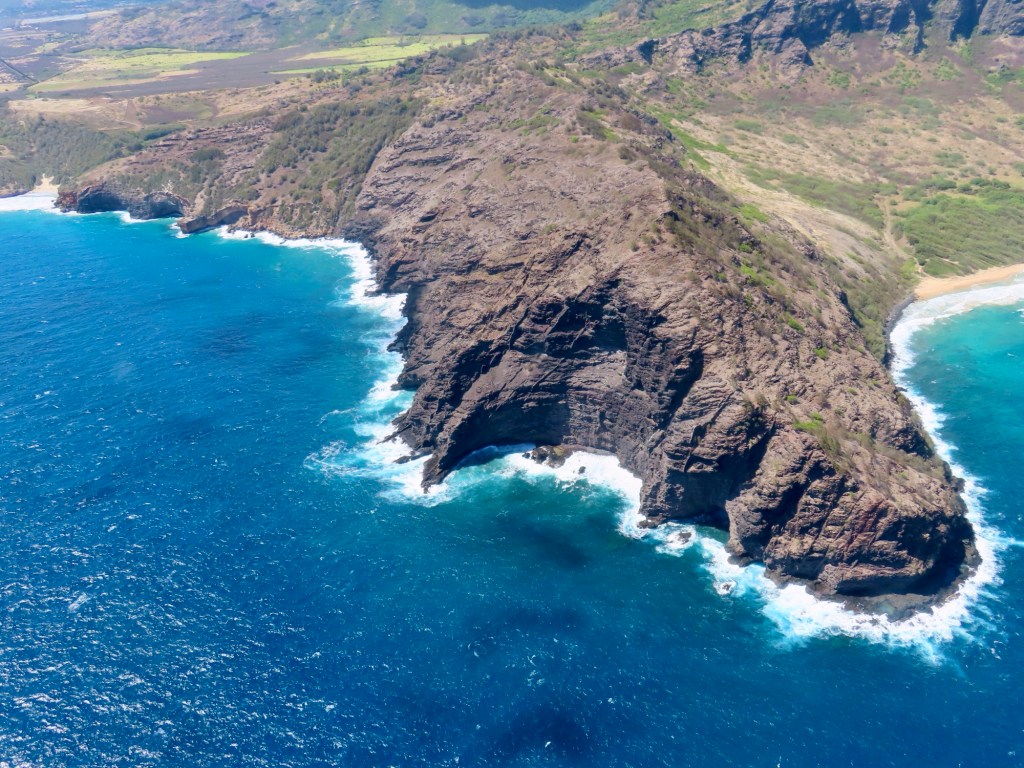
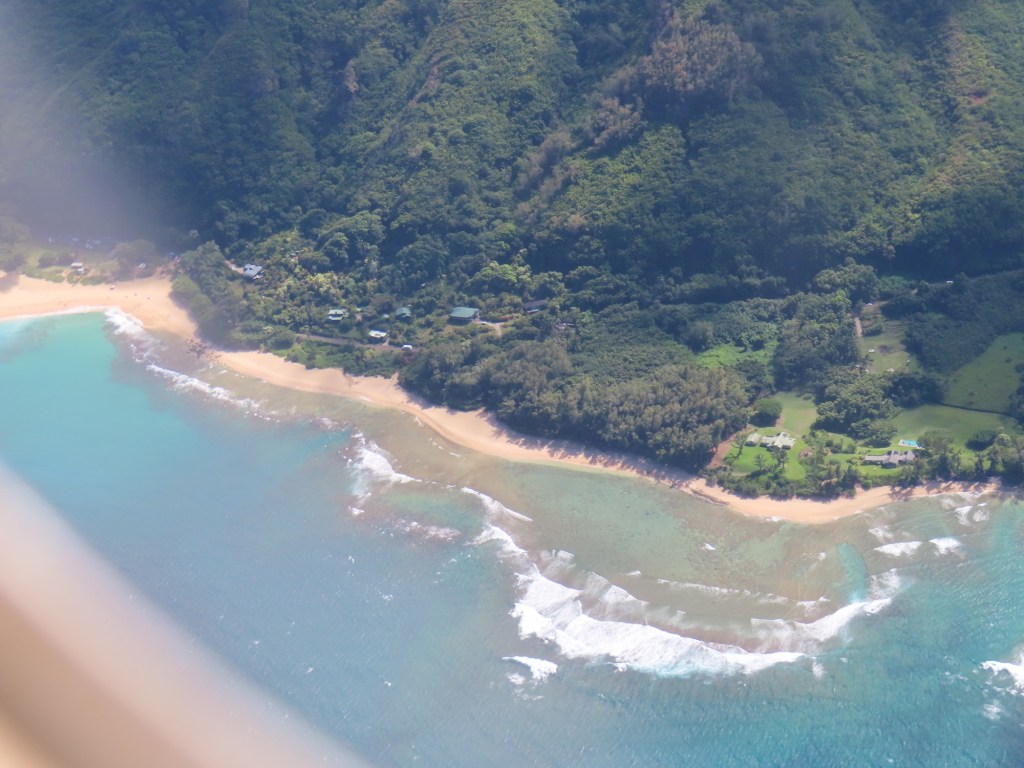
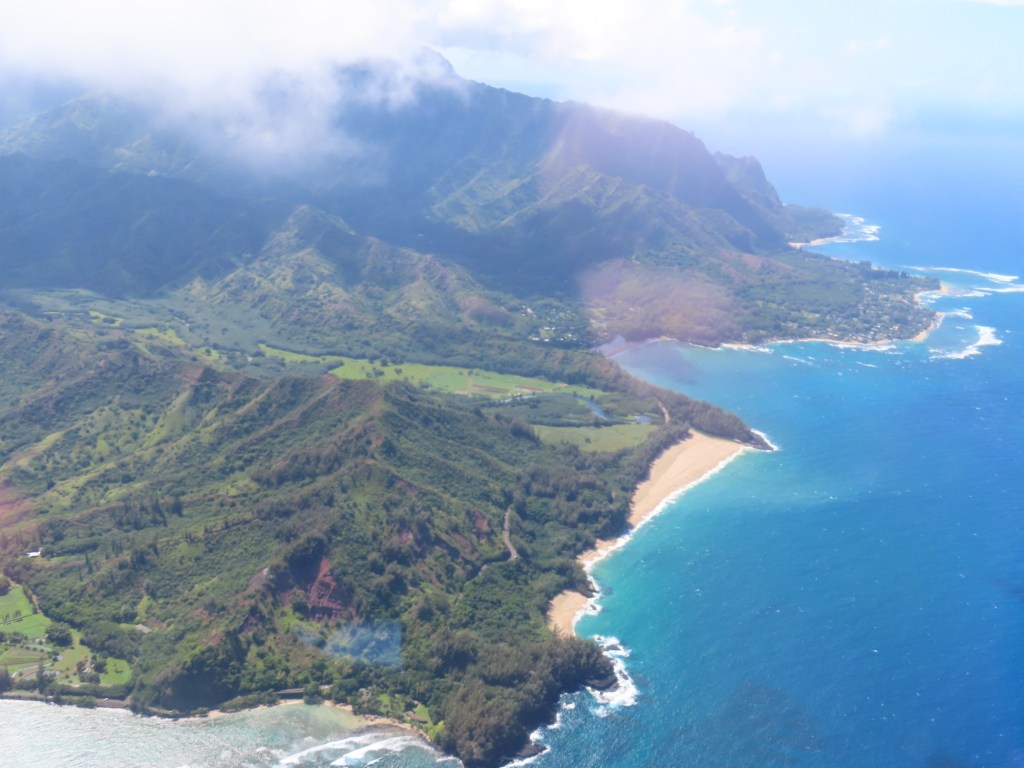
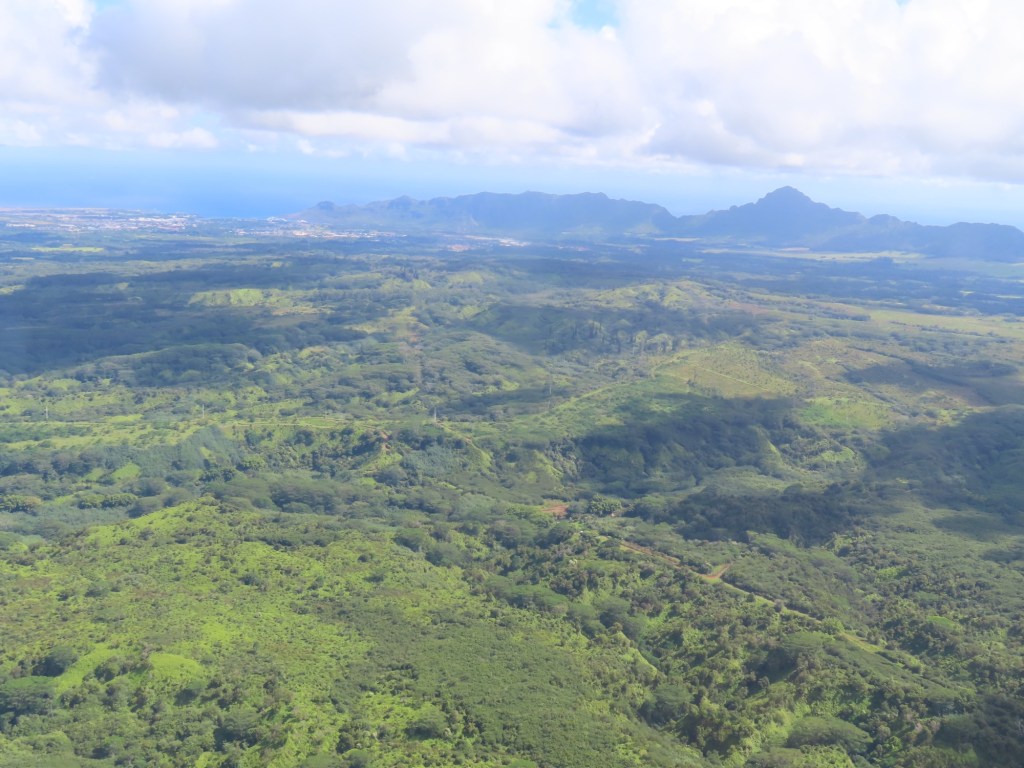
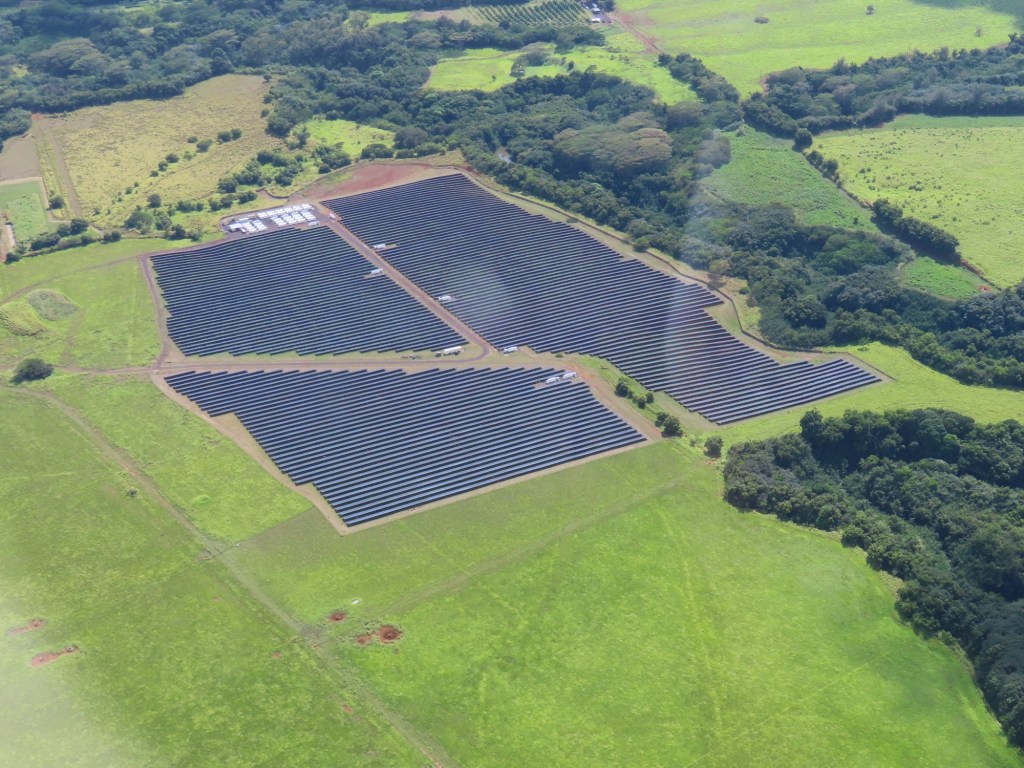
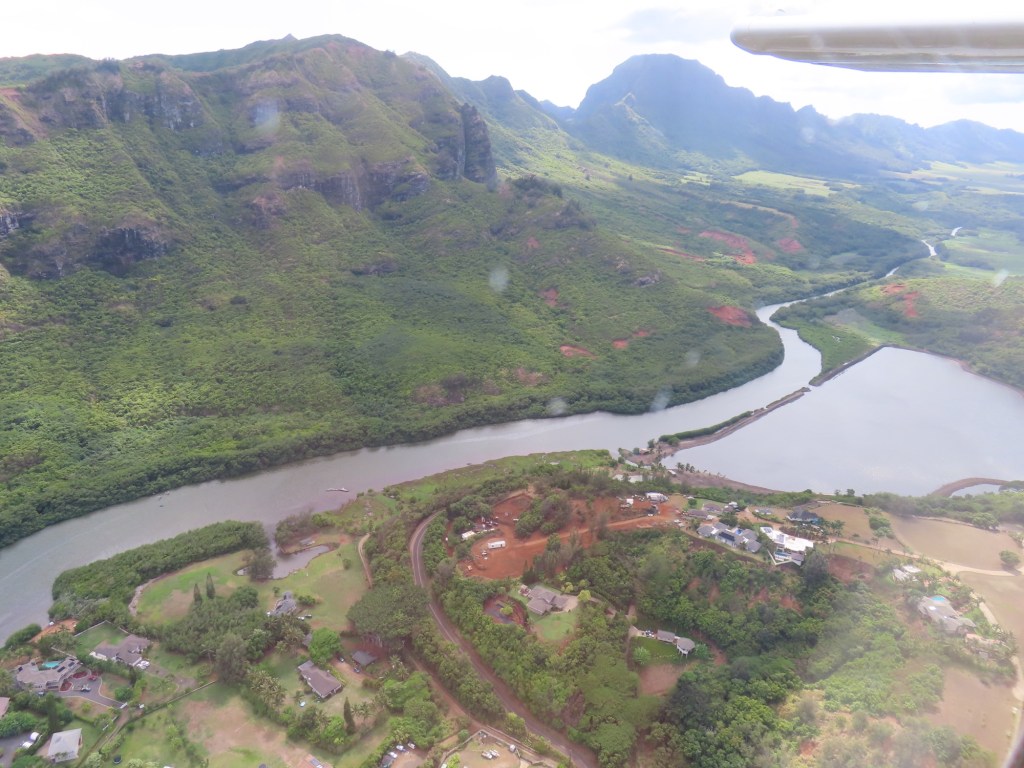
After leaving airport we passed over where our ship was docked. These pictures show the coastline as we head to the east side of Kauai
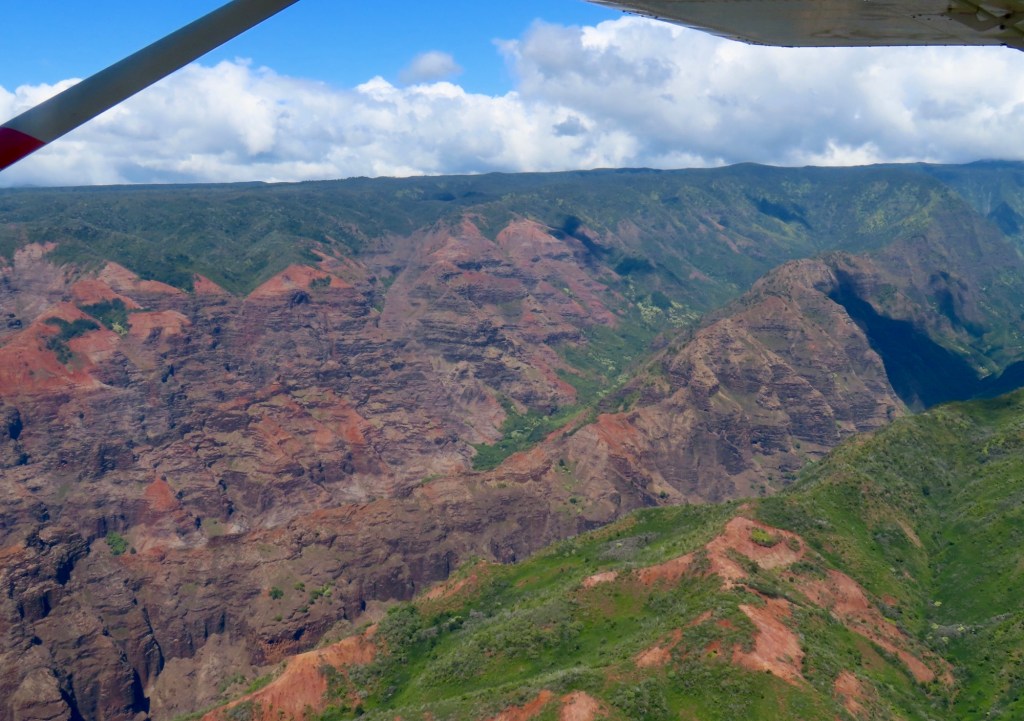
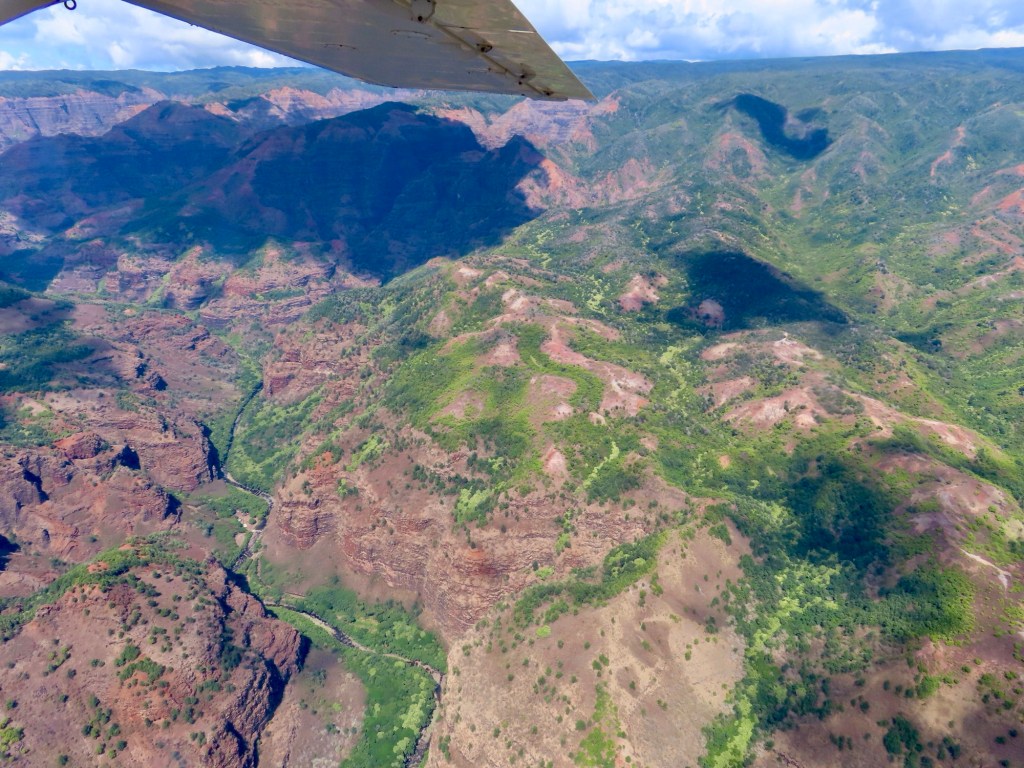
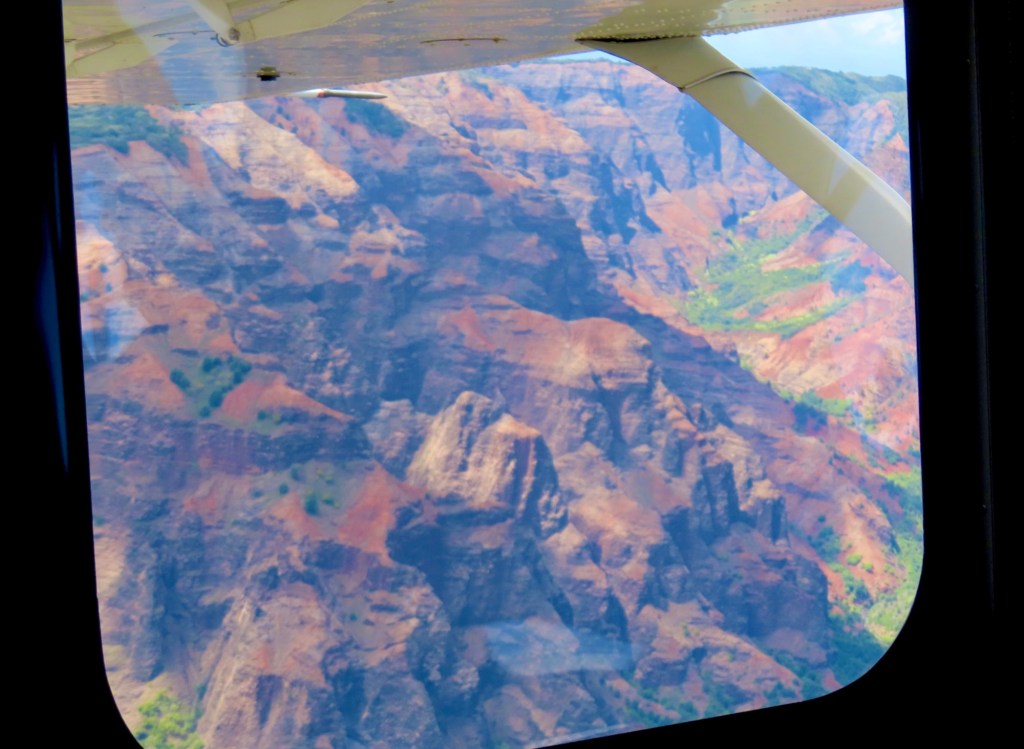
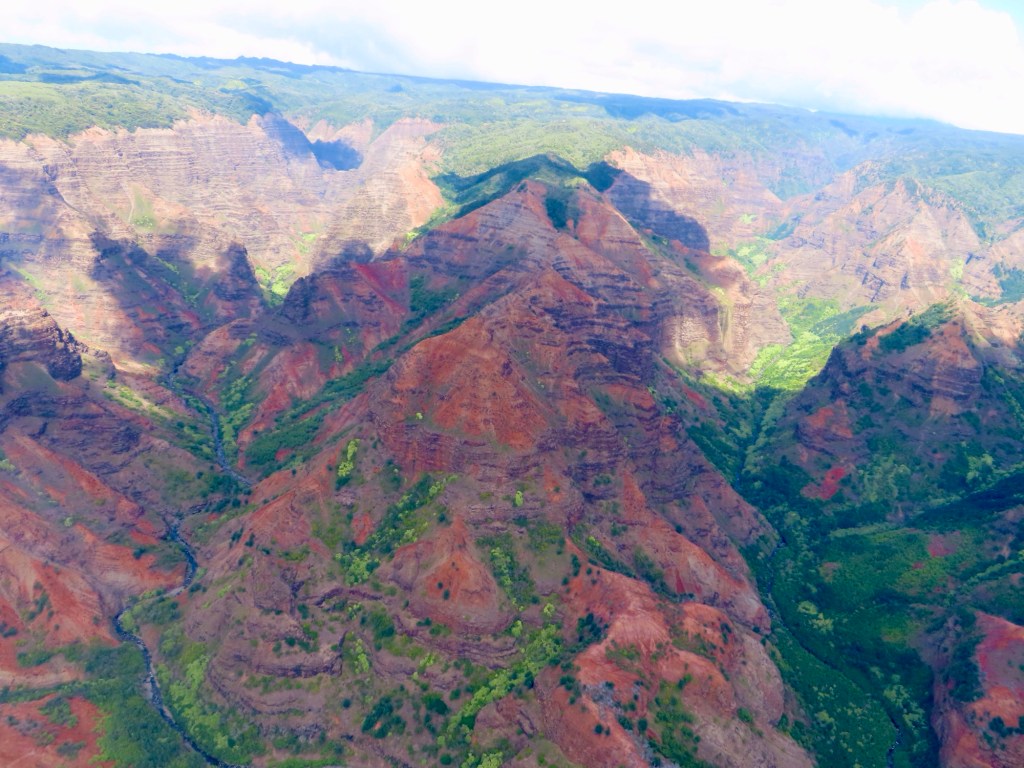
When it rains, the rivers run with red water because of all the iron oxide in the soil. It also makes the ocean red..
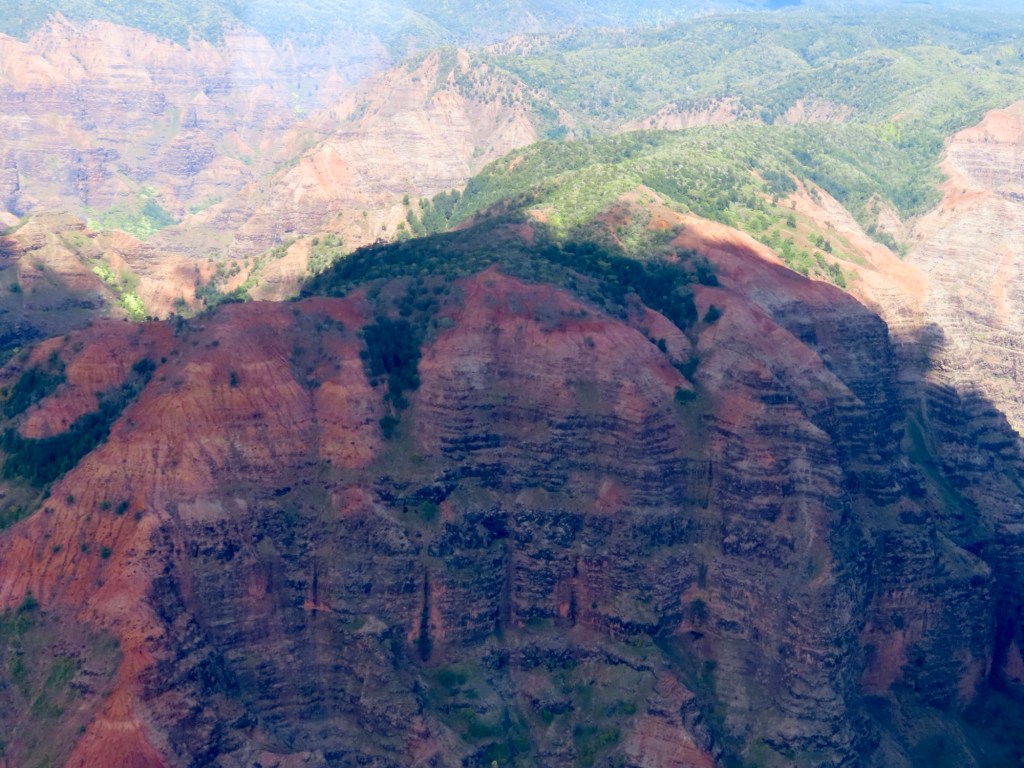
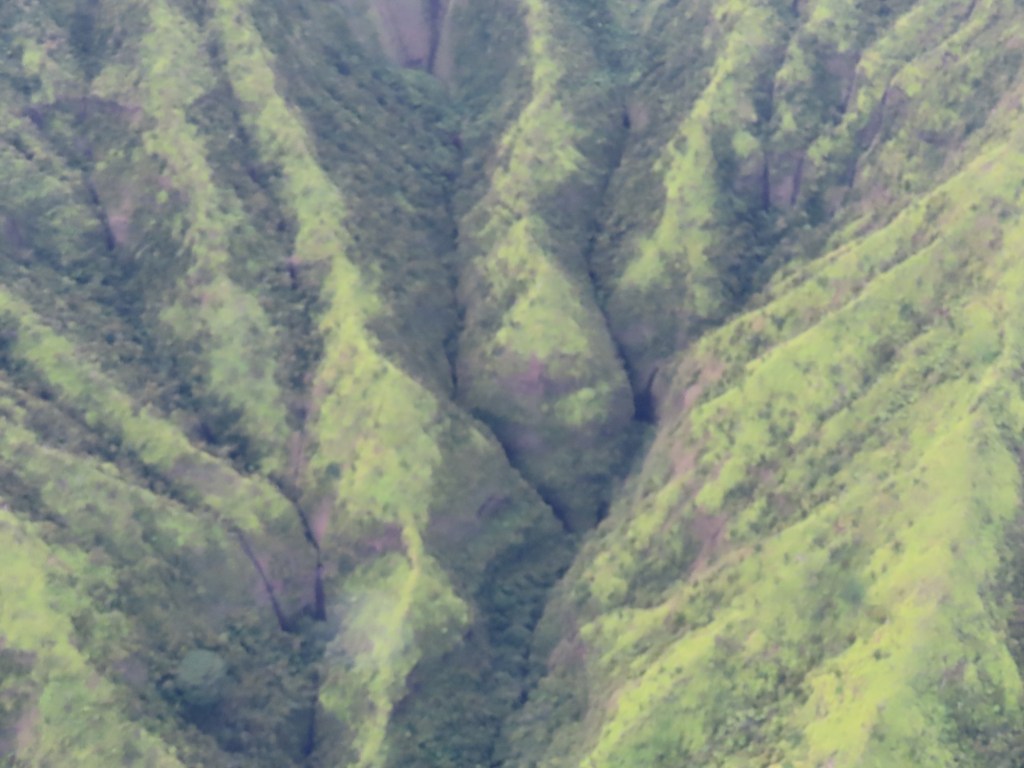
Waimea Canyon, aka the Grand Canyon of the Pacific
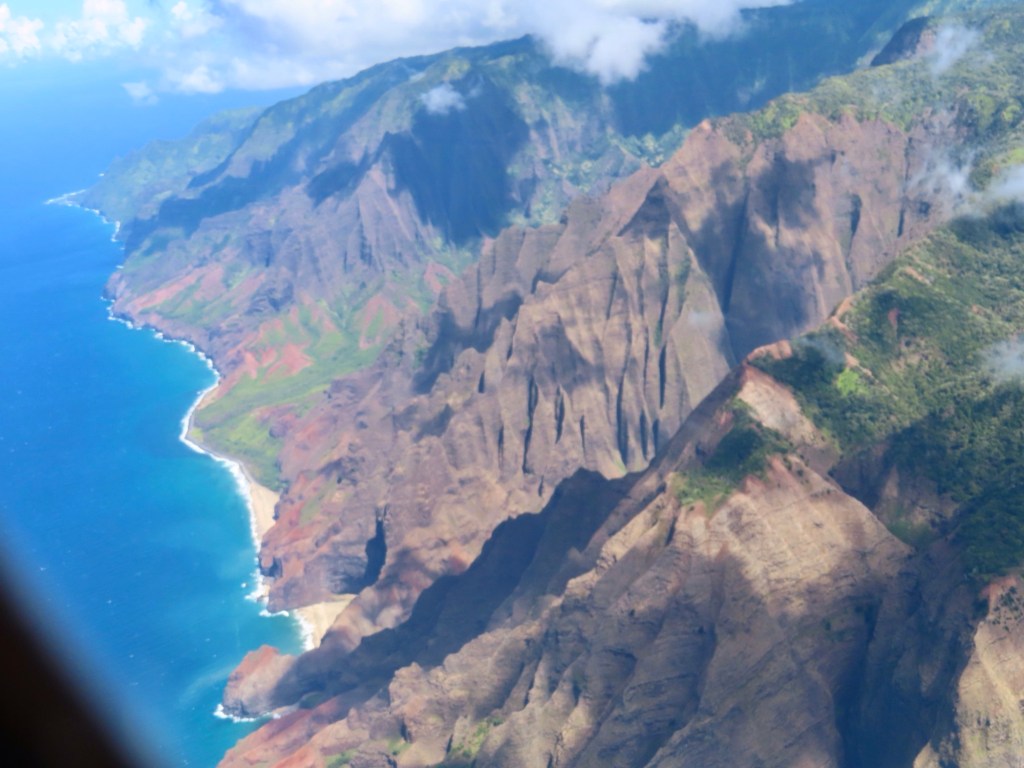
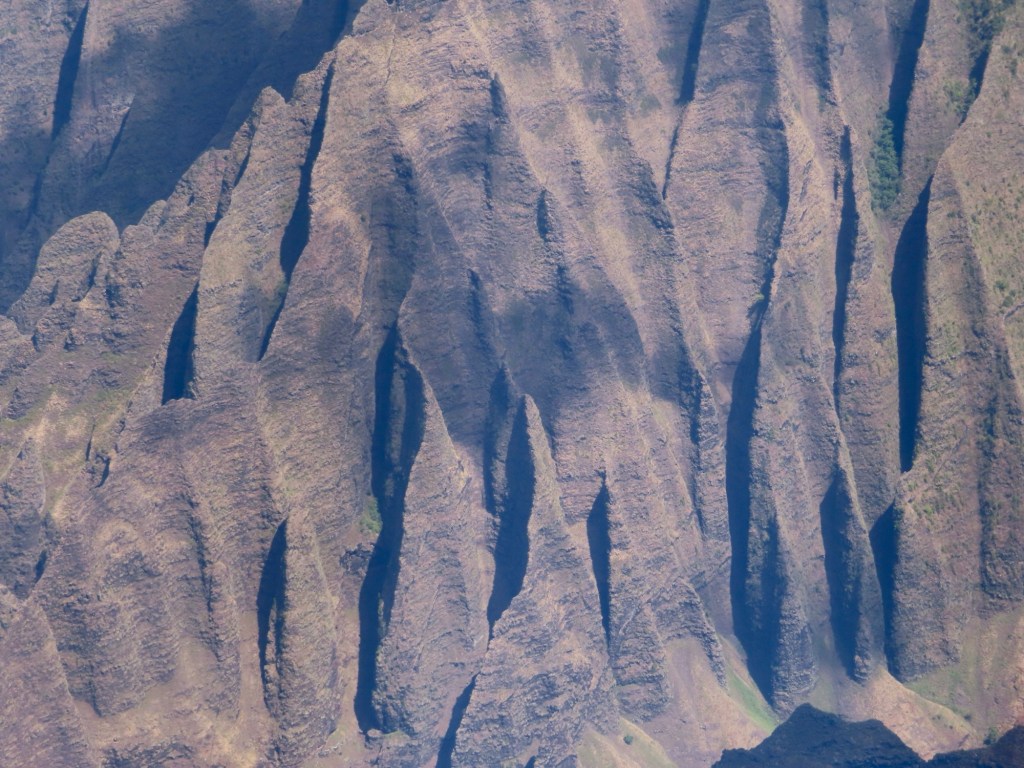
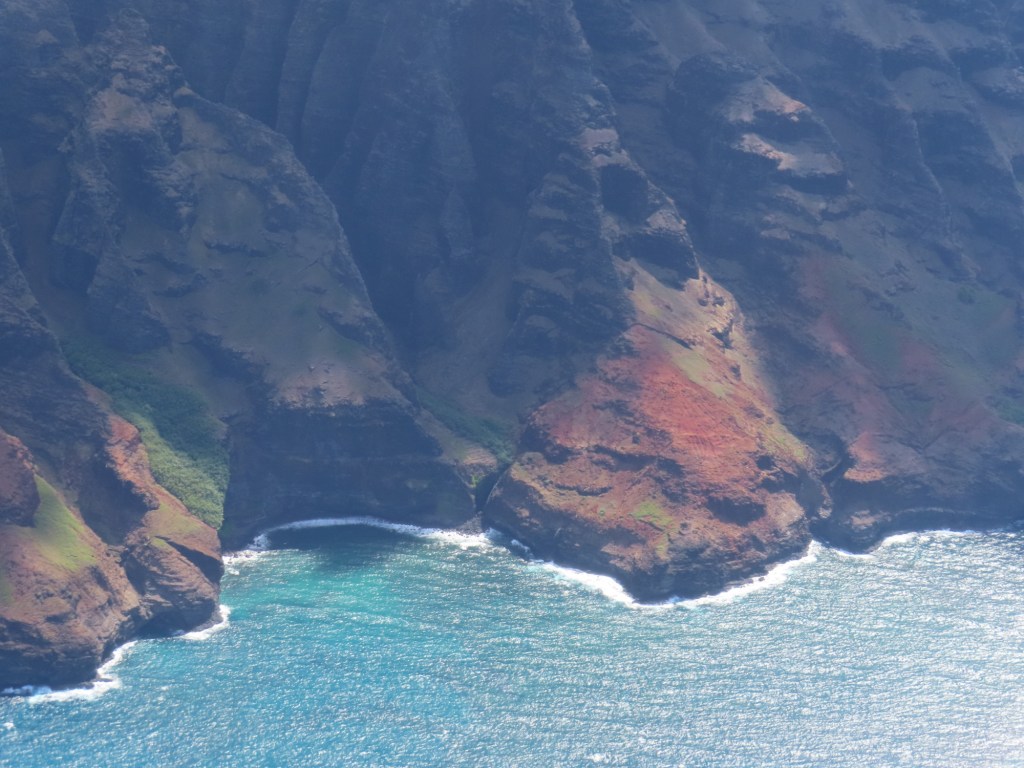
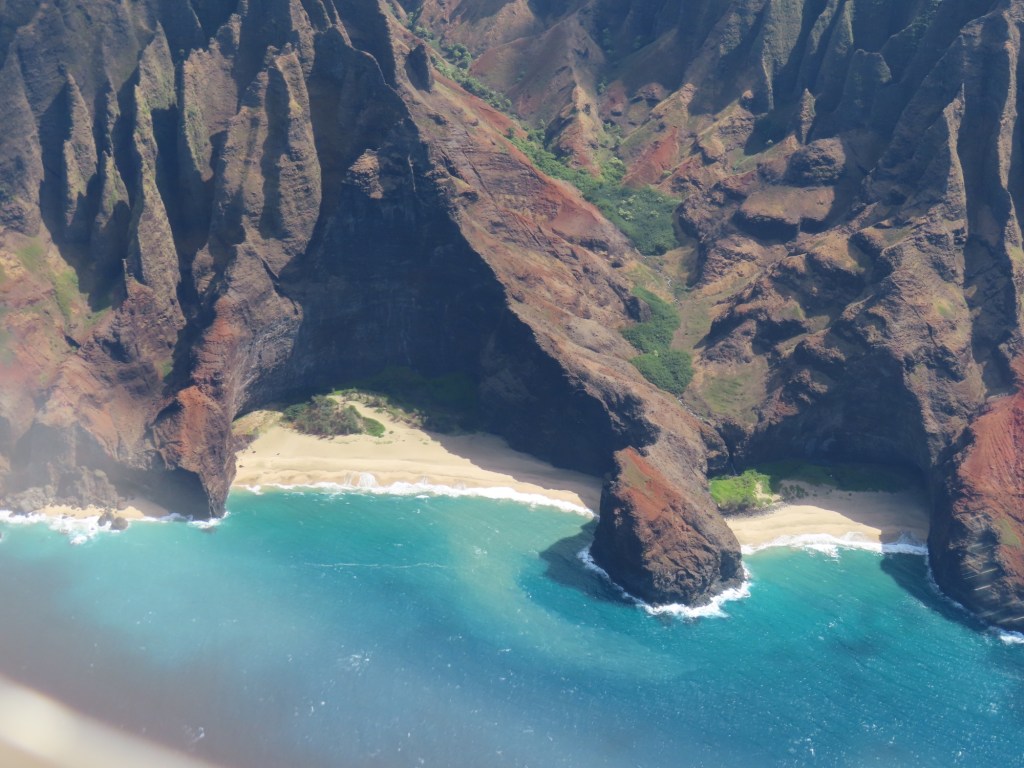
Napali coastline on north side, means “many valleys”… is16 miles long.
“Cathedrals” most famous.
Cathedrals
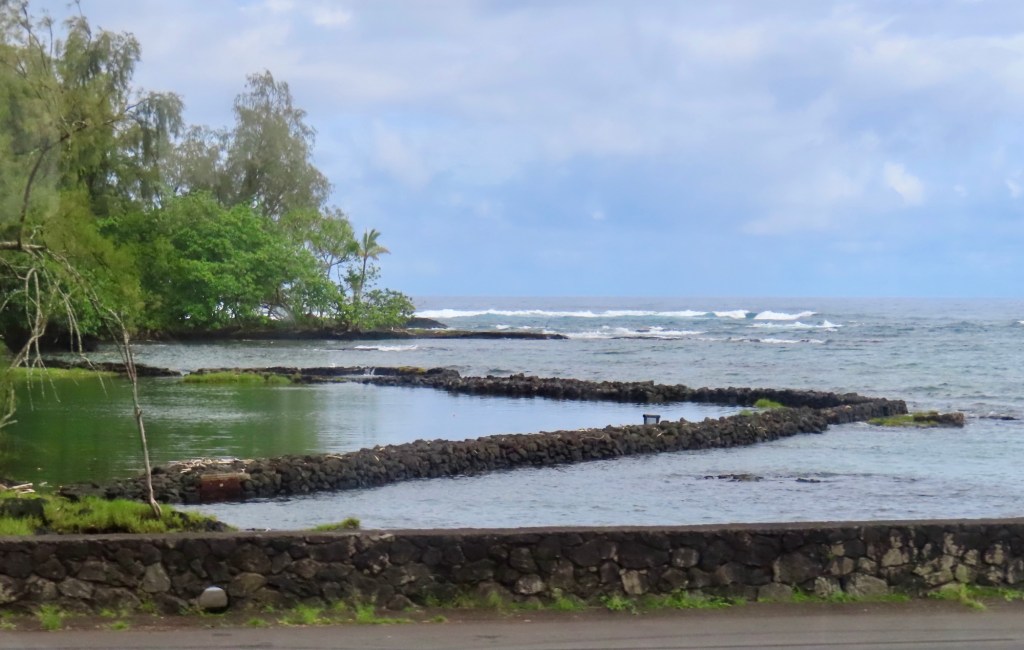
The natives used to make fish traps behind reefs using food scraps as bait. Fish swim in to get the food at high tide only to get trapped as tide goes out
Use these reefs for fish traps
North side more rugged more green cuss more rain.
Hanalei Bay…
Hanalei Valley… light green is all ferns
Twin falls“Sleeping giant”
Albizia trees… invasive. The block to light and moisture from native plants. The govt cut trees and use wood to make electricity
Fanning-an atoll. Policemen walk barefoot. Only can be reached by boat. Only 2 vehicles on the island. … is a tendering port. Very simple. All homes are on stilts with no walls
American Samoa..use reef shoes cuz beaches are coral not sand. Do not think that American phone plan works here or you’ll be in for big surprise.
Suva is in Fiji.
Dravuni Island…. Only beaches but not good for snorkelling
Lautoka.-free shuttle.
Sauvusavu-Follow crew to find Wifi. another port in Fiji….beautiful
Tonga… only island nation that has kingdom. No beach nearby… take shuttle. At bank… buy $7 Fijian bill. Blowhole on other side
Niapu …. Beautiful scenery
Cook Islands…. Tender…. Beaches… independent shore excursions available. Snorkeling. Reef sharks are not aggressive and dangerous.
Rarotonga…resorts…. Public transportation. Protectorate of NZ
Raiatea… capt. Cook’s favourite…. Black Pearls. Fr. Polynesia… speak French. Bread*….best outside of France. Some beaches but…
Bora Bora… most beautiful like you always see for Fr. Polynesia
Alberts… family
Moorea… black tip shark… docile
Huahine… nothing … take shuttle or ship excursion
Tahiti… Papeete.. quite built up. … know conversion or use bank cards
Main islands don’t have very nice beaches
Fakarava… bicycles, kids have sharks as pets. Havaiki Lodge
Nuuk Hiva…… wood carvings. Language is very close to Hawaiian.